Subway Surfers Online: Every World Tour City and How to Score Higher
A guide to Subway Surfers in your browser: how the endless runner works, what changes between World Tour cities, and what raises your score.
How the run actually works
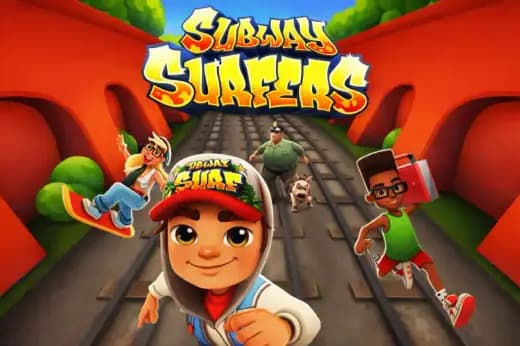
Subway Surfers is an endless runner: you sprint along three lanes of track, swiping left and right to change lane and up or down to jump and roll. There is no finish line, so the game is a test of how long you can keep reading the track ahead while your speed climbs.
The scoring is the part most players never think about. Distance gives you a baseline, but the multiplier is what separates a mediocre run from a good one, and it climbs the longer you survive without stumbling. That makes consistency worth far more than any single risky grab — a clean, dull run will usually beat a spectacular one that ends early.
Speed increases continuously, which means the run has two distinct phases. Early on you have time to reposition and collect; later the track arrives faster than you can plan, and survival becomes about pattern recognition rather than reaction.
What changes between World Tour cities
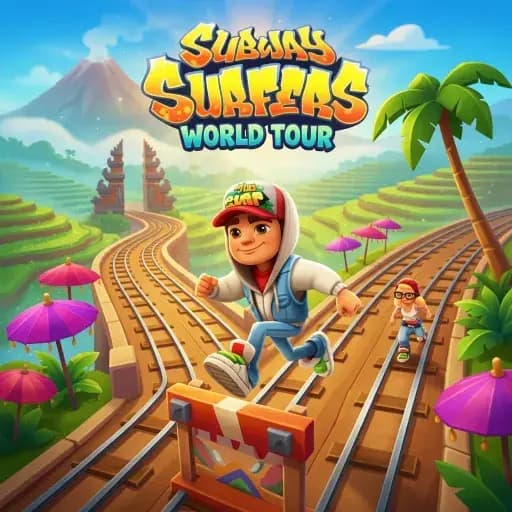
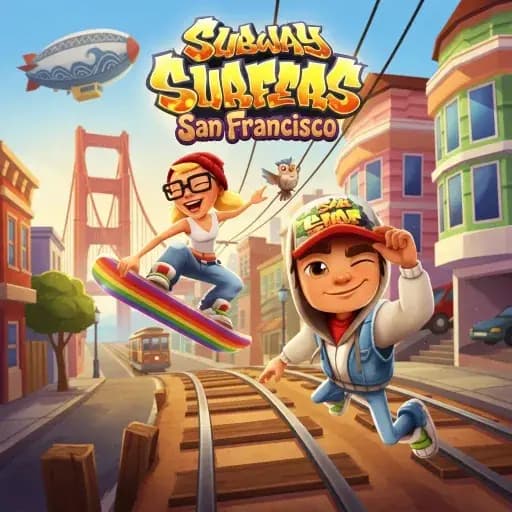
The World Tour editions rotate the setting rather than rebuilding the game: New York, Copenhagen, Istanbul, San Francisco and the rest share the same three-lane grammar. What shifts is the visual language, and that matters more than it sounds, because you read obstacles by silhouette.
A city with busier background art or lower contrast between the track and the scenery genuinely is harder at speed, not because the layout changed but because your eye takes a fraction longer to identify a barrier. If your scores drop sharply when you switch editions, that is usually why — not a difficulty setting.
The practical approach is to pick one city and learn it properly before rotating. Obstacle spacing feels identical once you stop spending attention on decoding the scenery.
Habits that raise your score
Hold a lane rather than drifting. Players lose most runs mid-lane, caught between two commitments when a barrier arrives. Decide early, move fully, and settle.
Look further up the track than feels natural. At high speed the obstacle you can see clearly is already too close to react to, so your useful information is the blurry shape beyond it. Training your eyes to sit further ahead is the single biggest improvement available.
Treat coins as optional. A detour into a coin line that costs you a lane position is a bad trade once your multiplier is high, because ending the run resets everything and the coins do not. Collect what is on your path and ignore the rest.
Finally, take the roll seriously. Rolling is the most underused input and it clears low obstacles that players habitually try to jump, which is slower to recover from.
Play it in the browser
The versions below run in a browser on desktop or phone with no download, including the World Tour city editions and a standard build. Controls are keyboard arrows on desktop and swipes on touch, and each game page lists what that particular build supports.
Quick Answers
Can I play Subway Surfers in a browser without downloading it?
Yes. Browser builds run inside a supported web browser with no installer and no account. Check the individual game page for the controls and device support of that specific build.
What is the difference between the World Tour cities?
The core three-lane running and controls are the same. The setting and art change, which affects how quickly you can pick obstacles out of the background — that is what makes some cities feel harder at speed.
How do I get a higher score in Subway Surfers?
Survive longer rather than collect more. The multiplier grows with an uninterrupted run, so holding a clean lane and looking far up the track beats detouring for coins.
Does Subway Surfers work on a Chromebook?
Browser versions generally run well on modest hardware because they are 2D and lightweight. As with any browser game, a shared or throttled school connection affects load time more than the device does.