Play Horse Magnifier Online Free
Play Horse Magnifier, a Puzzle game available in your browser. Review the controls, features, and compatibility notes below, then choose Play when you are ready.
Advertisement




















Advertisement
Most Popular This Month
View All results »

































Horse Magnifier
TECHNICAL SPECIFICATIONS
OPERATIONAL GUIDE
CORE FEATURES
Advertisement
About Horse Magnifier
Play Horse Magnifier online free: scan horse scenes with a zoom lens, find hidden details fast in an unblocked browser game with no download. on mobile.
What's in this guide

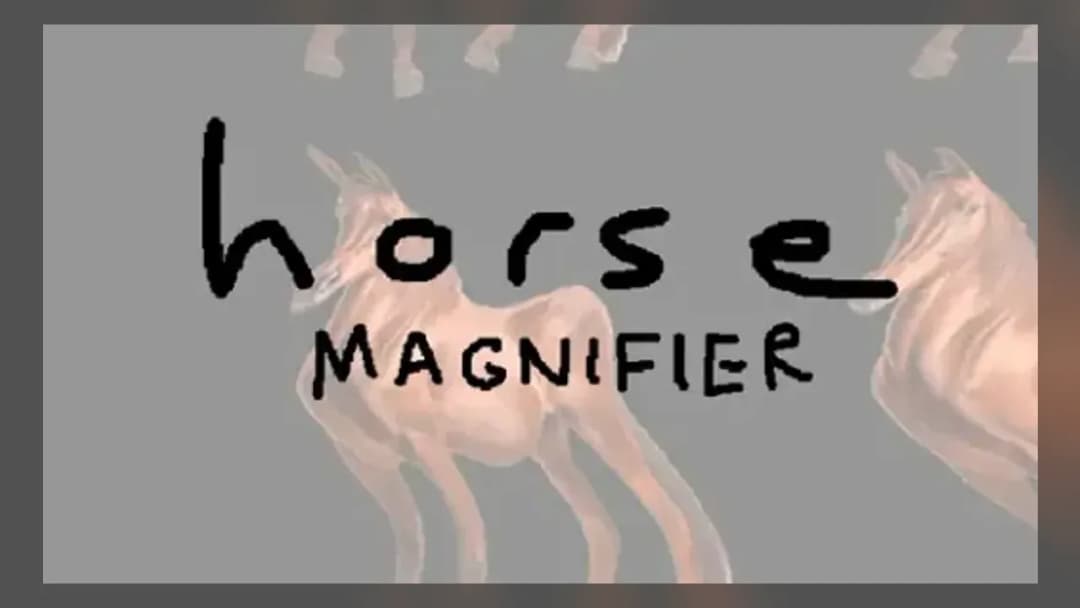
Horse Magnifier is a browser-native hidden-object puzzle game built around close visual inspection, precise pointer movement, and fast pattern recognition. The player controls a magnifying lens over horse-themed scenes, then clicks or taps small objects, markings, or details that blend into the artwork. Because it runs as an HTML5 game, it can load directly in a modern browser on PC, mobile, tablet, and Chromebook without an installer.
The design favors observation over reflex spam. Instead of steering a character through a level, the player scans an image with deliberate hand movement, reads visual noise, and confirms targets only when the lens centers the correct detail. That makes Horse Magnifier a strong fit for short sessions, classroom-safe breaks where permitted, and mobile gaming on touch screens. It is free-to-play, supports instant play, and does not require online multiplayer features to deliver its core challenge.
Game NameHorse MagnifierCategoryGamesTechnologyHTML5 / Browser NativePlatformsPC, Mobile, Tablet, ChromebookRequires Download?No, Instant PlayWhat's In This Guide
- About Horse Magnifier
- Complete Controls & Mechanics
- Advanced Strategies & Tips
- How to Play Unblocked at School
- Known Glitches & Quirks
- Top Alternatives & Competitors
About Horse Magnifier
Horse Magnifier belongs to the hidden-object tradition: a genre that grew from printed puzzle books, spot-the-difference panels, and casual PC games into lightweight HTML5 browser games. Its central idea stays clean and tactile. The player receives a decorated horse scene, then uses a movable magnifier to reveal details that are harder to read at normal scale.
The game’s appeal comes from friction. The image contains repeated lines, warm stable colors, animal textures, and background clutter that compete for attention. A horse’s mane, bridle, saddle, fence rails, hay, and shadows create excellent camouflage. The magnifier mechanic turns that visual clutter into a controlled search space, forcing the player to slow down and inspect one small area at a time.
Technically, this style of Horse Magnifier browser game works well because it does not need heavy 3D simulation. The rendering layer usually depends on browser-supported HTML5 technologies such as Canvas or WebGL, while pointer input comes from mouse, trackpad, or touch events. The result is a low-overhead game loop that can hold stable performance on low-power Chromebooks and phones.
- Engine & Tech: The game relies on browser-native rendering, simple scene layers, and responsive pointer tracking rather than a large executable engine.
- Accessibility: Static artwork and limited animation reduce CPU demand, which helps school Chromebooks and older tablets avoid lag.
- Updates: With no confirmed public roadmap, the safest expectation is a stable casual puzzle build focused on quick replayable scenes.
Complete Controls & Mechanics
The controls in Horse Magnifier are intentionally minimal. On desktop, the mouse or trackpad moves the lens across the playfield. A left click selects a suspected hidden object. On mobile, a finger drag positions the lens and a tap confirms the target. The entire game sits on pointer precision, so steady movement matters more than speed.
Input latency feels most noticeable when players swipe too quickly. The magnifier may trail behind rapid movement because the browser must process pointer position, redraw the lens area, and evaluate clicks against hidden-object hitboxes. Good players compensate by slowing down near dense art sections and clicking only after the lens settles.
Collision detection in this genre usually uses invisible target zones placed over the artwork. Those zones can feel generous on large objects and strict on tiny details. The correct habit is simple: treat the center of the magnifier as the active cursor, not the outer rim. If a detail touches only the edge of the lens, the click may fail.
- Movement: Use mouse, trackpad, or touch dragging to sweep the magnifier in measured paths across the scene.
- Action: Click or tap when the hidden item is centered and visually matches the requested clue.
- Mechanics: The game rewards visual confirmation, controlled pointer stops, and systematic coverage over frantic clicking.
Horse Magnifier Advanced Strategies & Tips
Strong Horse Magnifier play starts with route discipline. Divide the image into lanes: top background, horse head, torso and saddle, legs and ground, then outer borders. This prevents the classic hidden-object mistake where the player keeps rescanning the same attractive center while missing an obvious detail in a corner.
High-score routing depends on reducing wasted cursor travel. Move the lens in overlapping strips, almost like mowing a lawn. Each pass should slightly overlap the previous one so no narrow target slips between lanes. When a target list appears, identify likely material matches first: metal pieces near tack, organic shapes near mane or tail, and small tools near stable objects.
Accuracy also beats panic. If the build uses a timer, random tapping still performs poorly because missed clicks cost attention and break rhythm. The better tactic is to pause for a fraction of a second before each selection, verify shape and color, then tap once. Clean inputs produce faster clears than messy speed.
- Perfect Your Timing: Stop the lens before clicking small details; moving clicks often land outside the invisible hitbox.
- Manage Resources/Speed: Scan fast through empty sky or wall areas, then slow down around the horse’s head, saddle, and hooves.
- Avoid Common Mistakes: Do not chase every dark pixel; compare suspected marks against the target shape before selecting.
- Optimize Runs: Start with borders and corners, then work inward, because designers often hide objects away from the visual focal point.
How to Play Unblocked at School
Horse Magnifier unblocked access depends on the network rules of the school, library, or workplace. Modern HTML5 games differ from older Flash games and downloadable executables because they run inside the browser sandbox. There is no separate program to install, and the game assets load as ordinary web content from the page.
That technical model explains why a Horse Magnifier no download page works well on locked-down devices. A Chromebook can execute the game in browser memory, receive mouse or touch input, and render the puzzle without administrator permissions. Players should still follow local device policies, but the browser game format removes the usual installer barrier.
- Chromebook Support: Fully compatible with school devices because it runs locally in RAM through the browser.
- Browser Native: No executables are required, which suits strict managed-device environments when the site is allowed.
Known Glitches & Quirks
Hidden-object games can show small quirks because the visible art and the invisible hitboxes are separate layers. A player may see the object under the magnifier but click slightly outside the registered target area. This is not usually a serious bug; it is a precision mismatch caused by tiny objects and scaled browser windows.
Mobile screens can also create visual desync when a finger covers the exact point being inspected. The best workaround is to approach targets from an angle, then tap after the lens stops. Browser zoom settings may change perceived scale, so returning the page to normal zoom can improve consistency.
- Physics Quirks: There is no heavy physics simulation, but pointer momentum from fast swipes can make the lens overshoot small targets.
- Visual Desync: Minor clipping can appear around the magnifier edge when the scene scales to unusual screen sizes.
Top Alternatives & Competitors
Compared with endless runners or arcade reflex games, Horse Magnifier moves at a more deliberate pace. It asks the player to read an image rather than dodge hazards. That makes it closer to spot-the-difference games, hidden-object adventures, and visual search puzzles than to action-heavy browser games.
The difficulty curve also feels different. Games like Slope test reaction speed and momentum control, while Horse Magnifier tests patience, memory, and eye discipline. Geometry Dash punishes mistimed jumps; Horse Magnifier punishes sloppy observation. Both styles demand precision, but they use different muscles.
- Competitor 1: Spot-the-difference games share the same visual comparison skill, but Horse Magnifier adds a moving lens that narrows the field of view.
- Competitor 2: Hidden-object room games often use wider scenes and inventories, while Horse Magnifier stays focused on quick target recognition.
Similar Games on ZGames
If you enjoy Horse Magnifier, you may also like these games:
Conclusion
Horse Magnifier is a compact, focused HTML5 game for players who enjoy visual search, clean controls, and short puzzle sessions. Its horse-themed scenes give the magnifier mechanic practical purpose: scan carefully, identify hidden details, and avoid careless clicks.
You can play Horse Magnifier online free directly in your browser with instant play support on desktop, mobile, tablet, and Chromebook. The no download format keeps the experience simple, while the unblocked browser structure makes it easy to access wherever permitted.
Advertisement
More Games You'll Love
Controls
Frequently asked questions
What is the best scanning pattern in Horse Magnifier?
How do you find difficult hidden details in Horse Magnifier?
Does Horse Magnifier work well with touch controls?
Why do clicks sometimes miss in Horse Magnifier?
"Horse Magnifier" and related names may be trademarks of their respective owners. This page is an informational game directory only; ZGames.io is not sponsored by or affiliated with trademark holders unless a specific game page says otherwise.
Player Reviews
No Reviews Yet
Be the first to share your feedback and rate this game!
Submit Your Review
Keep exploring