Play Animal Craft Online Free
Play Animal Craft, a Adventure game available in your browser. Review the controls, features, and compatibility notes below, then choose Play when you are ready.
















Most Popular This Month
View All results »



















Related Tags
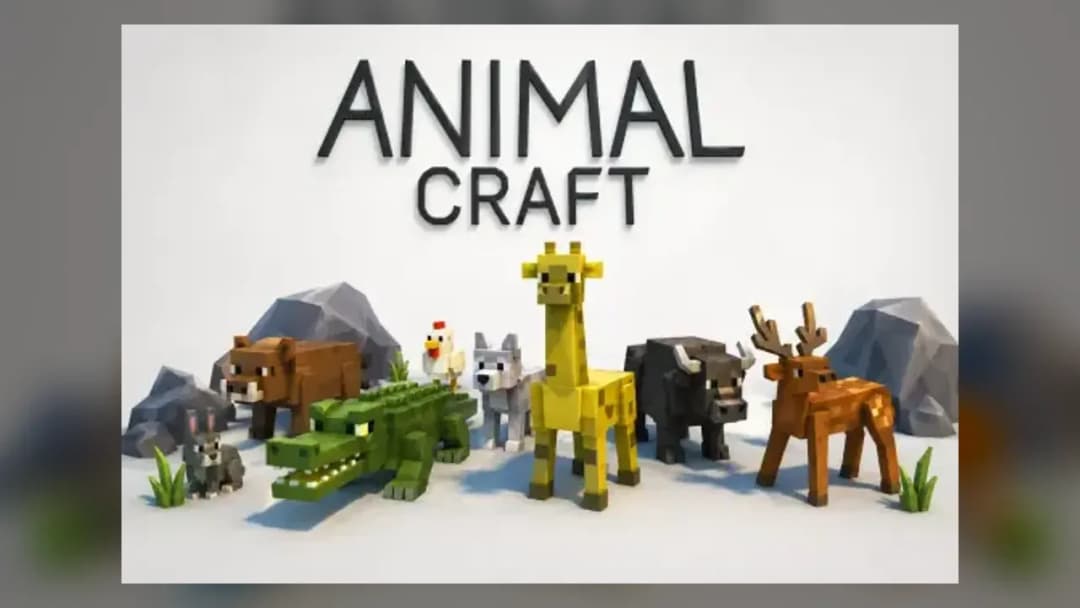
Animal Craft
Game Details
How to Play
- 1. Choose your animal
Select an animal from the options offered to set the focus of your world.
- 2. Pick an environment
Select one of the environments, which sets the space you will build in.
- 3. Build around your animal
Place elements to shape the world so it suits the animal you chose.
- 4. Solve the puzzles
Work through the environmental puzzles that appear as you build.
Game Features
About Animal Craft
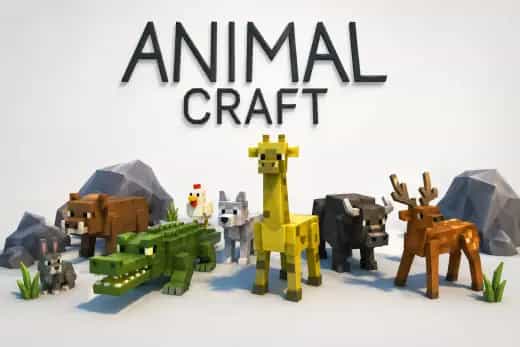
Animal Craft lets you combine two animals into a brand-new hybrid, control it with your mouse and upgrade its stats as it levels up. Play free in your browser.
What's in this guide
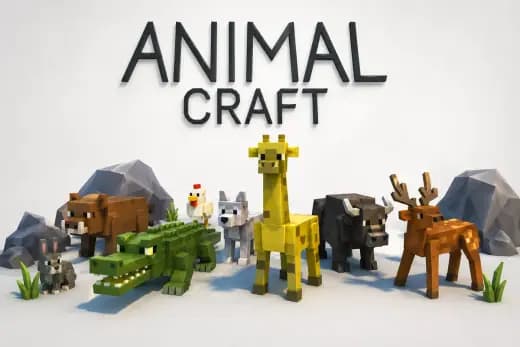
Animal Craft is a browser game in which you select an animal and an environment, then build a world around them. It is played in HTML5 with no download required, and its listed themes are creative building, environmental puzzles and multiplayer crafting.
What You Do in Animal Craft
Every round starts with a choice: one animal and one environment. Your task is to build out that setting so it works for the animal you picked. The game's listed themes centre on creative building, interactive animals and environmental puzzles, so the core loop is building, watching how the animal responds, and solving the puzzles the environment presents.
Because the starting choices shape everything that follows, the same animal can lead to very different worlds depending on the environment you pair it with.
How to Play Animal Craft
Open the game in your browser. It runs directly on the page, so there is nothing to install.
Select an animal from the options offered. Your animal is the focus of the world you are about to build.
Select one of the environments. The environment determines the space you have to work with.
Build your world around the animal, then work through the environmental puzzles that appear as you go.
The listed details do not describe a points system, a win condition or a fail state, so this walk-through covers only how a session starts and what you do inside it.
Animal Craft Controls
The listed details do not specify key or button mappings for Animal Craft. Use the on-screen controls shown in the game window to select your animal and environment and to build.
What Changes Between Sessions
What changes from one session to the next is the pairing of animal and environment you choose at the start. The listed details do not specify how many animals or environments exist, or any levels, upgrades or other modes, so this guide does not describe them.
The game is tagged for multiplayer crafting, so you may be able to build alongside other players. If you enjoy comparable building games, you could also try Cowboy Safari or Deer Adventure, which are also animal-themed adventure games.
Tips and Strategy
Decide on your animal and environment before you build. Each pairing sets the terms for the whole session, so a good match saves rework.
Start with a small section of your world and make sure it works before you expand. This keeps puzzles easier to trace back to their cause.
Watch how your animal reacts to each change. The game is tagged as interactive, so its responses are a useful guide to what the habitat needs.
Treat each environmental puzzle as a question about the space. Look at what the environment offers before you place anything new.
Avoid overbuilding early. Adding too many elements at once makes it harder to see which one is causing a problem.
If you want to build with others, try the multiplayer crafting option and compare your approach with other players.
For more adventure titles, browse Adventure games.
More Games You'll Love
Controls
Frequently asked questions
How do you play Animal Craft?
Does Animal Craft have multiplayer?
"Animal Craft" and related names may be trademarks of their respective owners. This page is an informational game directory only; ZGames.io is not sponsored by or affiliated with trademark holders unless a specific game page says otherwise.
Gameplay Video: Animal Craft
OFFICIAL SOURCES & SITES
Player Reviews
No Reviews Yet
Be the first to share your feedback and rate this game!
Submit Your Review
Keep exploring