Play Geometry Dash Unblocked Online Free
Play Geometry Dash Unblocked, a Rhythm Games game available in your browser. Review the controls, features, and compatibility notes below, then choose Play when you are ready.
Advertisement

Geometry Dash Unblocked









Advertisement
Most Popular This Month
View All results »



































- Home
- Rhythm Games
- Geometry Dash Unblocked
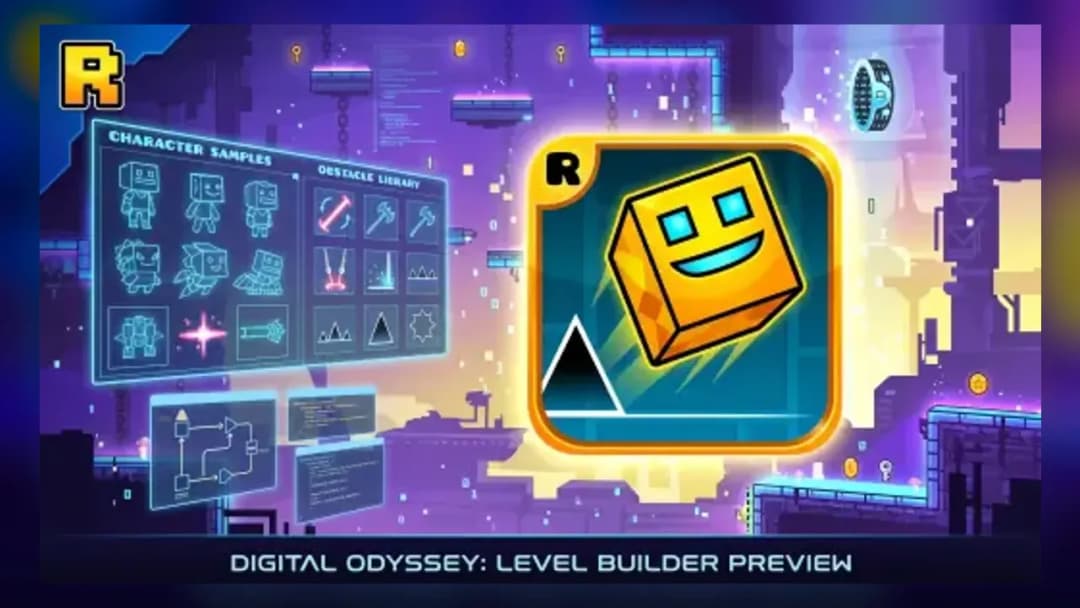
Geometry Dash Unblocked
TECHNICAL SPECIFICATIONS
OPERATIONAL GUIDE
- 1. Time your first jump
Press spacebar or left-click to hop the cube over spikes — release to fall and land clean.
- 2. Ride the gravity portals
Enter a portal to switch form or flip gravity; hold to fly the ship or UFO through gaps.
- 3. Control the wave form
In wave sections hold to angle upward and release to angle downward through tight zig-zag corridors.
- 4. Grind in Practice Mode
Drop checkpoints with Z, then replay tricky spots until the beat timing becomes muscle memory.
CORE FEATURES
Advertisement
About Geometry Dash Unblocked
Tap one button to jump a auto-scrolling cube through beat-synced spikes and gravity portals. Nail Stereo Madness to Polargeist with checkpoint Practice...
What's in this guide
In Geometry Dash Unblocked online you steer a square icon that auto-scrolls forward while every spike, block and jump ring is timed to the level's soundtrack — miss a beat and you crash back to the very start. The entire game runs on one input: tap, click or press to jump. Simple to grasp, savage to master.
This browser build is based on Geometry Dash Lite, the free spin-off of RobTop Games' rhythm platformer. It plays with zero install directly in your browser, so it works as geometry dash unblocked school play or on a locked-down lab machine. Because there are no saves mid-run, one mistake means restarting the level — but that brutal reset is exactly what makes clearing a track so satisfying.
Learning the Controls
Whether you're chasing your first 100% clear or grinding a demon-level jump, learning the Geometry Dash controls and each icon form is the whole game. On PC, press the spacebar or left-click to jump. On mobile, tap the screen to jump, and hold when you switch into the ship or UFO forms to keep flying.
Icon Forms and Portals
As you progress through a level, colored portals swap your cube into other forms — ship, ball, UFO, wave, robot and spider — each with a different way of handling spikes and gaps. Gravity portals flip the whole stage upside down, while size portals shrink or grow your icon to fit tighter corridors. Reacting correctly to each portal, without breaking your rhythm, is what separates a clean run from a restart.
Practice Mode
Instead of grinding a hard section from the very beginning every time, Practice Mode lets you drop checkpoints with the Z key and jump back to them with X. This turns a brutal demon-difficulty jump into a manageable puzzle: isolate the tricky beat, repeat it until your timing is automatic, then stitch it back into a full run.
Playing on School or Locked Networks
Because this version loads directly in the browser with no installer, it runs on Chromebooks, school lab PCs and other locked-down machines where downloads are blocked. Your unlocked icons, colors and completed levels are still saved locally in your browser's storage, so progress carries over between sessions on the same device even though there are no in-level checkpoints outside Practice Mode.
Start with the opening levels — Stereo Madness, Back On Track and Polargeist — to get a feel for the beat-matched timing before pushing into harder tracks.
Advertisement
More Games You'll Love
Controls
Frequently asked questions
Who created Geometry Dash Lite?
How many levels are in Geometry Dash Lite?
What are the controls for Geometry Dash on PC vs mobile?
Does Geometry Dash Unblocked save your progress?
Can you play Geometry Dash unblocked on a Chromebook?
"Geometry Dash Unblocked" and related names may be trademarks of their respective owners. This page is an informational game directory only; ZGames.io is not sponsored by or affiliated with trademark holders unless a specific game page says otherwise.
Gameplay Video: Geometry Dash Unblocked
OFFICIAL SOURCES & SITES
Player Reviews
No Reviews Yet
Be the first to share your feedback and rate this game!
Submit Your Review
Keep exploring