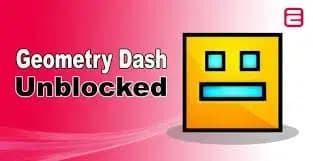
Play Geometry Dash World Online Free
Play Geometry Dash World, a Arcade game available in your browser. Review the controls, features, and compatibility notes below, then choose Play when you are ready.















Most Popular This Month
View All results »






















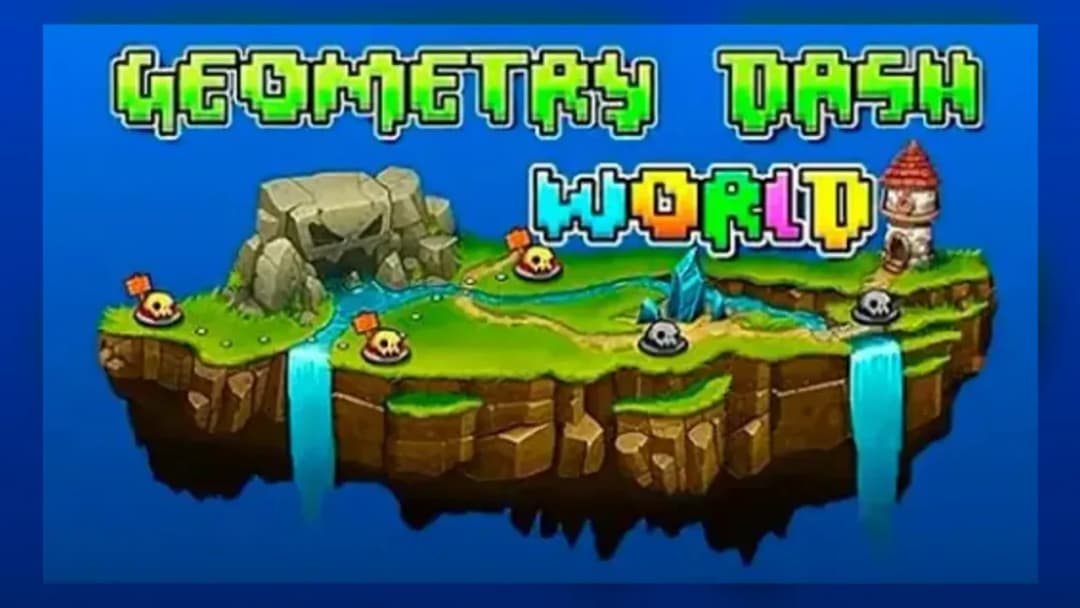
Geometry Dash World
Game Details
How to Play
- 1. Start the first level
Launch the game and begin the first level of the Dashlands world.
- 2. Jump over obstacles
Press jump with a tap, mouse click or the Space key to clear spikes and gaps.
- 3. Glide and drop
Hold the jump input in gliding sections and release it to drop back down.
- 4. Finish the levels
Complete the five levels in a world to move on to the next world.
Game Features
About Geometry Dash World
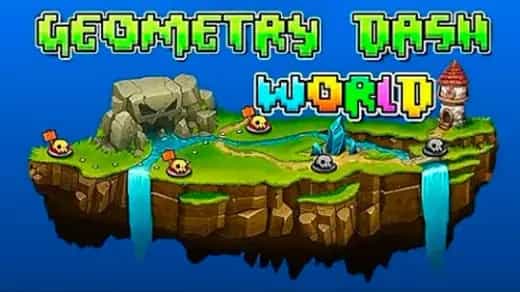
Play Geometry Dash World online: tap, click or press a key to jump obstacles across ten levels in Dashlands and Toxic Factory. Play it free in your browser.
What's in this guide
What You Do in Geometry Dash World
Geometry Dash World is an arcade platformer in which you guide a character through obstacle-filled levels. Your goal is to get through each level without crashing into the hazards along the way. Every attempt is a short run: you jump over spikes and gaps, time your moves to the rhythm of the stage, and try again when you fail.
The game is built around jumping and gliding. A single press lifts your character, and holding the control lets you glide through certain sections. Because most of the challenge comes from timing, a round is less about reacting to surprises and more about learning exactly where each obstacle sits.
How to Play Geometry Dash World
- Open the game and start the first level of the Dashlands world.
- Press jump with a tap, a mouse click or the keyboard to clear your first obstacle.
- Watch for sections where you can hold the control to glide, and release it when you need to drop back down.
- Keep going through the five levels of the world. Completing a level moves you on, and the game then opens the Toxic Factory world.
There is no separate scoring system to manage. Winning means finishing a level, and losing means crashing, after which you restart and try the section again.
Geometry Dash World Controls
| Action | Keys (or Mouse / Touch) |
|---|---|
| Jump | Space, left mouse click, or tap the screen |
| Glide (hold) | Hold the jump input in gliding sections |
| Drop (release) | Release the jump input |
What Changes Between Sessions
The game is organised into two worlds, Dashlands and Toxic Factory, with five levels in each. Dashlands includes levels named Payload, Beast Mode, Machina, Years and Frontlines. Toxic Factory includes Space Pirates, Striker, Embers, Round 1 and Monster Dance Off. Each level has its own layout and pace, so the challenge changes as you move through the worlds.
The music also changes the feel of each stage. Dashlands tracks are by MDK and Waterflame, and the rhythm of the soundtrack helps you sense when a jump is coming.
Tips and Strategy for Geometry Dash World
- Learn each level in small sections instead of trying to finish it in one run.
- Pay attention to the music, since many jumps line up with the beat.
- Use short, controlled presses for small obstacles and save longer holds for gliding sections.
- Release the glide early when you need to drop onto a platform, because holding too long can carry you into a hazard.
- After a crash, restart and focus on the exact spot where you failed rather than replaying the whole level.
- If a jump keeps failing, slow your timing down and watch the obstacle pattern for two or three attempts before pressing.
- Practise on the early levels of Dashlands before moving on to the harder Toxic Factory stages.
If you enjoy timing-based jumping, you may also like Jump Dash or Super Moncat, and you can browse more titles in Arcade games or Platformer games.
More Games You'll Love
Controls
Frequently asked questions
How do you jump in Geometry Dash World?
How many levels are in Geometry Dash World?
What platforms can you play Geometry Dash World on?
"Geometry Dash World" and related names may be trademarks of their respective owners. This page is an informational game directory only; ZGames.io is not sponsored by or affiliated with trademark holders unless a specific game page says otherwise.
Player Reviews
No Reviews Yet
Be the first to share your feedback and rate this game!
Submit Your Review
Keep exploring