Play Geometry Dash Hyper Wave Online Free
Play Geometry Dash Hyper Wave, a Rhythm Games game available in your browser. Review the controls, features, and compatibility notes below, then choose Play when you are ready.
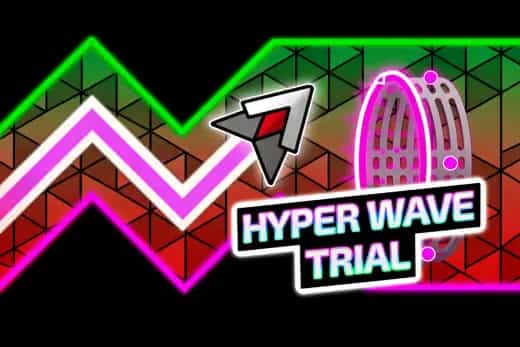
Geometry Dash Hyper Wave
















Most Popular This Month
View All results »




























Related Tags
- Home
- Rhythm Games
- Geometry Dash Hyper Wave
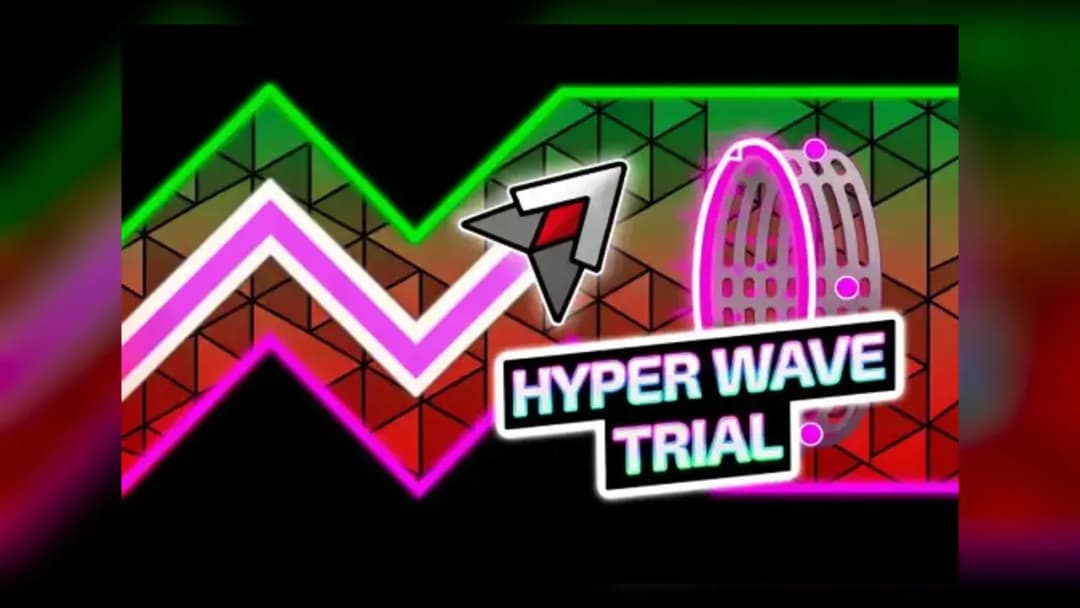
Geometry Dash Hyper Wave
Game Details
How to Play
- 1. Start the first level
Start the game from the play screen in the embedded window to load the first level.
- 2. Watch the obstacles ahead
Track the obstacles coming toward the avatar so you can plan where the next jump belongs.
- 3. Click to jump
Click just before the avatar reaches an obstacle so it clears the obstacle safely.
- 4. Move through the levels
Keep going through each level to progress through the different levels of the game.
Game Features
About Geometry Dash Hyper Wave
Play Geometry Dash Hyper Wave in your browser. Click to jump, dodge obstacles and push through each level of this neon rhythm challenge. Play it free now.
What's in this guide
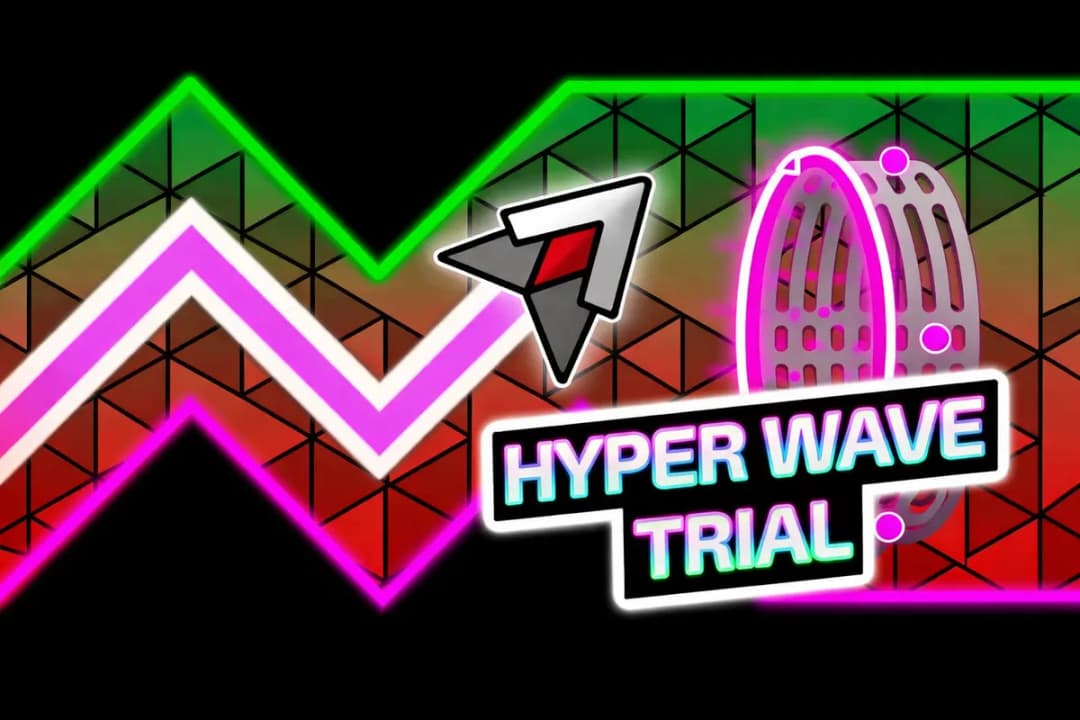
Geometry Dash Hyper Wave is a browser game listed in the Rhythm Games and Arcade categories. The game is described as one where you click to jump, avoid obstacles and navigate through the different levels. It runs as an HTML5 game in your browser, so you can start playing straight from the page without installing anything.
What You Do
Your job in each round is to keep your avatar moving past obstacles by timing your clicks. Every decision comes down to when you press, because the obstacles arrive in sequence and a late or early click can take you into the next one.
The game carries the tags action, physics, adventure and arcade. That mix suggests a short loop: read the path ahead, click to jump at the right moment, land, and keep moving through the level until you reach its end.
How to Play Geometry Dash Hyper Wave
- Start the game from the play screen in the embedded window and wait for the first level to load.
- Watch the avatar and the obstacles ahead of it, working out where the next jump has to happen.
- Click to jump just before the avatar reaches an obstacle, so it clears the obstacle before landing.
- Keep going through the level. Moving through the levels in turn is how you progress through the game.
The goal is to get through each level without hitting an obstacle. This page does not describe a separate score system, so measure your progress by how far you get through the levels.
Geometry Dash Hyper Wave Controls
Gameplay uses a single action, the click, which makes the avatar jump. There are no other controls listed for this game, so the controls are simple to learn.
| Action | Mouse / Click |
|---|---|
| Jump | Click |
What Changes Between Sessions
The game is organised into different levels, and you move through them in turn. As you progress, the obstacles you face change, so each level asks you to apply the same jump action to a new arrangement of obstacles.
This page does not describe characters, items or unlock systems, so the variety you get in a session comes from moving through the levels and the obstacle patterns they contain. Returning to an earlier level is a useful way to sharpen your timing before you push further.
Tips and Strategy
- Watch the obstacles ahead rather than only the avatar, so you can plan each jump before the obstacle is close.
- Use controlled, deliberate clicks. Pressing too early or too late is the most common way to hit an obstacle, so aim for a steady rhythm.
- Practise in short sessions. Repeated attempts build the timing the game depends on, and short breaks help you stay focused.
- When you miss a jump, think about whether you clicked early or late, then adjust the next attempt rather than clicking faster.
- Stay focused on the next obstacle, not the whole level, so a single difficult section does not throw off your timing.
- Replay earlier levels to make the basic jump feel automatic before you move on to harder ones.
- Keep your eyes on the path ahead when the obstacles come in quick succession, since reacting to what is coming next matters more than reacting to what has just passed.
More Games You'll Love
Controls
Frequently asked questions
How do you play Geometry Dash Hyper Wave?
Is Geometry Dash Hyper Wave a rhythm game?
"Geometry Dash Hyper Wave" and related names may be trademarks of their respective owners. This page is an informational game directory only; ZGames.io is not sponsored by or affiliated with trademark holders unless a specific game page says otherwise.
Gameplay Video: Geometry Dash Hyper Wave
OFFICIAL SOURCES & SITES
Player Reviews
No Reviews Yet
Be the first to share your feedback and rate this game!
Submit Your Review
Keep exploring