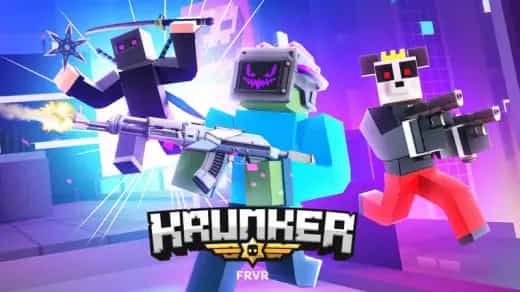
Play Krunker Online Free
Play Krunker, a Action game available in your browser. Review the controls, features, and compatibility notes below, then choose Play when you are ready.


















Most Popular This Month
View All results »
























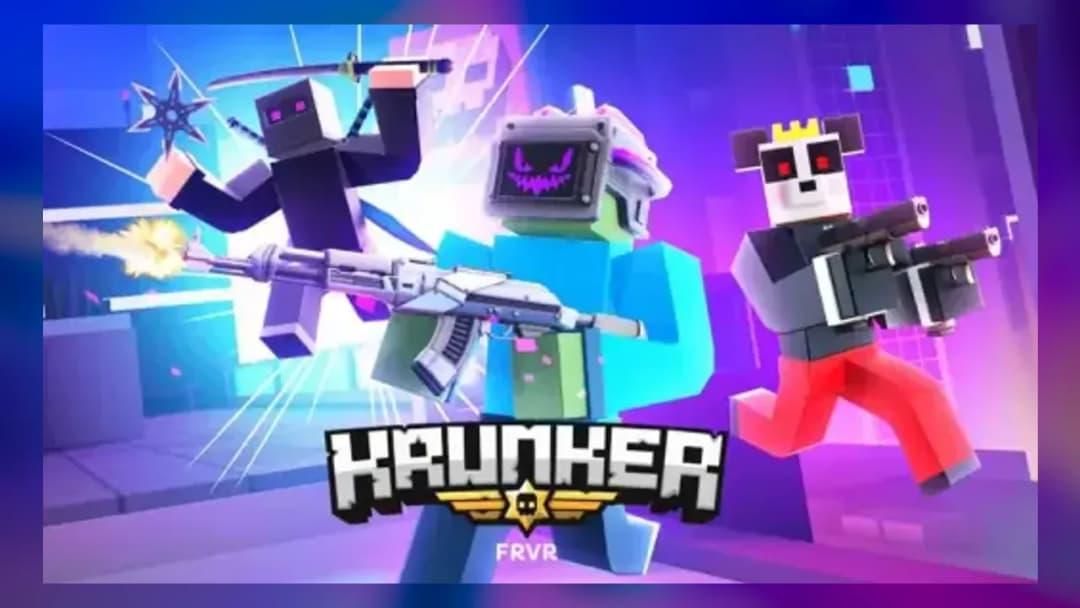
Krunker
Game Details
How to Play
- 1. Choose a game mode
Visit the Krunker website and select a game mode to start playing in your browser.
- 2. Pick your class
Choose a character class, since each one groups weapons and playstyles differently.
- 3. Aim and shoot
Move with WASD, aim with the mouse and fire with the left mouse button.
- 4. Eliminate opponents
Score eliminations to win, using Space to jump, Shift to crouch and R to reload.
Game Features
About Krunker
Play Krunker, a fast multiplayer first-person shooter. Pick a game mode, aim with the mouse and eliminate as many players as you can.
What's in this guide

What You Do in Krunker
Krunker is a multiplayer first-person shooter you play right in your browser at krunker.io. Each round is a fast, reactive fight against other players, and the core loop is simple: spawn, find an opponent, aim, shoot and stay alive long enough to eliminate more enemies than the rest of the match. Because it is a competitive FPS, the game rewards quick reactions and good positioning more than long preparation.
Krunker's rounds are short, so a session can be as long or as short as you like. The game listens to sound as well as sight: shooting noises tell you where fights are happening, and learning the maps helps you move and react without thinking.
How to Play Krunker
- Open the Krunker website and choose a game mode from the menu to start playing in your browser.
- Pick a character class and get ready to enter the match.
- Move with WASD, aim with the mouse and fire with the left mouse button, listening for enemy shots to find targets.
- Eliminate as many players as possible during the match. The player with the most eliminations wins.
- Use Space to jump, Shift to crouch and R to reload between fights, then keep moving to avoid being an easy target.
Krunker Controls
| Action | Keys / Mouse |
|---|---|
| Move | W, A, S, D |
| Aim | Mouse |
| Shoot | Left mouse button |
| Iron sight | Right mouse button |
| Jump | Space |
| Crouch | Shift |
| Reload | R |
| Swap weapons | E |
Controls can be changed in the game's settings if the defaults do not suit you.
Krunker Game Modes and Classes
Krunker offers several public modes. Free For All is a every-player-for-themselves match where eliminations are all that matter. Team Deathmatch splits players into teams, so your score depends on working with your side. Ranked play is also available for players who want a more competitive setting.
Characters come in classes that group weapons and playstyles, so the class you pick changes how you approach a fight. Try a few to see which suits your aim and movement.
Krunker Tips and Strategy
- Learn the maps before a serious match. Knowing the routes and cover points lets you move faster than opponents who are still searching.
- Listen for gunfire and footsteps. Sound often tells you where a fight is before you see it.
- Use cover and crouch when reloading or when you are outnumbered, rather than standing in open ground.
- Avoid chasing a single enemy into unknown territory, since that is a common way to get eliminated by someone waiting nearby.
- Use iron sight for longer shots and hip fire for close range.
- Keep moving. Standing still in one spot makes you predictable.
- Start with Free For All or a public mode to learn controls before trying ranked play.
If you enjoy fast shooters, you may also like CS 1 or Free Fire, or browse more shooting games.
More Games You'll Love
Controls
Frequently asked questions
How do I start playing Krunker?
What game modes does Krunker have?
"Krunker" and related names may be trademarks of their respective owners. This page is an informational game directory only; ZGames.io is not sponsored by or affiliated with trademark holders unless a specific game page says otherwise.
Gameplay Video: Krunker
OFFICIAL SOURCES & SITES
Player Reviews
No Reviews Yet
Be the first to share your feedback and rate this game!
Submit Your Review
Keep exploring