Play Black Geometry Wave: Super Challenge Online Free
Play Black Geometry Wave: Super Challenge, a Casual game available in your browser. Review the controls, features, and compatibility notes below, then choose Play when you are ready.
Black Geometry Wave: Super Challenge















Most Popular This Month
View All results »























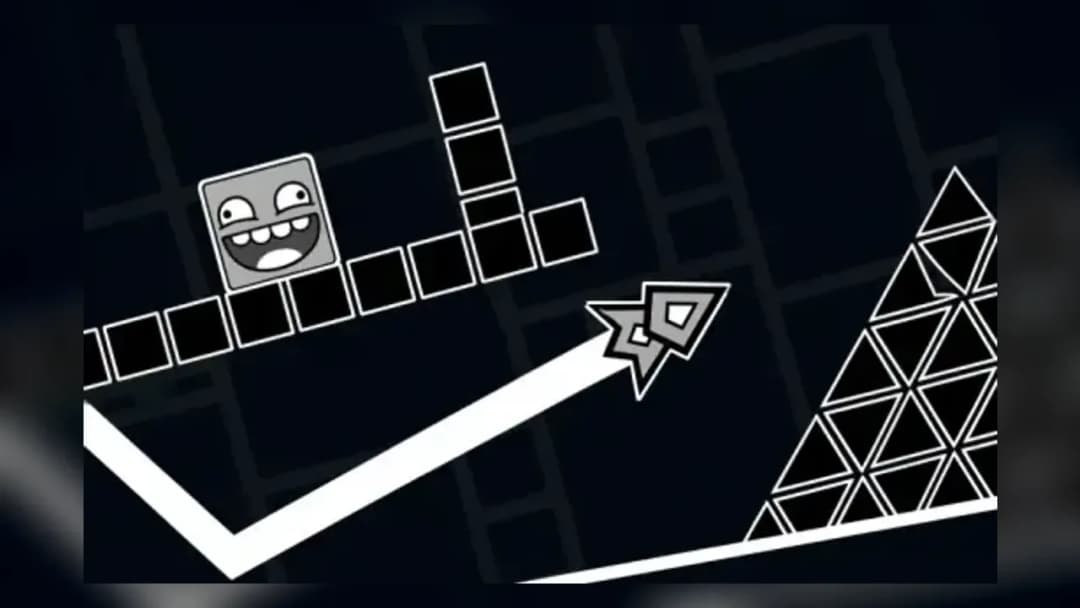
Black Geometry Wave: Super Challenge
Game Details
How to Play
- 1. Pick a difficulty
Click the emoji for the level you want in the menu, starting with an easier one if you are new.
- 2. Hold to climb
Hold the mouse button, Space or the touch screen to raise the wave diagonally upward.
- 3. Release to drop
Let go of the input to bring the wave back down and slip past the obstacles ahead.
- 4. Restart after a crash
If you hit an obstacle, the level restarts from the beginning, so repeat the sequence with better timing.
Game Features
About Black Geometry Wave: Super Challenge
Play Black Geometry Wave: Super Challenge by Miron Games. Guide a wave through 8 spiky levels, earn a new skin each stage and clear them all in your browser.
What's in this guide
What you do in Black Geometry Wave: Super Challenge
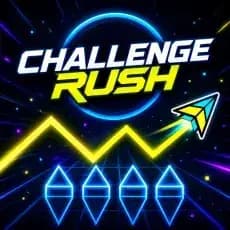
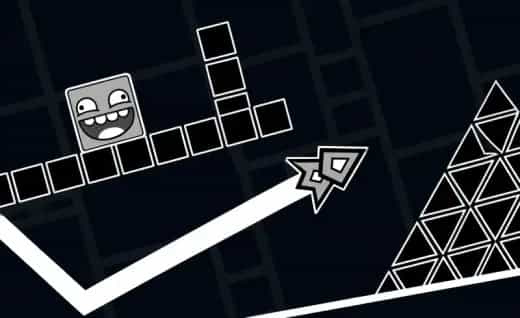
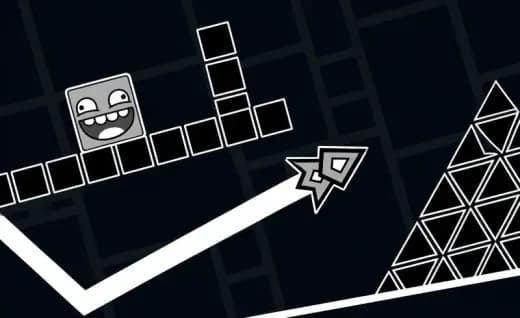
Black Geometry Wave: Super Challenge is a skill-based arcade game in which you guide a small arrow-shaped wave through obstacle-filled levels. The wave moves forward on its own, so your only job is to control its height. Hold the input to rise diagonally and release it to descend, timing each movement to pass the spikes, cubes and triangles ahead. The game is built around a single control, which makes it quick to pick up but demanding to master.
Each level is a single run from start to finish. A crash into an obstacle resets the run, and the level restarts from the beginning with the same obstacle order. Because the layout never changes, every attempt teaches you where the dangerous sections are and how to time them better.
How to Play Black Geometry Wave: Super Challenge
- Open the menu and pick a level by clicking its emoji. The emojis indicate difficulty, so start with an easier one if you are new to the game.
- Start the level and let the wave move forward. It keeps travelling on its own, so you never need to steer it sideways.
- Hold the input to climb, and release it to drop. Keep the wave between the top and bottom edges while you move past each obstacle.
- Clear the level without hitting anything. If you crash, the run resets to the start of the level, so use the same routine to learn the sequence.
- After clearing a stage, check the menu for the new arrow skin the game unlocks for you.
Black Geometry Wave: Super Challenge Controls
| Action | Keys or Input |
|---|---|
| Move the wave up | Hold the mouse button or Space; on touch screens, tap and hold |
| Move the wave down | Release the mouse button or Space; on touch screens, lift your finger |
| Choose a level | Click its emoji in the menu |
Tapping the top or bottom edge keeps the wave moving in a straight line, which can help in certain sections.
What Changes Between Sessions
The game offers 8 fixed levels. Each new level uses denser traps, faster sections and trickier angles than the one before, so the challenge rises steadily from the basic waves of the opening stages to the spike-heavy finales. Clearing a stage unlocks a new skin for the arrow, and you can switch between unlocked skins in the menu before you push into later levels.
Tips and Strategy for Black Geometry Wave: Super Challenge
- Start with the lower-difficulty emojis to learn how the hold-and-release timing feels before attempting harder routes.
- Keep small, steady inputs rather than long holds, since the height of the wave depends on how long you hold the input.
- Watch the spikes and triangles several obstacles ahead, not just the one in front of the wave, so you can prepare your timing early.
- Avoid holding the input too long near the top edge, where a late release can leave you no room to drop.
- Replay a level from the beginning when you crash; the obstacle order is identical each time, so each run builds knowledge.
- Use the straight-line movement from the edges only when a section calls for it, and return to controlled rises and drops afterwards.
More Games You'll Love
Controls
Frequently asked questions
How many levels does Black Geometry Wave: Super Challenge have?
How do you unlock skins in Black Geometry Wave: Super Challenge?
What happens when you crash in Black Geometry Wave: Super Challenge?
"Black Geometry Wave: Super Challenge" and related names may be trademarks of their respective owners. This page is an informational game directory only; ZGames.io is not sponsored by or affiliated with trademark holders unless a specific game page says otherwise.
Gameplay Video: Black Geometry Wave: Super Challenge
OFFICIAL SOURCES & SITES
Player Reviews
No Reviews Yet
Be the first to share your feedback and rate this game!
Submit Your Review
Keep exploring