Play PolyTrack Unblocked Online Free
Play PolyTrack Unblocked, a Driving game available in your browser. Review the controls, features, and compatibility notes below, then choose Play when you are ready.
Advertisement


















Advertisement
Most Popular This Month
View All results »

































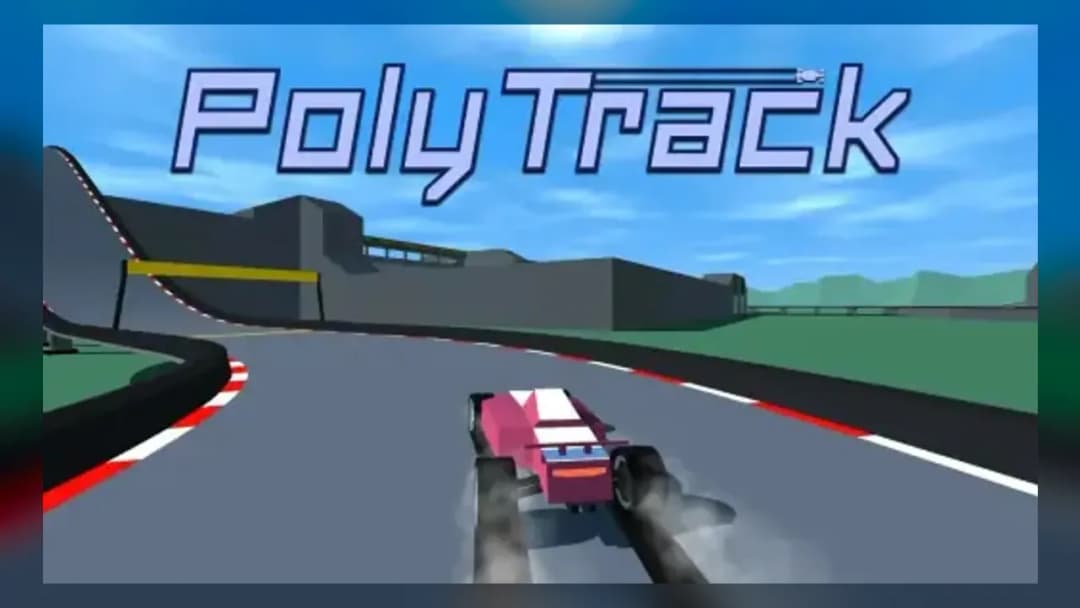
PolyTrack Unblocked
TECHNICAL SPECIFICATIONS
OPERATIONAL GUIDE
CORE FEATURES
Advertisement
About PolyTrack Unblocked
Play PolyTrack Unblocked online free, no download. Race low-poly stunt tracks in an unblocked browser game built for clean laps on Chromebook.
What's in this guide
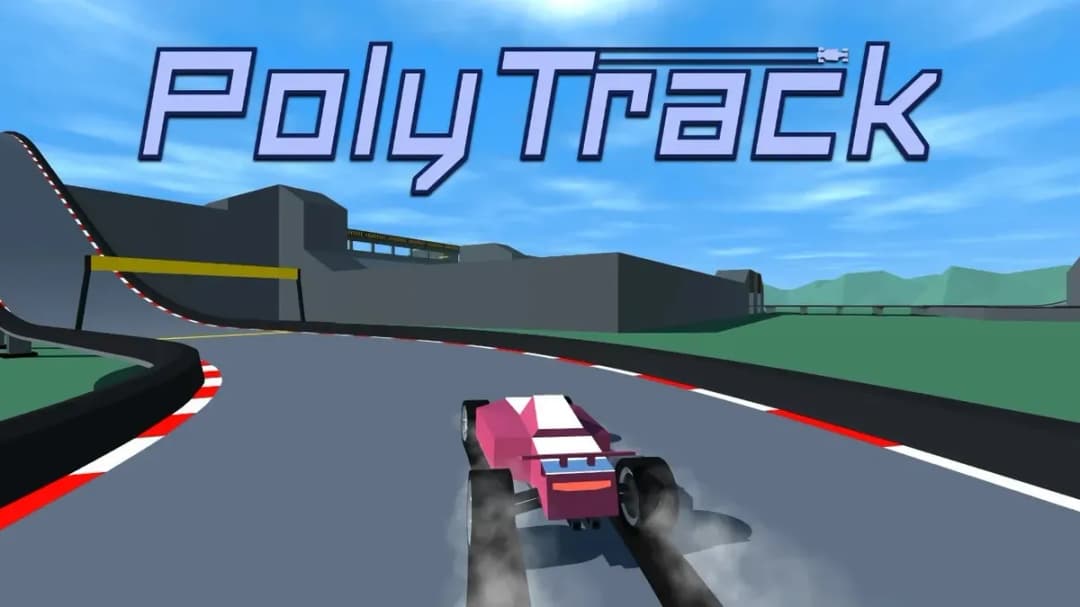
PolyTrack Unblocked is a browser-native low-poly racing game built around fast laps, clean checkpoint lines, and precision stunt driving. It runs as an HTML5 game inside modern browsers, using lightweight 3D rendering that works on PC, mobile, tablet, and Chromebook without an installer. The player controls a compact racing car across suspended tracks filled with ramps, loops, banks, drops, and hard restart moments.
The core appeal comes from the TrackMania-style rhythm: accelerate, adjust, fly, land, correct, and restart when the run breaks. PolyTrack Unblocked is not about licensed cars or simulation dashboards. It is about readable geometry, instant play, and shaving time through physical consistency. Because it runs as a no download browser game, it fits short sessions while still giving skilled players a serious execution ceiling.
Game NamePolyTrack UnblockedCategoryGamesTechnologyHTML5 / Browser NativePlatformsPC, Mobile, Tablet, ChromebookRequires Download?No, Instant PlayWhat's In This Guide
- About PolyTrack Unblocked
- Complete Controls & Mechanics
- Advanced Strategies & Tips
- How to Play PolyTrack Unblocked at School
- Known Glitches & Quirks
- Top Alternatives & Competitors
About PolyTrack Unblocked
PolyTrack belongs to the modern wave of minimalist browser racing games that favor physics readability over visual noise. Its low-poly art style is practical, not decorative. Flat surfaces, sharp edges, bright skyboxes, and clean track modules help players read distance and angle at high speed. Every ramp and banking curve tells the driver what the car will do next.
The game’s design philosophy borrows from time-attack racing: the opponent is the clock. Instead of rubber-band AI or random traffic, the challenge comes from repeating a course until each input becomes sharper. A bad landing, clipped wall, or oversteered corner can ruin a run, which makes the restart loop central to the experience.
PolyTrack Unblocked also fits the school and office browser-game culture because it avoids large downloads and account friction. A player can load the game, run a track, fail quickly, and try again within seconds. That short feedback cycle explains why it works especially well as a Chromebook game and mobile gaming option.
- Engine & Tech: The game uses HTML5 browser technology and lightweight 3D rendering to display track pieces, vehicle motion, and collision checks at smooth frame rates on common hardware.
- Accessibility: Low-detail geometry reduces GPU strain, letting many low-end Chromebooks maintain responsive controls without heavy texture loading.
- Updates: Version details vary by host, but the format supports evolving track lists, community-style routing, and quick iteration on course design.
Complete Controls & Mechanics
PolyTrack feels sharp because the car reacts immediately to directional input, yet still carries momentum. That balance matters. If steering felt weightless, ramps and loops would lose danger. If steering felt too heavy, the narrow platforms would become frustrating. The best runs come from small corrections made before the car reaches the problem.
Keyboard control usually relies on WASD or arrow keys for acceleration, braking, and steering. Many builds also support restart keys for fast retries. On touch devices, on-screen inputs or browser touch mapping may appear depending on the version. The important idea stays the same: steer early, land straight, and avoid panic inputs.
Collision detection focuses on track contact, wall impact, and fall states. The car’s body responds to slopes, ramps, and angled surfaces, so an ugly landing can bounce the vehicle sideways or bleed speed. Momentum is the hidden resource. You win by carrying it through curves without giving the physics engine a reason to punish you.
- Movement: Use WASD or arrow keys to accelerate, brake, reverse, and steer. Tap steering inputs on narrow sections instead of holding them too long.
- Action: Some versions use Space for braking or handbrake-style control, while restart keys help reset failed laps quickly.
- Mechanics: Gravity, ramp angle, surface contact, and landing direction decide speed retention more than raw acceleration alone.
Advanced Strategies & Tips
Advanced PolyTrack play starts before the first corner. Read the track like a route, not an obstacle course. Identify which ramps require full throttle, which corners need a lift, and which checkpoints allow a straighter line. A clean lap often looks slower in isolated moments but wins because it avoids catastrophic speed loss.
Frame-perfect driving in PolyTrack Unblocked usually means controlling steering duration. Keyboard inputs are digital, so every press applies a strong direction. Elite runs use short taps to imitate analog steering. This keeps the car pointed down the racing line without scrubbing speed across the track surface.
High-score routing depends on landing quality. Players often focus on jump distance, but angle matters more. Land with the nose aligned to the next straight, even if that means entering the ramp a little slower. Sideways landings create bounce, bounce creates correction, and correction destroys lap time.
- Perfect Your Timing: Begin turning before the corner visually reaches the car. Late turns force overcorrection and send the vehicle wide.
- Manage Resources/Speed: Treat speed as a resource. Lift before technical ramps if full throttle makes the landing unstable.
- Avoid Common Mistakes: Do not steer hard while airborne unless the landing angle is already wrong. Air panic usually creates worse rotation.
- Optimize Runs: Restart after major wall clips, missed checkpoints, or sideways landings. A saved disaster rarely beats a clean retry.
How to Play PolyTrack Unblocked at School
HTML5 games changed school browser gaming because they no longer require Flash plugins or downloaded executable files. A modern browser can load assets, render graphics, process input, and run game logic in a controlled tab. That makes PolyTrack Unblocked easier to access on managed devices than older PC games that required installation permissions.
Network rules still vary by school, but browser-native games generally fit safer device policies because they run inside the browser sandbox. There is no installer, no external launcher, and no local program to approve. For players searching for PolyTrack Unblocked free, the practical benefit is simple: open the page, wait for the game to load, and drive.
- Chromebook Support: Fully compatible with many school devices because it runs locally in RAM through the browser after loading assets.
- Browser Native: No executables required, which helps avoid the barriers that block traditional downloadable games.
Known Glitches & Quirks
PolyTrack’s most interesting quirks come from fast 3D physics running on modular track pieces. At high speed, the car can clip awkwardly against edges, bounce from sharp transitions, or rotate harder than expected after a ramp. These moments rarely feel random once players understand the surfaces causing them.
Speedrunners often study these quirks instead of avoiding them. A tiny edge tap can redirect the car. A banked landing can preserve velocity. A near-miss against a wall might save distance if it keeps the car pointed forward. The line between glitch and technique gets thin in physics racing.
- Physics Quirks: Edge contacts can create small boosts, sudden bounces, or unexpected rotations when the car lands partly on a seam.
- Visual Desync: Minor clipping may appear on steep ramps or loops, especially when the vehicle lands at a shallow angle.
Top Alternatives & Competitors
PolyTrack competes most directly with minimalist speed games that reward memorization and precision. Compared with endless runners, it feels more technical because the player controls speed, steering, approach angle, and recovery. Compared with full racing sims, it removes tuning and traffic to focus on one pure question: can you run the track cleaner?
Its closest rivals share the same instant-play strength but differ in control philosophy. Some games test reaction speed. Others test rhythm. PolyTrack tests route discipline. That makes it ideal for players who like repeating a level until their hands learn every corner.
- Slope: Slope is faster and more survival-focused, while PolyTrack gives more deliberate control through checkpoints, braking, and racing lines.
- Geometry Dash: Geometry Dash emphasizes jump timing and rhythm memorization; PolyTrack emphasizes vehicle momentum, steering angle, and landing stability.
Similar Games on ZGames
If you enjoy PolyTrack Unblocked, you may also like these games:
Conclusion
PolyTrack Unblocked works because it strips racing down to readable geometry, immediate controls, and strict time pressure. Every second on the track teaches something practical: brake less, steer earlier, land straighter, restart faster.
Play PolyTrack Unblocked directly in your browser if you want a free-to-play HTML5 racing game with no download, strong Chromebook compatibility, and a serious skill curve hiding beneath its clean low-poly look.
Advertisement
More Games You'll Love
Controls
Frequently asked questions
How many tracks are in PolyTrack Unblocked?
What is the best way to improve lap times in PolyTrack Unblocked?
Why does my car slide off the track in PolyTrack Unblocked?
Does PolyTrack Unblocked have a track editor?
"PolyTrack Unblocked" and related names may be trademarks of their respective owners. This page is an informational game directory only; ZGames.io is not sponsored by or affiliated with trademark holders unless a specific game page says otherwise.
Gameplay Video: PolyTrack Unblocked
OFFICIAL SOURCES & SITES
Player Reviews
No Reviews Yet
Be the first to share your feedback and rate this game!
Submit Your Review
Keep exploring