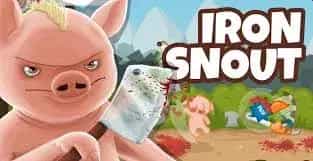
Play Iron Snout Online Free
Play Iron Snout, a Action game available in your browser. Review the controls, features, and compatibility notes below, then choose Play when you are ready.














Most Popular This Month
View All results »


























Related Tags
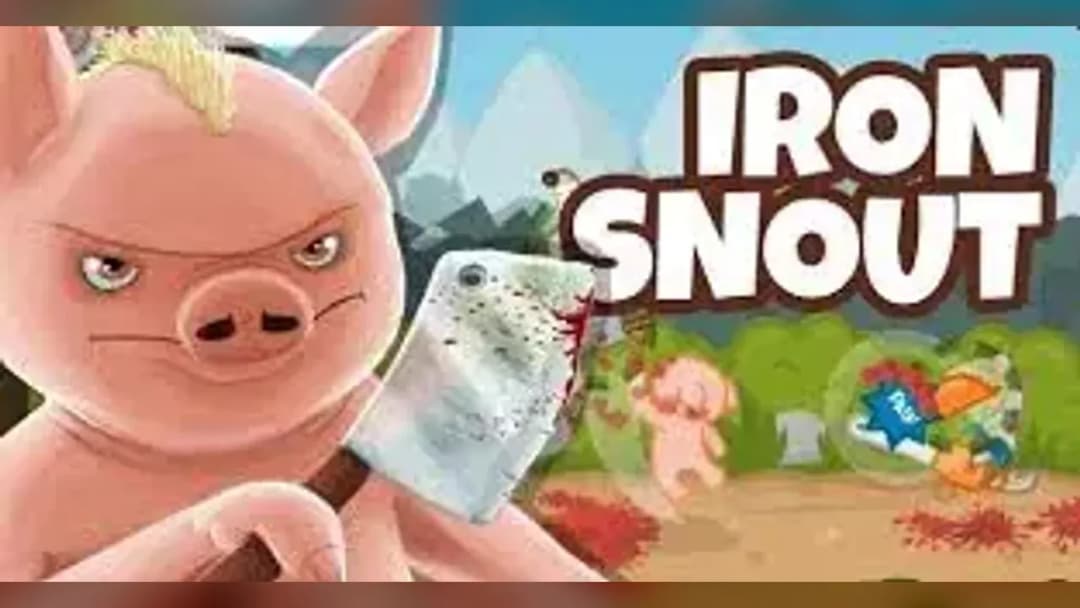
Iron Snout
Game Details
How to Play
- 1. Open the game in your browser
Launch Iron Snout from the game page; no download is needed to start playing.
- 2. Pick a mode and setting
Choose Classic, Sudden Death or the two-player Wolfieball, then pick the City or the Forest setting.
- 3. Strike and dodge the wolves
Strike wolves as they approach from either side, and jump or duck to avoid knives, chainsaws and thrown weapons.
- 4. Keep your run alive
In Classic and Sudden Death, one hit ends the run, so keep your defence tight as the speed increases.
Game Features
About Iron Snout
Play Iron Snout and fight waves of wolves from both sides. Strike, jump and duck with the arrow keys, and try Wolfieball for two. Play free in your browser.
What's in this guide
What You Do in Iron Snout
Iron Snout is a fighting game built around one job: keep wolves from getting past you. Wolves attack from both the left and the right, and you have to strike the ones that come close while jumping or ducking to avoid the projectiles they throw. The core loop is simple to learn and hard to hold for long, because every round gets faster as time goes on.
Iron Snout is listed under Action, and it also has a two-player mode, so it sits in the 2 Player category too. Most of the fun comes from reacting quickly and reading which threat is coming next.
How to Play Iron Snout
- Open the game in your browser. There is nothing to install, and the game starts straight from the page.
- Choose a mode. Classic and Sudden Death are solo modes, and Wolfieball is the two-player option.
- Pick a setting. The game includes a City and a Forest, and each has its own enemies and projectiles.
- Defend against the wolves. Strike the wolves as they approach, jump or duck to dodge incoming attacks, and keep going for as long as you can.
- Watch for the end of the run. In Classic and Sudden Death, getting hit once ends the run, so your score depends on how long you last.
Iron Snout Controls
| Action | Keys |
|---|---|
| Jump | Arrow keys |
| Duck | Arrow keys |
| Strike left or right | Arrow keys |
| Mobile play | Taps and swipes |
What Changes Between Sessions
The main difference between sessions is the mode. Classic and Sudden Death let you play alone, while Wolfieball puts two players against each other. The City and Forest settings change the look of the fight and bring different enemies and projectiles, so the same skills feel different from one setting to the next.
The wolves also vary. Pogo Wolves and Chainsaw Wolves are named among the enemy types, and the threats include knives, chainsaws and thrown weapons. Expect new kinds of danger as you go deeper into a run.
Tips and Strategy
- Learn the arrow keys before you try anything hard. Jumping, ducking and striking all matter, and a mistake with any of them can end a Classic or Sudden Death run.
- Watch the projectiles, not just the wolves. Thrown weapons and knives come at a fixed line, so a jump or duck at the right moment is often safer than trying to strike.
- Keep track of both sides of the screen. Wolves attack from the left and the right, so check each side before you commit to a strike.
- Expect the pace to rise. Speed increases over time, so slow, careful play early on will help you handle the faster waves later.
- Try City and Forest. Each setting throws different enemies at you, and it is worth learning both before you chase a high score.
- Use Sudden Death to practise the pressure. Because one hit ends the run, it rewards clean, patient defence over risky attacks.
- Play Wolfieball with a friend to compare styles. Two-player matches let you see how different players handle the same waves.
More Games You'll Love
Controls
Frequently asked questions
Is there a two-player mode in Iron Snout?
What modes are in Iron Snout?
What happens when I get hit in Iron Snout?
"Iron Snout" and related names may be trademarks of their respective owners. This page is an informational game directory only; ZGames.io is not sponsored by or affiliated with trademark holders unless a specific game page says otherwise.
Gameplay Video: Iron Snout
OFFICIAL SOURCES & SITES
Player Reviews
No Reviews Yet
Be the first to share your feedback and rate this game!
Submit Your Review
Keep exploring