Play Call of Duty Online Free
Play Call of Duty, a Action game available in your browser. Review the controls, features, and compatibility notes below, then choose Play when you are ready.


















Most Popular This Month
View All results »




























Related Tags
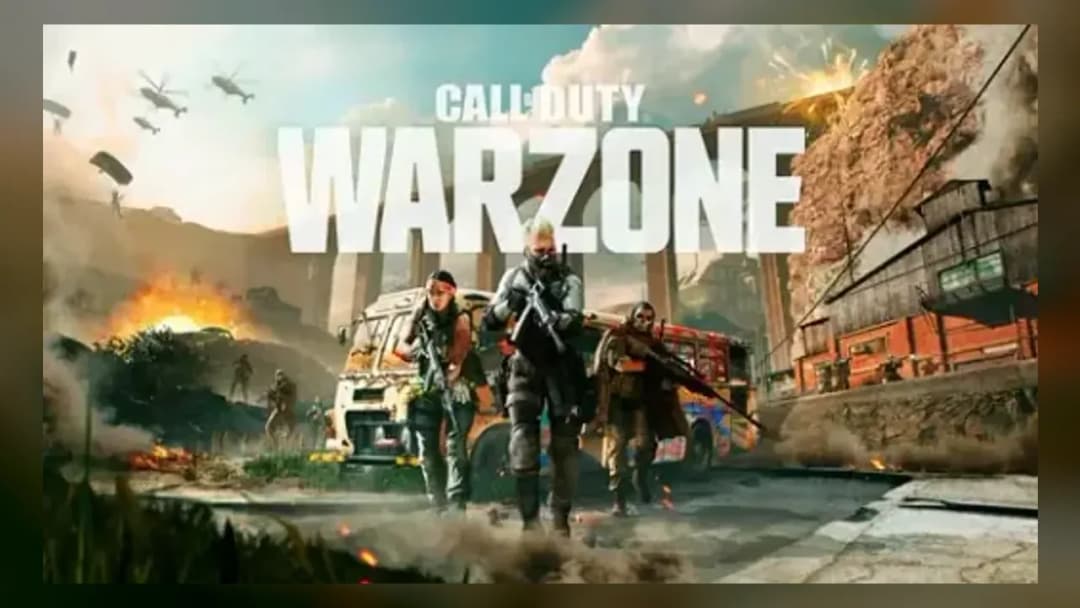
Call of Duty
Game Details
How to Play
Game Features
About Call of Duty
Experience Call of Duty online for free! Play unblocked with no download at ZGames.io. Enjoy intense first-person shooting action in this browser game.
What's in this guide

Looking for Call of Duty unblocked? This page runs a free first-person shooter in the Call of Duty style that you can play right in your browser, with no download and no account. You fight your way through a walled military base, clear out every enemy on the map and pick from three difficulty levels.
So you know what you are getting: this is a fan-style browser shooter from the 8games.net catalogue, not Activision's Call of Duty. The official games, such as Modern Warfare, Black Ops and Warzone, have to be installed on a PC or console and cannot be played in a browser.
What Is Call of Duty?
Call of Duty is Activision's first-person shooter series, first released in 2003 and known for its military campaigns and online multiplayer. The game on this page borrows that look, with a soldier in camouflage gear, an assault rifle and an industrial base, and turns it into a short single-player shooter that starts in a few seconds.
Call of Duty Gameplay Overview
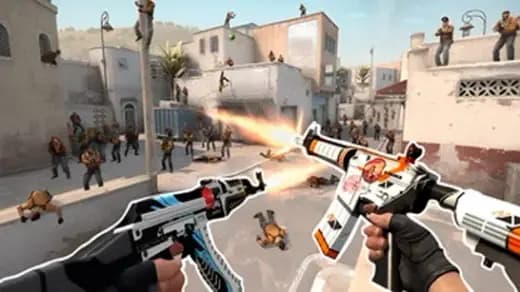
After you choose New Game and a difficulty, you start inside a concrete compound full of warehouses, metal stairs, walkways and cargo containers. A counter at the top of the screen shows how many enemies are left (165 on the first map), your health bar sits in the top-left corner and your ammo count in the top-right. Your job is to work through the base and bring the enemy counter down to zero before your health runs out. Achievements on the main menu record what you have done so far.
How to Play Call of Duty
Press Play, click the red arrow when the loading screen reaches 100%, then choose New Game and pick Easy, Normal or Hard. Click inside the game to start aiming.
Controls
- Move: W, A, S, D
- Aim: mouse
- Shoot: left click
- Lock or unlock the mouse cursor: L
- Options (gear icon): mute the sound or change the aiming speed
Best Tips and Strategies for Call of Duty
Start on Easy to learn the layout of the base before trying Normal or Hard. Use the containers, pillars and walls as cover instead of standing in the open, and keep an eye on the ammo counter so you are not caught with an empty magazine in the middle of a fight. If the camera turns too fast or too slow, change the aiming speed in the options menu. Press L whenever you need your mouse cursor back.
Main Features of Call of Duty
- First-person shooting in a 3D military base
- Three difficulty levels: Easy, Normal and Hard
- Enemy counter, health bar and ammo display
- Achievements to unlock
- Adjustable aiming speed
- Free to play in the browser, no download
Can You Play Call of Duty Online?
You can play this Call of Duty-style shooter online for free, right here in your browser. It is a single-player game against computer-controlled enemies, so there are no online matches against other people. For official multiplayer you need one of Activision's installed games.
Play Call of Duty Unblocked at School
The game loads straight from ZGames.io, so it works on many school and work networks where download sites are blocked. Keep to your school's rules about when games are allowed.
Do You Need to Download Call of Duty?
No. The game runs in your web browser, so there is nothing to install and no updates to wait for. The official Call of Duty games are large downloads; this one is not.
Is Call of Duty Available on Mobile?
This version is made for a keyboard and mouse, so it plays best on a computer or Chromebook. On phones and tablets you may not be able to move and aim properly.
Call of Duty Platform Support
The browser version on this page works on:
- PC (Windows, Mac or Linux)
- Chromebook
Similar Games Like Call of Duty
If you enjoy Call of Duty, you may also like these games:
- Ice Drop: GTA 5
- Veck.io
- Escape Road 2
- Gorilla Tag
FAQs About Call of Duty
Is this the official Call of Duty?
No. It is a free browser shooter in the Call of Duty style, not a game made by Activision or Infinity Ward. The official Call of Duty games have to be installed on a PC or console.
Can I play it for free without downloading?
Yes. It runs in your browser on ZGames.io with no download and no account.
Is it multiplayer?
No. You play alone against computer-controlled enemies, with Easy, Normal and Hard difficulty levels.
Conclusion
If you want a quick Call of Duty-style shooter that runs in a browser tab, start a game above, pick a difficulty and see how many of the 165 enemies you can take down.
More Games You'll Love
Controls
Frequently asked questions
Is this the official Call of Duty?
Can I play it for free without downloading?
Is it multiplayer?
"Call of Duty" and related names may be trademarks of their respective owners. This page is an informational game directory only; ZGames.io is not sponsored by or affiliated with trademark holders unless a specific game page says otherwise.
Player Reviews
No Reviews Yet
Be the first to share your feedback and rate this game!
Submit Your Review
Keep exploring