Play Spin Blast Online Free
Play Spin Blast, a Shooting game available in your browser. Review the controls, features, and compatibility notes below, then choose Play when you are ready.











Most Popular This Month
View All results »























Related Tags
Spin Blast
Game Details
How to Play
- 1. Start the level
Click Play on the game page to load the first level.
- 2. Time your shot
Fire when the spinning launcher points at a target zone of the matching color.
- 3. Build your streak
Keep hitting matching zones to extend your streak and trigger combos on completed lines.
- 4. Recover from a miss
A shot outside the target zone explodes and sends you back to the beginning of the level.
Game Features
About Spin Blast
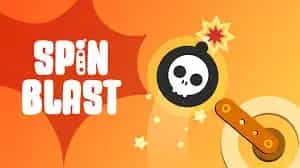
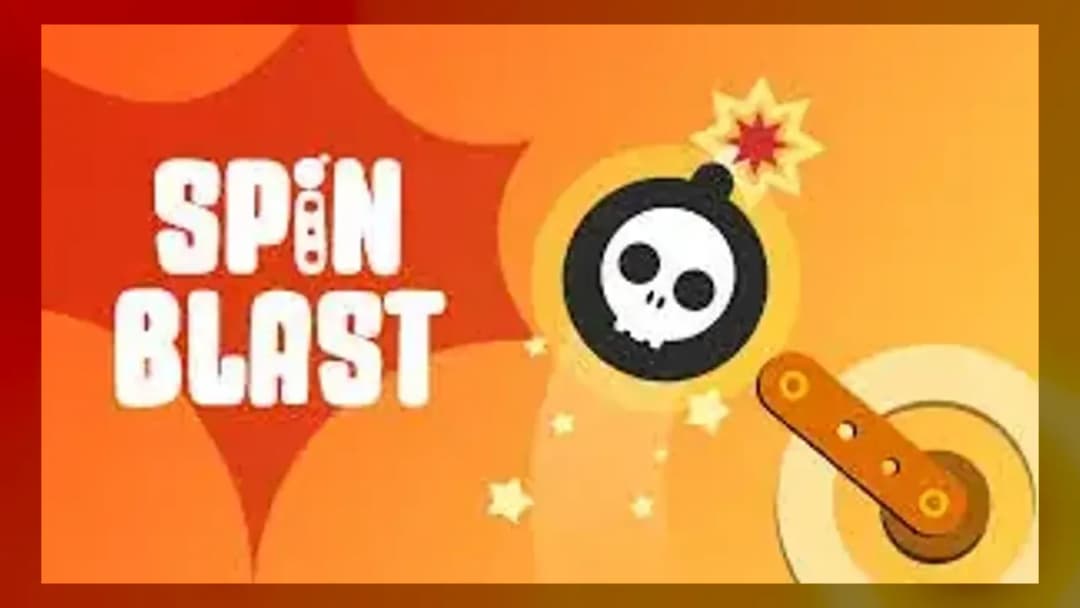
Play Spin Blast, a 2D arcade shooter where you click to fire bombs into matching color zones on a spinning circle and build combos.
What's in this guide
What You Do in Spin Blast
Spin Blast is an arcade shooter where you fire colored bombs from a spinning launcher into target zones of matching color. Your aim is to clear every zone on the line so the whole line ends up one color. The game is played in a browser, and you click the Play button on the game page to start blasting through levels.
Each round is built on timing. The launcher keeps turning, so you have to choose the moment to fire as it lines up with a zone. A shot that lands in the right color builds your streak, and a shot that misses ends the attempt.
How to Play Spin Blast
- Open the game page and click Play to load the first level.
- Watch the spinning launcher and the color of the target zones it is aiming toward.
- Fire a bomb when the launcher points at a zone that matches its color. Each accurate shot extends your streak.
- Clear the targets until the line is one color to finish the level. Completing a full line of targets triggers combos that raise your score and reward extra coins.
- If a shot lands outside the target zone, it explodes with a "boom" and you must restart from the beginning, because there are no checkpoints.
Spin Blast Controls
| Action | Keys / Mouse / Touch |
|---|---|
| Fire a bomb | Spacebar or left mouse click |
| Fire a bomb on mobile | Tap the screen |
The game uses a single action button. There are no movement controls, so every decision is about when to fire.
What Changes Between Levels
The main change as you progress is speed. Later levels spin faster, which makes the timing window smaller and demands more precision. Unlockable bomb skins, such as fruits or emojis, give you a visual reward for playing and let you choose how your bombs look.
Spin Blast Tips and Strategy
- Start at a steady pace in the early levels so you learn how quickly the launcher turns before you try to chase long streaks.
- Fire only when the launcher is squarely on a zone of the right color. Firing early to save time is the most common way to lose a round.
- Track the colors ahead of you as well as the one under the launcher, so you know which zone you need next.
- Keep your streak alive by taking each shot cleanly rather than rushing several in a row.
- Treat each restart as practice. Because a miss sends you back to the beginning, replaying a level helps you learn its timing.
- On a touch screen, tap with a steady rhythm and avoid double taps, which can fire a bomb before you intended.
If you enjoy timing-based shooters, you might also try Ragdoll Arena or Rocket Bot Royale, or browse more titles in the Shooting games category.
More Games You'll Love
Controls
Frequently asked questions
What is the goal of Spin Blast?
What happens if you miss a target in Spin Blast?
"Spin Blast" and related names may be trademarks of their respective owners. This page is an informational game directory only; ZGames.io is not sponsored by or affiliated with trademark holders unless a specific game page says otherwise.
Gameplay Video: Spin Blast
OFFICIAL SOURCES & SITES
Player Reviews
No Reviews Yet
Be the first to share your feedback and rate this game!
Submit Your Review
Keep exploring