Play PolyTrack Online Free
Play PolyTrack, a Racing game available in your browser. Review the controls, features, and compatibility notes below, then choose Play when you are ready.
Advertisement



















Advertisement
Most Popular This Month
View All results »



































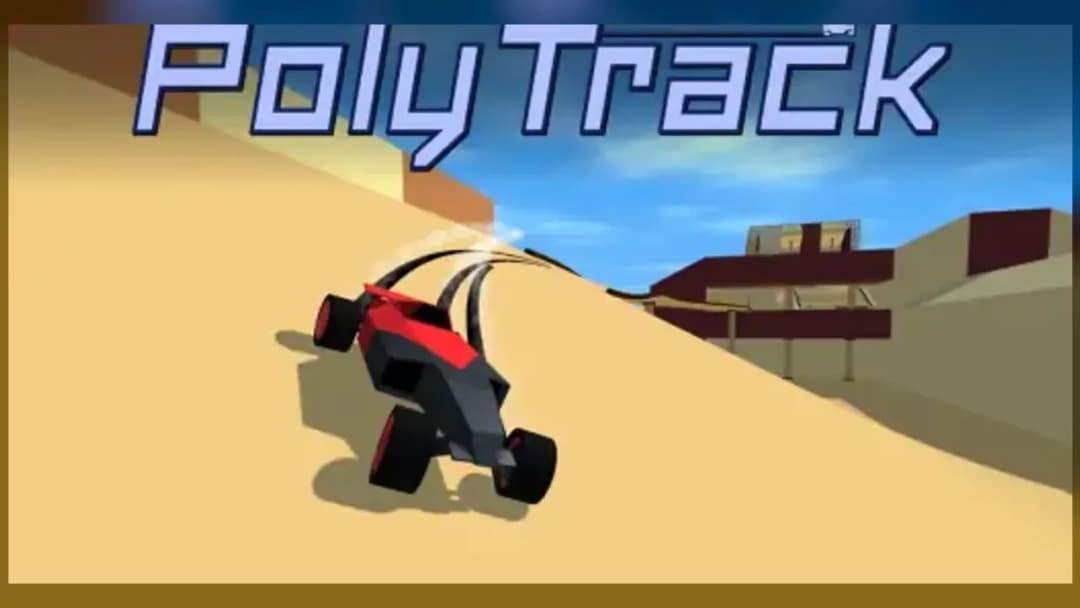
PolyTrack
TECHNICAL SPECIFICATIONS
OPERATIONAL GUIDE
CORE FEATURES
Advertisement
About PolyTrack
Play PolyTrack online free with no download. Race low-poly time-trial tracks, nail jumps, and run this unblocked browser racer on PC or mobile smoothly.
What's in this guide
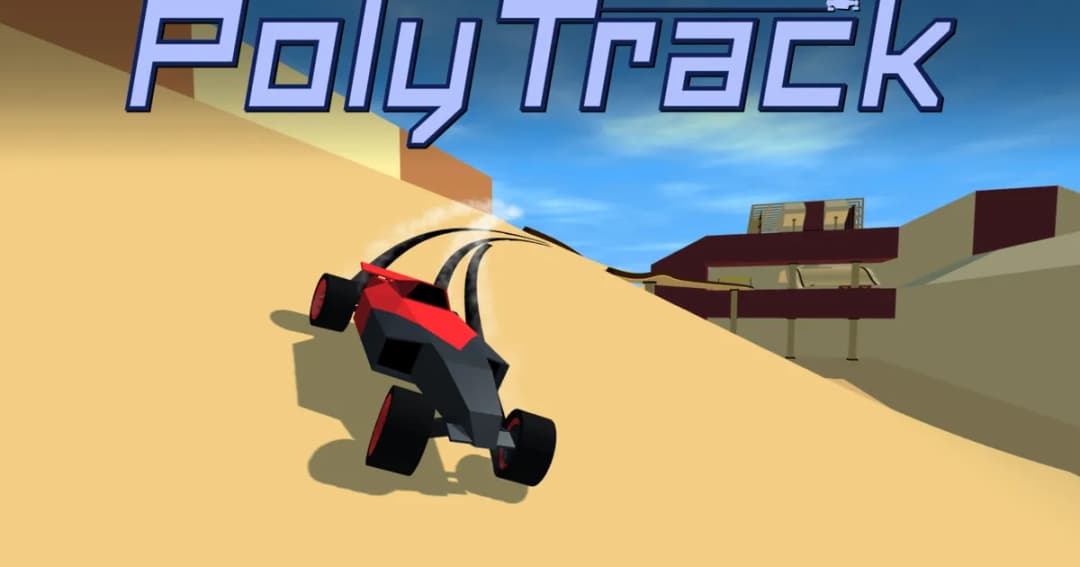
PolyTrack game is a low-poly browser racing game built around precision driving, fast resets, and time-trial improvement. It runs as an HTML5 game inside a modern browser, which makes it suitable for PC, mobile, tablet, and Chromebook play without an installer. The player controls a lightweight racing car across sculpted tracks filled with ramps, banked turns, jumps, drops, and narrow platforms.
The core loop is simple and demanding: accelerate, steer, survive the track geometry, and cut the timer. PolyTrack uses browser-native rendering, commonly associated with WebGL-style 3D presentation, to deliver clean polygonal tracks and readable motion. Its appeal comes from the feel of the car. Every wall tap, awkward landing, and oversteered corner costs time, so improvement feels measurable within seconds.
Game NamePolyTrackCategoryGamesTechnologyHTML5 / Browser NativePlatformsPC, Mobile, Tablet, ChromebookRequires Download?No, Instant PlayWhat's In This Guide
- About PolyTrack game
- Complete PolyTrack game Controls & Mechanics
- Advanced Strategies & Tips
- How to Play Unblocked at School
- Known Glitches & Quirks
- Top Alternatives & Competitors
About PolyTrack game
PolyTrack belongs to the modern wave of browser-native stunt racers inspired by time-attack design. Instead of simulating licensed cars, fuel systems, or realistic motorsport rules, it focuses on readable track geometry and mechanical repetition. The low-poly look serves a purpose: corners, ramps, and landing zones remain visible at speed, even on smaller screens.
The game’s design philosophy comes from the same school as TrackMania: the clock is the opponent. A perfect lap requires route memory, controlled aggression, and constant restarts. Because the car responds immediately to steering and throttle changes, the player’s hands become the main skill ceiling. The best runs look smooth because the driver stopped fighting the track.
PolyTrack free play also fits the culture of quick browser sessions. Students, office players, and speedrun fans can load a track, attempt a few laps, and leave with a better time. That low-friction structure explains why terms such as play PolyTrack online, PolyTrack browser game, and PolyTrack no download are strongly tied to how players search for it.
- Engine & Tech: The game uses HTML5 browser technology with 3D rendering suited to quick loading, simple materials, and stable frame pacing.
- Accessibility: The low-poly style reduces visual clutter and helps play PolyTrack on Chromebook without heavy graphics overhead.
- Updates: Public builds may vary by host, but the format supports evolving tracks, editor-style content, and repeated time-trial practice.
Complete PolyTrack game Controls & Mechanics
PolyTrack feels sharp because the car reacts quickly to small inputs. On keyboard, acceleration and steering work best with short taps rather than constant hard turning. Long steering presses can throw the car into barriers, while light corrections preserve speed. The player spends most of a lap managing angle, not simply holding forward.
The physics reward momentum. A clean corner carries speed into the next straight, while a wall scrape can ruin an entire sector. Jumps demand even more care. If the car leaves a ramp crooked, it lands crooked, bounces, and wastes time. The track itself becomes a physics puzzle where each surface asks for a different input rhythm.
Collision detection is strict enough to punish sloppy driving but forgiving enough for rapid retries. This matters in a PolyTrack HTML5 game because browser play needs responsiveness above spectacle. The reset loop is central: crash, restart, correct the mistake, and immediately test a new approach.
- Movement: Use WASD or arrow keys to accelerate, brake, reverse, and steer. Mobile controls use on-screen touch input where shorter taps improve accuracy.
- Action: Use restart or reset controls when a crash, roll, or dead stop destroys the lap. Fast restarts are part of serious play.
- Mechanics: Gravity, ramp angle, air rotation, and landing slope decide whether speed survives into the next section.
Advanced Strategies & Tips
Advanced PolyTrack players stop treating each track as a road and start treating it as a sequence of speed checks. The question is not only where to steer. It is where to lift, where to brake, where to point the nose before takeoff, and where to accept a wider line for a faster exit.
Frame-perfect play comes from repetition. A jump may require the car to leave the ramp from the center line, not the fastest-looking outside edge. A banked curve may allow full throttle only if the previous landing was flat. Good players memorize these cause-and-effect chains and restart before a ruined sector wastes another ten seconds.
High-score routing favors consistency first. A risky shortcut only matters if it can be repeated. In PolyTrack mobile sessions, shorter attempts help because touch steering can overcorrect. On keyboard, the best technique is often two or three quick steering taps instead of one long hold.
- Perfect Your Timing: Begin steering before tight corners, then reduce input as the car exits so the rear does not slide into the wall.
- Manage Resources/Speed: Brake before the corner, not inside it. Late braking usually creates understeer, wall contact, and a slower exit.
- Avoid Common Mistakes: Do not steer hard while landing. Let the car settle for a fraction of a second, then correct the line.
- Optimize Runs: Restart after major speed loss before a jump; insufficient speed often makes the next obstacle impossible.
How to Play Unblocked at School
PolyTrack unblocked access is popular because modern HTML5 games run through the browser rather than through Flash plugins or installed executable files. Older school networks often blocked downloadable programs because they created security risks. Browser-native games avoid that model by loading assets into the page and running the game session locally through web technologies.
This does not mean every network allows every site, but the technical footprint stays lightweight. A PolyTrack browser game does not need admin permissions, game launchers, or external software. That makes it practical for instant play on school-style devices when the website itself remains reachable.
- Chromebook Support: Fully compatible with many school devices because it runs in the browser and uses system memory during play.
- Browser Native: No executables are required, which reduces friction compared with installed racing games.
Known Glitches & Quirks
Like many physics-driven racers, PolyTrack can produce strange results when speed, collision angles, and track edges meet at the wrong moment. A car may clip a barrier, bounce higher than expected, or rotate sharply after landing on a seam. These quirks rarely break the game; they create memorable failures and occasional speedrun experiments.
Out-of-bounds moments can happen when a player strikes a ramp edge at high velocity. Visual clipping may also appear when the camera follows the car through tight geometry. Competitive players should treat these as variables, not guaranteed strategies, because repeatable speed comes from clean lines rather than lucky physics.
- Physics Quirks: Edge hits can convert forward speed into vertical bounce, sometimes launching the car in dramatic ways.
- Visual Desync: Minor clipping or camera oddities may appear during rolls, crashes, or tight wall contact.
Top Alternatives & Competitors
PolyTrack competes most directly with stunt racers and reflex driving games that prize repetition. Compared with arcade endless runners, it gives the player more agency over route improvement. Compared with realistic racing sims, it removes tuning and car management so the timer, track, and steering inputs stay central.
Its closest rivals differ in rhythm. Slope emphasizes survival and reaction speed. Geometry Dash turns movement into music-timed platforming. Temple Run 2 and Subway Surfers push lane-switching reflexes. PolyTrack stands apart because the player controls a car with momentum across constructed 3D racing surfaces.
- Competitor 1: Slope shares the instant retry feel but uses downhill avoidance instead of lap-time racing.
- Competitor 2: Geometry Dash rewards timing patterns, while PolyTrack rewards steering angle, throttle control, and landing discipline.
Similar Games on ZGames
If you enjoy PolyTrack, you may also like these games:
Conclusion
The PolyTrack game works because it makes every mistake obvious and every improvement visible. The car, track, and timer create a clean feedback loop: drive, fail, adjust, and cut the lap by another fraction of a second.
Play PolyTrack online when you want a free-to-play racing challenge with no download, Chromebook compatible performance, and immediate browser access. It is fast, readable, and built for players who enjoy mastering movement one corner at a time.
Advertisement
More Games You'll Love
Controls
Frequently asked questions
How many tracks does PolyTrack have?
Why does my car flip after jumps in PolyTrack?
What controls are best for fast PolyTrack laps?
What is the best strategy for improving PolyTrack times?
"PolyTrack" and related names may be trademarks of their respective owners. This page is an informational game directory only; ZGames.io is not sponsored by or affiliated with trademark holders unless a specific game page says otherwise.
Gameplay Video: PolyTrack
OFFICIAL SOURCES & SITES
Player Reviews
No Reviews Yet
Be the first to share your feedback and rate this game!
Submit Your Review
Keep exploring