Play Amber orchard Online Free
Play Amber orchard, a Casual game available in your browser. Review the controls, features, and compatibility notes below, then choose Play when you are ready.
Advertisement




















Advertisement
Most Popular This Month
View All results »


































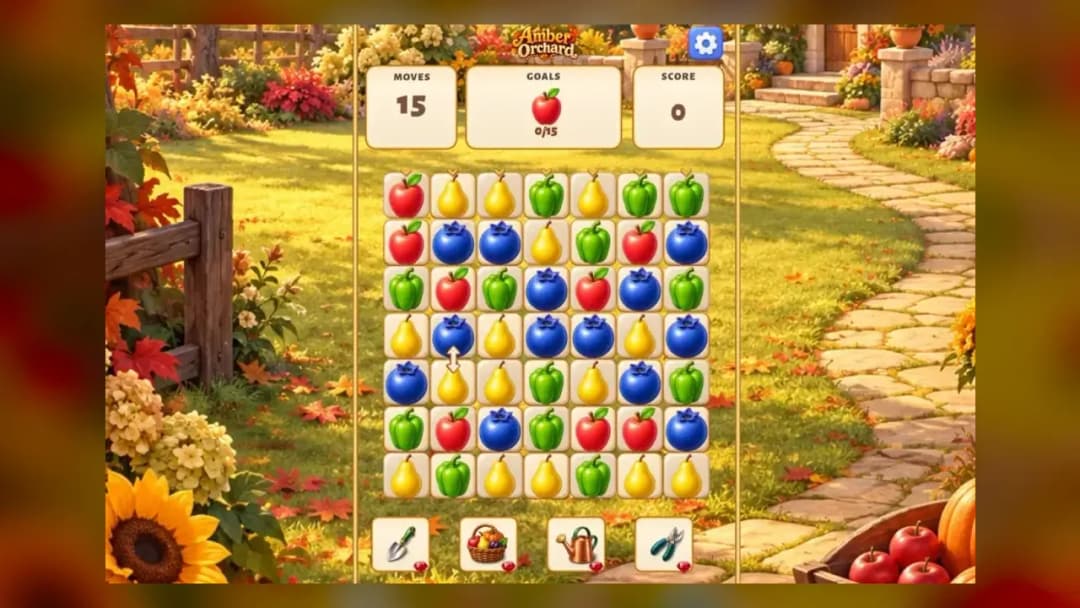
Amber orchard
TECHNICAL SPECIFICATIONS
OPERATIONAL GUIDE
- 1. Spot the amber ripeness
Watch each branch cycle from green to amber — only the deep amber stage is collectible.
- 2. Click or tap to harvest
Left-click (PC) or tap (mobile) the fruit the instant it turns amber to add it to your basket.
- 3. Chain clean picks for the multiplier
Make consecutive accurate harvests to raise your combo multiplier and multiply your score.
- 4. Save the about-to-drop fruit first
When multiple trees ripen at once, grab the fruit closest to overripe before it rots and breaks your chain.
CORE FEATURES
Advertisement
About Amber orchard
Amber orchard online is a timing-based harvest arcade game: tap to pick ripe amber fruit before it drops and rots. Chain clean catches to multiply your...
What's in this guide
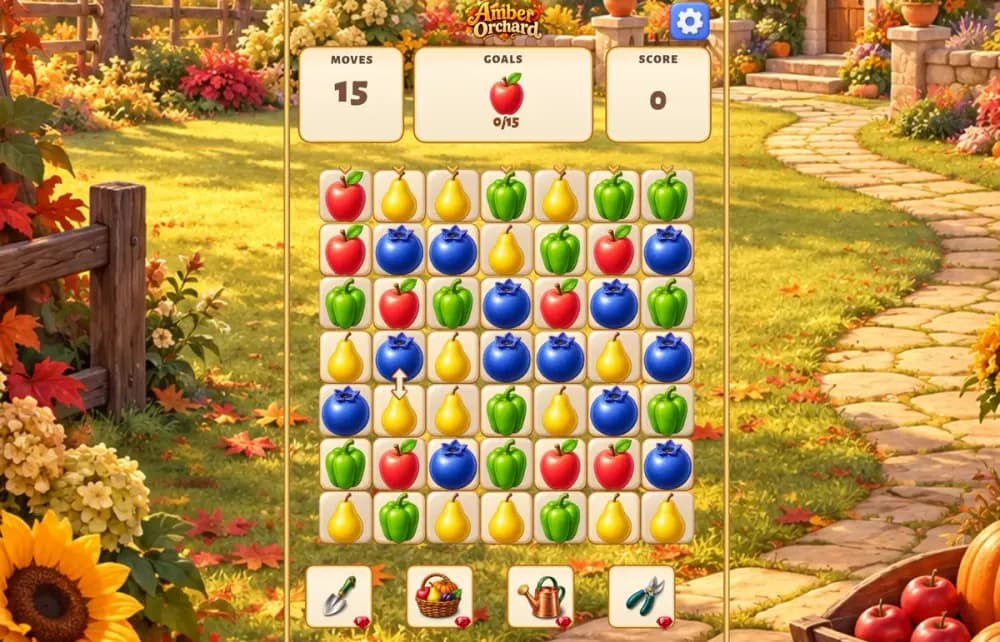
What You Actually Do in Amber Orchard Online
Amber orchard online is a timing-and-reaction arcade game where you harvest glowing amber fruit the instant it ripens — tap too early and the fruit is green and worthless, tap too late and it drops and rots on the ground. The whole loop lives in that split-second window when the fruit turns a deep amber color, and nailing it repeatedly is what the entire Amber orchard experience is built around.
Unlike idle farm clickers, this is a pure skill arcade test. There is no waiting for crops to grow on a timer you can ignore — the trees pulse through ripeness fast, and you are constantly scanning multiple branches at once. That juggling of attention is what makes the Amber orchard game click-to-play loop surprisingly tense once the tree count climbs.
Core Gameplay: How the Amber Orchard Harvest Loop Works
Each round fills the screen with fruit trees. Branches cycle through three states: unripe green, perfect amber, and overripe falling. Your job in this Amber orchard arcade loop is to collect only the amber-stage fruit. Correct harvests add to your basket and score; missed drops or early picks break your chain.
| Game | Amber orchard |
|---|---|
| Category | Arcade |
| Modes | Single player |
| Platform | PC, Mobile, Chromebook |
Scoring and the Combo Multiplier
The Amber orchard gameplay rewards consistency over speed. Each consecutive clean amber pick raises your combo multiplier, so a string of perfect catches is worth far more than the same number of scattered ones. One wasted tap or one dropped fruit resets the multiplier to 1x, which is why patient target selection beats frantic tapping.
Amber Orchard Controls and Input Guide
The Amber orchard controls are deliberately minimal so it plays identically on any device:
- Mouse / Left Click — click a branch the moment the fruit glows amber to harvest it.
- Touch / Tap — tap ripe fruit directly on mobile and Chromebook screens.
- Hold & drag — on some layouts, sweep across a cluster to collect several amber fruit in one motion.
Levels and Difficulty Progression in Amber Orchard
Early Amber orchard levels give you a few trees and slow ripening so you can learn the amber color cue. As you advance, more trees appear on screen, the ripe window shrinks, and fruit cycles faster, forcing you to split attention. The challenge is never new buttons — it is the same harvest skill under tighter timing.
Advanced Tips to Score Higher
These Amber orchard tips focus on protecting your multiplier:
- Watch for color, not position — commit to a branch only once it hits true amber, never on the green-to-amber transition.
- Prioritize the fruit closest to overripe; those are the catches you are about to lose.
- When two trees ripen at once, take the one dropping soonest first, then swing back.
- Resist panic-tapping empty branches — a wasted click resets your combo and costs you the multiplier.
How to Play Amber Orchard Online
If you are new, the fastest way to learn how to play Amber orchard is to ignore score at first and just train your eye to recognize the amber ripeness shade, then layer in combos once that is automatic.
Similar Arcade Games on ZGames
Love the precise-timing harvest loop? Try these arcade games online picks from our arcade games and HTML5 arcade games hubs:
- Slice it All — shares the exact same tap-at-the-perfect-moment timing challenge.
- Bottle Hop — another one-input reflex game about nailing the window.
- Tank Arena — step up to faster-paced action when you want more chaos.
- Head Soccer — quick, pick-up-and-play arcade scoring for short sessions.
At its heart, Amber orchard online keeps pulling you back for one reason: that satisfying beat when the fruit flashes amber and you catch it clean. Chain enough of those perfect picks and the multiplier makes every harvest matter. Jump into the orchard and see how long you can keep the combo alive.
Advertisement
More Games You'll Love
Controls
Frequently asked questions
How do you keep your combo multiplier from resetting in Amber orchard?
What's the trick to harvesting fruit before it rots in Amber orchard?
Do the controls for Amber orchard change on mobile versus PC?
Why does Amber orchard get harder as you progress through levels?
Is Amber orchard the same game as Amber Isle?
"Amber orchard" and related names may be trademarks of their respective owners. This page is an informational game directory only; ZGames.io is not sponsored by or affiliated with trademark holders unless a specific game page says otherwise.
Player Reviews
No Reviews Yet
Be the first to share your feedback and rate this game!
Submit Your Review
Keep exploring