Play Moto X3M Unblocked Online Free
Play Moto X3M Unblocked, a Racing game available in your browser. Review the controls, features, and compatibility notes below, then choose Play when you are ready.




















Most Popular This Month
View All results »


































Related Tags
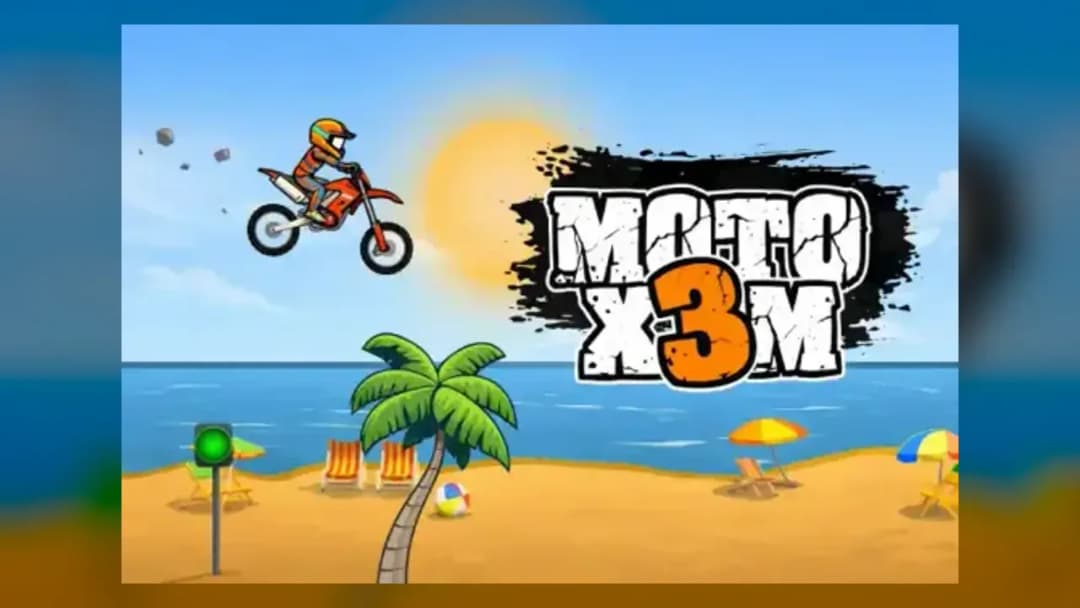
Moto X3M Unblocked
Game Details
How to Play
- 1. Start a level
Choose the first level and wait for the course to load before you accelerate.
- 2. Accelerate and balance
Hold accelerate and use the tilt keys to keep the bike steady over jumps and slopes.
- 3. Flip in the air
Rotate in mid-air to flip, since flips reduce your total time.
- 4. Recover from crashes
After a crash, restart from the last checkpoint and repeat the section with a cleaner line.
Game Features
About Moto X3M Unblocked
Play Moto X3M Unblocked in your browser: race a motorbike across timed obstacle courses, shave seconds with flips and earn up to three stars per run.
What's in this guide
What You Do in Moto X3M Unblocked
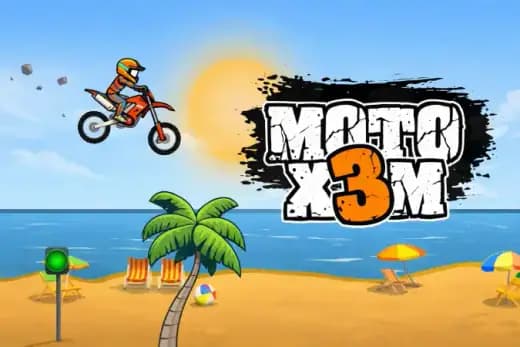
Moto X3M Unblocked is a side-on motorbike racing game played in your web browser. Each level is a timed obstacle course, and your goal is to reach the finish line as quickly as you can. Nothing needs to be installed, so you can start a round as soon as the page loads.
A round is a loop of accelerating, balancing and recovering. You build speed, tilt the bike to keep it steady over bumps and ramps, and flip in the air to shorten your time. When you crash, you return to the last checkpoint with time added, so each restart costs you more than a few seconds.
How to Play Moto X3M Unblocked
Start the first level from the level select and wait for the course to load.
Press accelerate as the run begins and keep the bike moving forward through the course.
Use the tilt keys to keep the bike balanced on jumps, slopes and uneven ground.
Rotate in the air to flip, since flips shave time from your total.
Finish the course. Your star rating depends on your time, from one star up to three.
If you crash, restart from the last checkpoint and try the same section again with a cleaner line.
Moto X3M Unblocked Controls
| Action | Keys |
|---|---|
| Accelerate | W or Up Arrow |
| Brake | S or Down Arrow |
| Tilt and rotate mid-air | A and D or Left and Right Arrows |
What Changes Between Sessions
Progress is tied to stars. Earning stars by finishing courses quickly is how you unlock new bikes, so a run that was slow on an early level can still be improved on a replay. Each level is a different obstacle layout, so the lean and timing you learned on one course will not carry over unchanged to the next. If you want the standard version of the series, you can also play Moto X3M.
Tips and Strategy for Three Stars
Learn each obstacle on a replay before you try to be fast. Speed comes after you know where the hazards are.
Ease off the accelerate key before a jump that needs a clean landing, because a bad landing usually costs more time than the jump saves.
Use flips where there is enough air time to complete them safely; a flip that ends in a crash loses time.
Keep the bike level on landings so you do not tip into the next obstacle.
Restart from the checkpoint rather than the start when you crash, so you spend your time on the part you need to improve.
Keep your timing consistent. Timed runs are affected by frame-rate stability, so close other heavy tabs when you want the cleanest run.
For more racing titles, browse Racing games or try Hill Climb Racing 2 if you want another physics-based driving game.
More Games You'll Love
Controls
Frequently asked questions
Why does my bike handle differently on another computer?
Will it run on a Chromebook?
Should I aim for the highest possible frame rate?
"Moto X3M Unblocked" and related names may be trademarks of their respective owners. This page is an informational game directory only; ZGames.io is not sponsored by or affiliated with trademark holders unless a specific game page says otherwise.
OFFICIAL SOURCES & SITES
Player Reviews
No Reviews Yet
Be the first to share your feedback and rate this game!
Submit Your Review
Keep exploring