Play Plane simulator Online Free
Play Plane simulator, a Platformer game available in your browser. Review the controls, features, and compatibility notes below, then choose Play when you are ready.
















Most Popular This Month
View All results »



































- Home
- Platformer
- Plane simulator
Plane simulator
Game Details
How to Play
- 1. Take off
Push the throttle to build runway speed, then gently pitch the nose up to lift off once you're fast enough.
- 2. Bank into turns
Roll left or right to bank while holding a little back-pitch so you turn without losing altitude.
- 3. Set up your approach
Reduce throttle early and start a long shallow descent lined up straight with the runway.
- 4. Flare and land
Just before the wheels touch, pull the nose up slightly to soften the impact for a clean touchdown.
Game Features
About Plane simulator
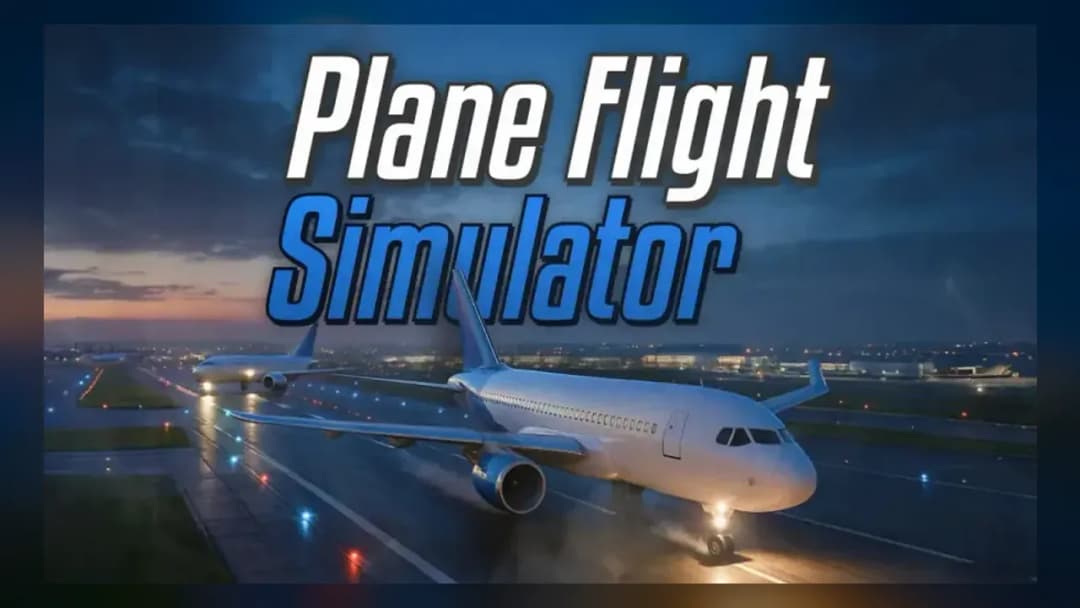
Take the controls of a full 3D aircraft, manage throttle and pitch, and nail a smooth runway landing. Master takeoff, banking and altitude in Plane...
What's in this guide
What You Actually Do in Plane Simulator Online
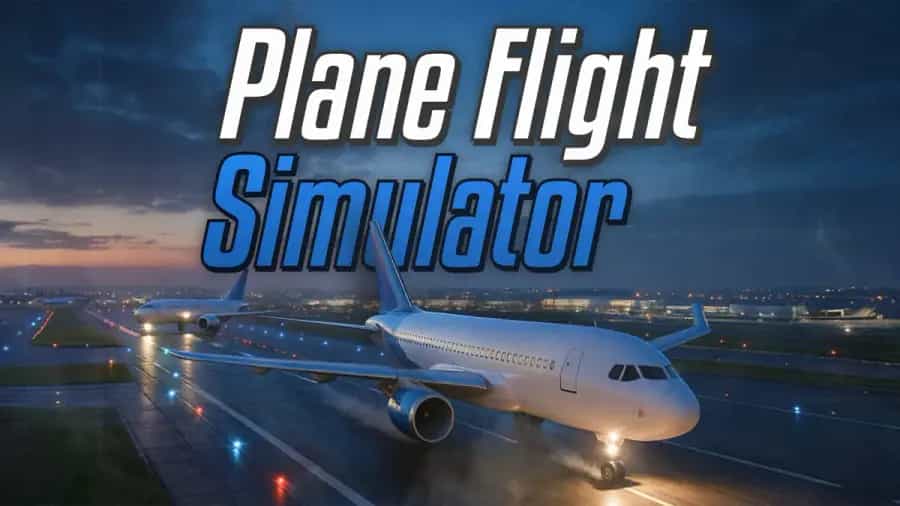
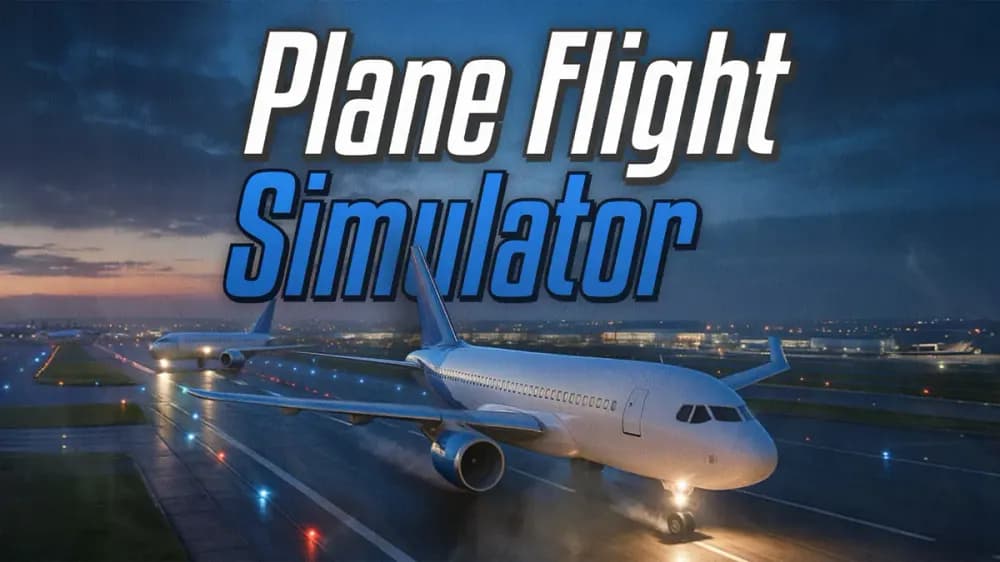
In Plane simulator online you sit in the cockpit of a full 3D aircraft and fly the entire loop yourself: taxi from the airport apron, push the throttle to build runway speed, ease the nose up at the right moment, and cruise through an open sky before lining up for a landing that doesn't end in a fireball. Unlike arcade shooters, the whole game is about managing four things at once — speed, pitch, roll and altitude — so the plane keeps flying instead of stalling.
The tension comes from physics. Pull the nose up too hard at low speed and you stall and drop; dive too steeply and you overspeed into the ground. The reward is a clean touchdown where your wheels kiss the runway and roll to a stop. That single skill — takeoff to touchdown — is the core of this plane simulator game.
| Game | Plane simulator |
|---|---|
| Category | Arcade / Simulation |
| Genre | Flight simulator |
| Platform | Browser (PC), Mobile |
| Tech | HTML5 / WebGL |
| Modes | Single-player free flight |
Core Flight Loop: Takeoff, Cruise, Landing
Getting Airborne
Every run starts on the ground. Apply throttle to accelerate down the runway, watch your speed climb, then gently pitch the nose up to lift off. Rotate too early and the plane won't have the lift; wait too long and you run out of tarmac.
Cruising and Banking
In the air, turning is done by banking — roll the aircraft into the turn while holding a little back-pitch so you don't lose altitude. Trim your throttle to hold a steady cruise speed. Keep an eye on your artificial horizon so you always know which way is level.
The Landing That Counts
Landing is the make-or-break moment. Reduce throttle on approach, keep a shallow descent aligned with the runway, and flare — a small nose-up pull just before the wheels touch — to soften impact. A hard, angled, or fast touchdown counts as a crash.
Plane Simulator Controls Guide
Flight games in this genre map to keyboard or touch. Learning the plane simulator controls is the fastest way to stop crashing. Typical browser bindings look like this:
| Action | Input |
|---|---|
| Throttle / speed up | W or Up Arrow |
| Slow down | S or Down Arrow |
| Turn / bank left–right | A / D or Left / Right Arrow |
| Pitch nose up / down | Mouse or dedicated pitch keys |
| Switch camera | C or Q |
| Reset plane angle | R |
On phones and tablets, tilt or on-screen buttons replace the keyboard, so you can fly this plane simulator online free without a keyboard at all.
3D Flight Simulator Tips & Strategy
- Never chop throttle mid-turn — banking bleeds speed fast, so keep power on through the curve to avoid a stall.
- Trim for level flight — find the throttle setting that holds altitude hands-off so you can focus on navigation.
- Start your descent early — a long shallow glide is far easier to control than a last-second dive at the runway.
- Flare, don't slam — that tiny nose-up pull before touchdown is what turns a crash into a smooth landing.
- Use the reset key — if you enter a spin, level the wings first, then add power before pitching up.
Disambiguation: Which Plane Simulator Is This?
"Plane simulator" is a name shared by many titles — a full 3D flight simulator, mobile pilot apps, and various browser builds. This is the free, no-download browser version you play instantly on ZGames, closer in spirit to a casual airplane simulator than to heavyweight PC sims. It runs in the tab, so many players search for it as plane simulator unblocked to play at school or work.
Similar Games on ZGames
- Vortex 9 — fast 3D control and precise aiming for players who like skill-based aerial action.
- Red Ball — physics-driven timing challenges much like nailing a soft landing.
- Pinball Master — momentum management and reflex scoring in an arcade package.
- Granny 3 — a tense single-player run where one mistake ends it, just like a botched touchdown.
Browse more in arcade games or the HTML5 games hub, and check popular games for more airplane games free to fly.
Get the flight loop right and every run becomes a clean takeoff, a confident cruise, and a landing you actually stick — which is exactly why people keep coming back to flight simulator online play like this.
More Games You'll Love
Controls
Frequently asked questions
How do you land the plane without crashing in Plane simulator?
What are the controls for Plane simulator?
Can you play Plane simulator on mobile?
Why does my plane keep stalling in Plane simulator?
Is Plane simulator a realistic 3D flight simulator?
"Plane simulator" and related names may be trademarks of their respective owners. This page is an informational game directory only; ZGames.io is not sponsored by or affiliated with trademark holders unless a specific game page says otherwise.
Gameplay Video: Plane simulator
OFFICIAL SOURCES & SITES
Player Reviews
No Reviews Yet
Be the first to share your feedback and rate this game!
Submit Your Review
Keep exploring