Play Red Ball Online Free
Play Red Ball, a Arcade game available in your browser. Review the controls, features, and compatibility notes below, then choose Play when you are ready.


















Most Popular This Month
View All results »



































Red Ball
Game Details
How to Play
- 1. Start the level
Click the game to load it, then wait for the first level to appear in the browser window.
- 2. Move with the on-screen controls
Use the on-screen controls to guide the ball through the level and past its obstacles.
- 3. Collect the stars
Pick up the stars along your route, since collecting them is the main objective in each level.
Game Features
About Red Ball
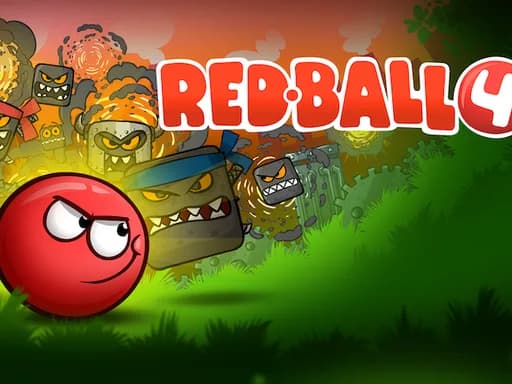
Play Red Ball in your browser and guide the red ball through levels, jumping over obstacles and collecting stars along the way. Play it free, no download.
What's in this guide

Red Ball is a single-player arcade platformer you can play right in your browser. Launch the game and work through its levels while collecting stars. Its tags also include action, adventure and fun, so expect a mix of quick reflexes and simple exploration.
What You Do in Red Ball
Each round puts you in control of the red ball as you move through a level. Your main job is to navigate the level and collect the stars placed along the way. The game is built around platforming, so the core loop is moving, timing your jumps and picking up stars before you move on to the next stage.
The game is HTML5, so it runs in a web browser on PC, mobile, tablet and Chromebook, with no separate installation needed.
How to Play Red Ball
- Click the game to load it in your browser and wait for the first level to appear.
- Read any on-screen prompts, then use the on-screen controls to move the ball through the level.
- Collect the stars you pass along the route, since they are a key part of progress.
- Keep moving through the level to reach its end and then continue to the next one.
The game does not describe a separate winning or losing screen in the record, so pay attention to the on-screen messages as you play.
Red Ball Controls
Red Ball uses on-screen controls, so you steer the ball with the buttons shown in the game window rather than a fixed keyboard layout. Check the screen once the level loads to see how the controls are laid out on your device.
What Changes Between Sessions
The game is organised into levels that you move through in order. Each level presents its own route and arrangement of stars, so the challenge changes as you advance. The record does not list separate modes, characters or upgrades, so the progression is simply the levels themselves.
Tips and Strategy for Red Ball
- Look over the whole level before you commit to a jump, so you can plan a route that reaches the stars you want.
- Take your time with jumps near edges, because a rushed landing is the most common way to lose progress.
- Collect the stars on your path instead of skipping them, since they are the main reward for each level.
- Go slowly through a new layout the first time and watch how the ball responds to your input.
- If you fall or miss a star, try the level again with a different route rather than repeating the same jump.
- On a touch device, keep your inputs steady and deliberate, since on-screen buttons can be easier to press by accident.
For more quick browser games with similar pacing, try Neon Leap or FamiDash, both listed in Arcade.
More Games You'll Love
Controls
Frequently asked questions
How do you play Red Ball?
What is the goal of Red Ball?
Which devices can play Red Ball?
"Red Ball" and related names may be trademarks of their respective owners. This page is an informational game directory only; ZGames.io is not sponsored by or affiliated with trademark holders unless a specific game page says otherwise.
Gameplay Video: Red Ball
OFFICIAL SOURCES & SITES
Player Reviews
No Reviews Yet
Be the first to share your feedback and rate this game!
Submit Your Review
Keep exploring