Play Planet Clicker Online Free
Play Planet Clicker, a Casual game available in your browser. Review the controls, features, and compatibility notes below, then choose Play when you are ready.
Advertisement









Advertisement
Most Popular This Month
View All results »

























Planet Clicker
TECHNICAL SPECIFICATIONS
OPERATIONAL GUIDE
- 1. Use the Planet Clicker controls
Simply click to gather resources and upgrade your planet. Keep clicking to expand and manage your celestial world.
CORE FEATURES
Advertisement
About Planet Clicker
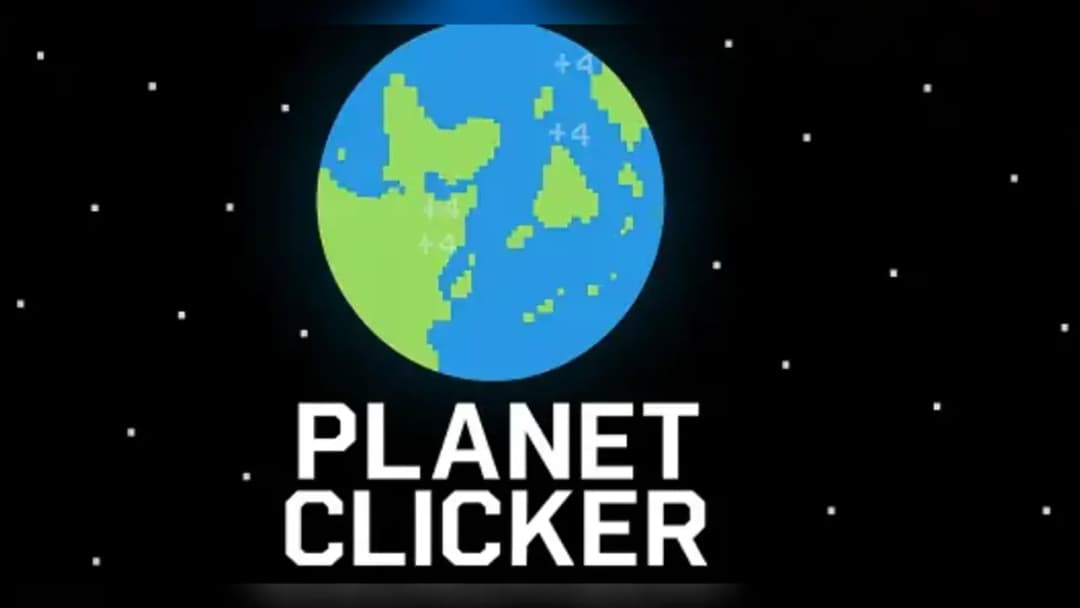
Click to harvest energy and colonize Earth, Mars, and Venus one upgrade at a time. Watch your output climb as new planets unlock. Play Planet Clicker...
What's in this guide
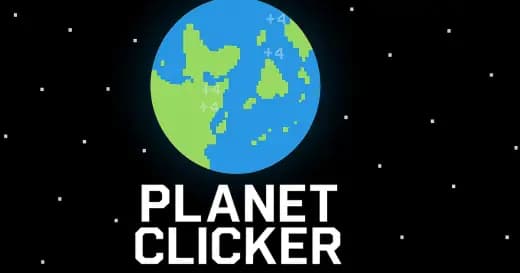
In Planet Clicker, you click directly on Earth to generate energy, then spend that energy on upgrades that boost your output per click — the entire game is built around this one loop, repeated until you unlock Mars and finally Venus. There's no combat, no timer, and no multiplayer lobby to join; it's just you, a planet, and a growing energy counter.
Playing Planet Clicker online means picking a mirror and clicking. The game began as a Scratch project and has since been reposted across several browser portals, which is why you'll see slightly different presentations of the same core mechanic depending on where you play.
| Game | Planet Clicker |
|---|---|
| Category | clicker / idle |
| Creator | Credited to Coltroc across multiple mirrors |
| Origin | Originally a Scratch (planet clicker scratch) project |
| Mode | Single-player |
| Controls | Mouse click or tap |
Core Gameplay: The Earth-to-Venus Energy Loop
The objective is straightforward — click the planet, generate energy, buy upgrades that increase energy per click, and use that growing output to unlock the next world. The confirmed progression order is Earth, then Mars, then Venus. Each planet raises the bar for how much energy you need before advancing, so early clicks matter less than the upgrades you purchase with them.
Upgrades and Output Scaling
Every upgrade you buy pushes your per-click energy value higher, which compounds over time. Because the loop is entirely click-driven with no auto-clicker mechanic confirmed in any source, your active clicking pace directly determines how fast you reach the next planet.
Controls & Input for Planet Clicker Game
Input is limited to a single action: click or tap the planet on screen. There are no keybindings, combos, or controller mappings to learn, which makes this an easy pick-up-and-play planet clicker game for short sessions.
Planet Clicker Unblocked and Version Differences
Search demand for planet clicker unblocked reflects players looking for a working copy on restricted school or work networks. Because the game is mirrored across several independent portals, availability varies by site rather than by an official unblocked release. If you're checking planet clicker cool math games specifically, note that Coolmath's version does not save progress between sessions and has a known loading issue on iOS 16 — other mirrors don't confirm the same limitations, so switching portals is a practical fix if one copy won't load.
How to Play Planet Clicker Efficiently
Prioritize upgrades that raise per-click energy before chasing raw click speed — since progress may not persist depending on the mirror, front-loading efficient upgrades gets you to Mars and Venus faster within a single session.
Similar Games on ZGames
If the click-and-upgrade loop appeals to you, these titles offer comparable pick-up-and-play pacing:
- Crescent Solitaire — another low-pressure, single-player browser game you can play in short bursts
- Sprunki Unblocked — a browser mirror-hopping favorite similar to how Planet Clicker circulates across portals
- Slope Rolling — simple one-input controls for quick casual sessions
- Monkey Mart Unblocked — another click-and-manage progression loop with unlockable stages
Whether you're chasing Venus for the first time or just want a quick energy-clicking break, Planet Clicker's appeal is in its simplicity — click, upgrade, unlock, repeat. Browse more titles in clicker games or check the new games hub for similar low-friction browser picks.
Advertisement
More Games You'll Love
Controls
Frequently asked questions
Does Planet Clicker save your progress?
Why won't Planet Clicker load on my iPhone?
What planets do you colonize in Planet Clicker?
Who made Planet Clicker?
Is there multiplayer in Planet Clicker?
"Planet Clicker" and related names may be trademarks of their respective owners. This page is an informational game directory only; ZGames.io is not sponsored by or affiliated with trademark holders unless a specific game page says otherwise.
Gameplay Video: Planet Clicker
OFFICIAL SOURCES & SITES
Player Reviews
No Reviews Yet
Be the first to share your feedback and rate this game!
Submit Your Review
Keep exploring