Play Master Chess Online Free
Play Master Chess, a Card game available in your browser. Review the controls, features, and compatibility notes below, then choose Play when you are ready.











Most Popular This Month
View All results »





















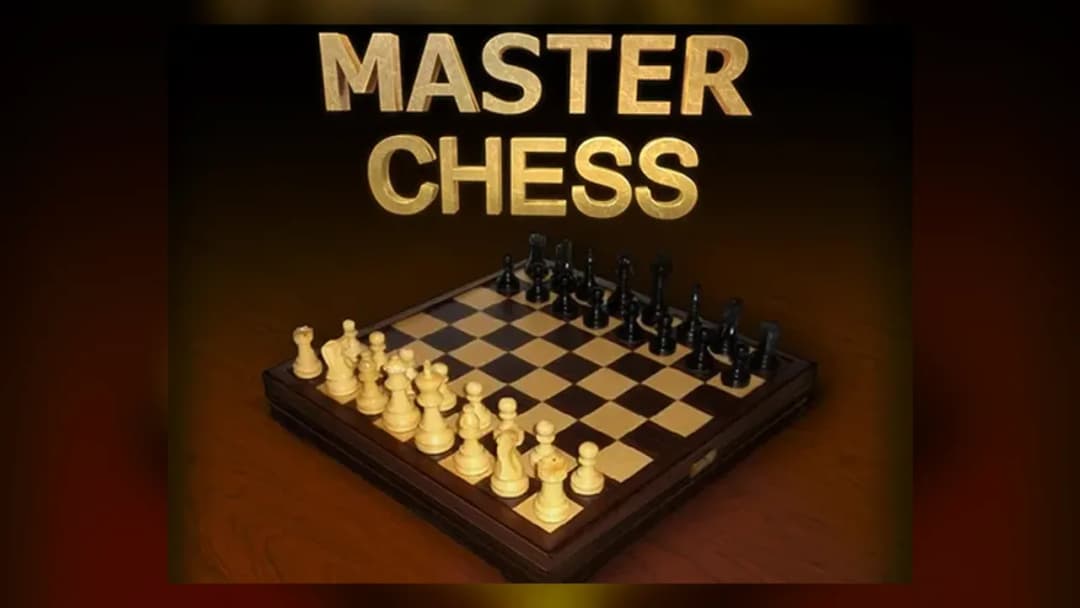
Master Chess
Game Details
How to Play
- 1. Pick a mode
Choose to play against the computer or challenge a friend in local two-player mode.
- 2. Select a white piece
Click one of your white pieces to see its legal squares highlighted on the board.
- 3. Move to a highlighted square
Click a highlighted square to complete your move and pass play to your opponent.
- 4. Checkmate the king
Keep threatening the opposing king until you deliver checkmate, which ends the round.
Game Features
About Master Chess
Play Master Chess in your browser: click a piece, pick a highlighted square and plan your way to checkmate. No download needed, so you can start right away.
What's in this guide
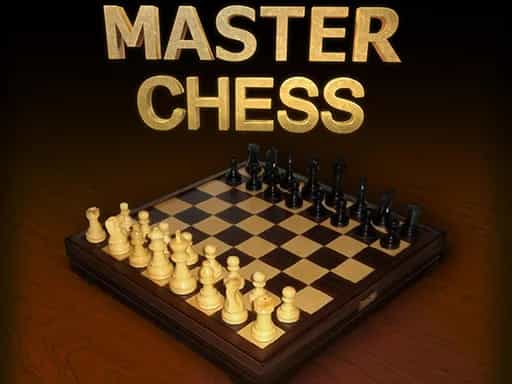
Master Chess is a chess game you play in your browser on ZGames.io. You move the pieces on a chessboard with your mouse, and the goal is to checkmate your opponent’s king. You can play against the computer, or challenge a friend in local two-player mode on the same device. The game is listed for PC and Chromebook, and it runs without a download.
What you do
Each round is a game of chess. You play the white pieces and move first. When you select one of your pieces, the squares it can move to are highlighted, so you can see your options before you commit. Click a highlighted square to make the move, then your opponent takes a turn. You keep alternating until one side checkmates the other king.
Turns are timed, so you need to watch the clock as well as the position. A fast move can leave a piece unguarded or open a line to your king, so it helps to check the board after each move rather than rushing through the round.
How to Play Master Chess
- Choose a mode: play against the computer, or pick local two-player mode to play a friend on the same device.
- Click one of your white pieces. Its legal destination squares are highlighted on the board.
- Click a highlighted square to move the piece. Play then passes to your opponent, who moves a black piece.
- Keep developing pieces and threatening the opposing king. Watch for threats against your own pieces after each exchange.
- The round ends when a king is checkmated. The aim is always to trap the opposing king so it cannot escape.
Master Chess Controls
| Action | Mouse |
|---|---|
| Select a piece | Left-click the piece |
| Move a piece | Left-click a highlighted square |
The game is played entirely with the mouse. Selecting a piece shows where it can go, and clicking a highlighted square completes the move.
What changes between sessions
The main difference between sessions is the mode you choose. Against the computer, you play alone and the AI makes the replies. In local two-player mode, you and a friend share the same device and take turns. The rules of movement and checkmate stay the same in both modes, so the skill you build in one carries over to the other.
Playing with a friend
Local two-player mode is the way to play Master Chess with someone you know. Sit together at one screen, agree on who takes white, and take turns clicking pieces. Because you share one mouse and one board, slow down before each move so you do not click the wrong piece.
Tips and strategy
- Before every move, check whether the piece you are moving was guarding another piece or the king. Moving a guard is a common way to lose material.
- Use the highlighted squares to confirm where a piece can go, rather than assuming a move is possible.
- Bring knights and bishops toward the centre early, so you have more useful options later in the round.
- Keep your king protected, and avoid moving the pieces around it without a clear reason.
- When the clock is running, pick a simple plan and stick to it instead of changing direction every turn.
- After each of your moves, look at what threats your opponent now has, especially against pieces that no other piece defends.
- When playing a friend on the same device, take turns carefully so neither player moves the other’s pieces by accident.
If you enjoy this style of play, you can also try other turn-based card and board games on the Card games page, such as Hearts or Domino Battle.
More Games You'll Love
Controls
Frequently asked questions
How do you play Master Chess?
Can I play Master Chess with a friend?
"Master Chess" and related names may be trademarks of their respective owners. This page is an informational game directory only; ZGames.io is not sponsored by or affiliated with trademark holders unless a specific game page says otherwise.
Gameplay Video: Master Chess
OFFICIAL SOURCES & SITES
Player Reviews
No Reviews Yet
Be the first to share your feedback and rate this game!
Submit Your Review
Keep exploring