Play Geometry Dash Tidal Wave Online Free
Play Geometry Dash Tidal Wave, a Rhythm Games game available in your browser. Review the controls, features, and compatibility notes below, then choose Play when you are ready.


Geometry Dash Tidal Wave




















Most Popular This Month
View All results »
































Related Tags
- Home
- Rhythm Games
- Geometry Dash Tidal Wave
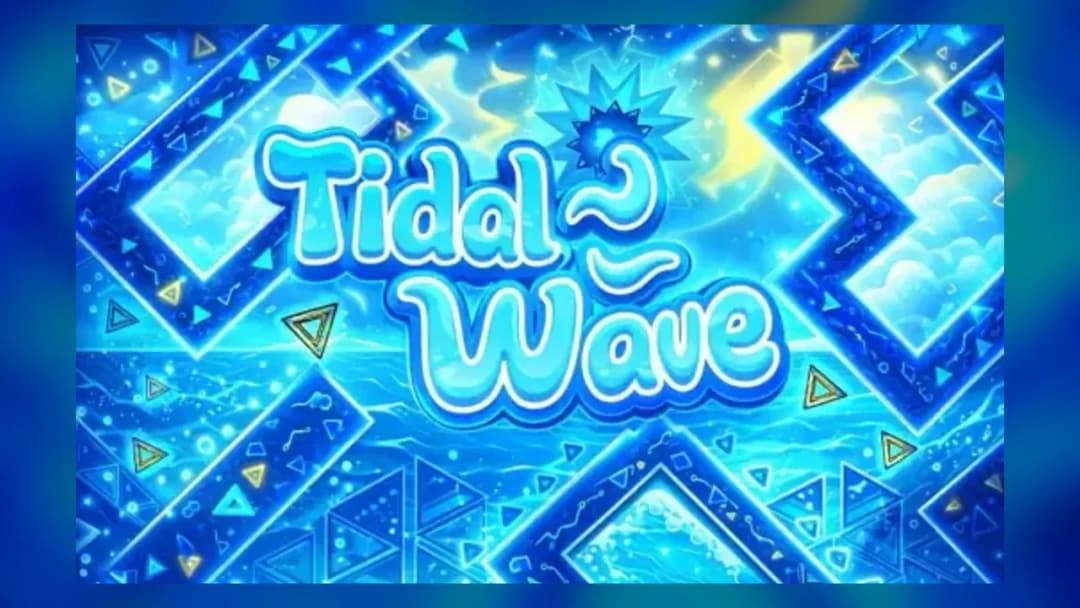
Geometry Dash Tidal Wave
Game Details
How to Play
- 1. Start the game
Click the play button on the game page to load the embedded game.
- 2. Choose a level
Pick a level from the options offered before you begin your first attempt.
- 3. Jump or fly
Click or tap the screen to jump over ground obstacles or fly when the level requires it, timing your input to the music.
- 4. Reach the end
Keep going through the level; if you hit an obstacle, the attempt ends and you restart the level.
Game Features
About Geometry Dash Tidal Wave
Play Geometry Dash Tidal Wave, a Scratch remake of the Extreme Demon level. Click or tap to jump and fly past obstacles. Play it free in your browser.
What's in this guide
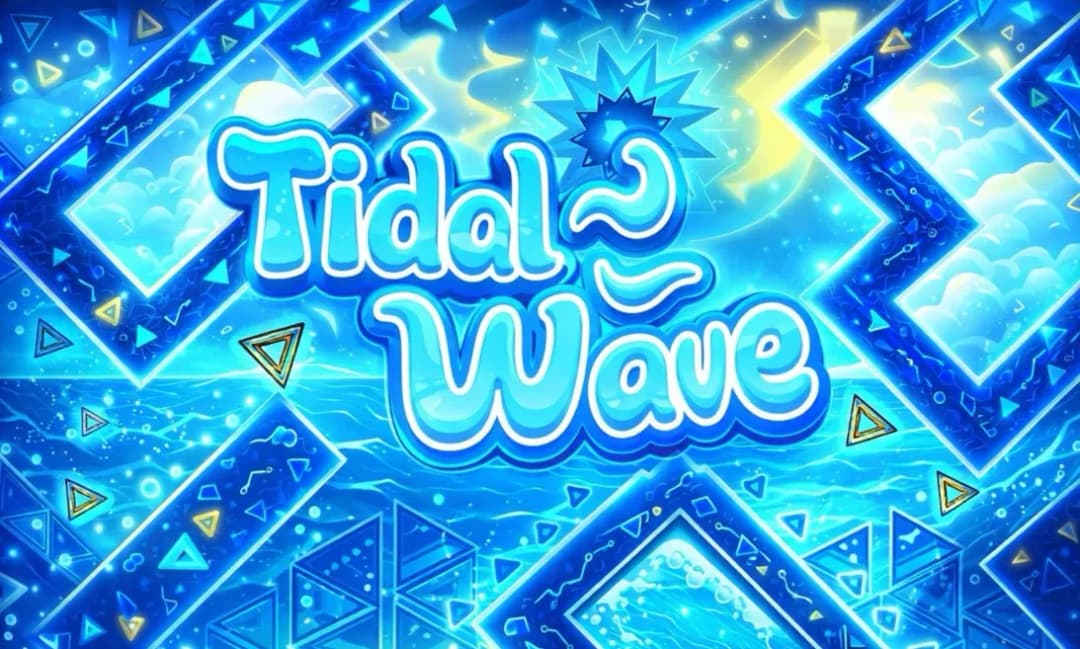
What you do in Geometry Dash Tidal Wave
Geometry Dash Tidal Wave is a rhythm-based obstacle course that runs in your browser. You control a moving object through a level and keep it alive by clicking or tapping at the right moments. The goal of each round is to get through the obstacles from start to finish without crashing, while staying in time with the music and visuals.
The core loop is short and repeats quickly. You watch the upcoming obstacles, press to jump or fly, land or pass the hazard, and then prepare for the next one. Because the obstacles arrive in quick succession, each attempt usually depends on learning the sequence and reacting to it smoothly.
How to Play Geometry Dash Tidal Wave
- Open the game page and click the play button to load the embedded game.
- Choose a level from the options the game offers. Start with the one that looks easiest to you.
- Click or tap the screen to jump over ground obstacles or to fly when the level calls for it.
- Keep going until the level ends. If you hit an obstacle, the attempt ends and you start the level again.
There is no separate score screen described for this build, so success is simply reaching the end of the level you chose.
Geometry Dash Tidal Wave Controls
| Action | Mouse / Touch |
|---|---|
| Jump | Click or tap the screen |
| Fly | Click or tap the screen |
| Start a level | Click the play button, then choose a level |
The game uses one input for everything, so the challenge lies in timing rather than in managing several buttons.
What Changes Between Sessions
Each session starts with the level you pick from the game page. The level you choose sets the obstacles, pacing and rhythm you must follow, so the same skills apply across levels while the layouts change. Your progress in each attempt is about learning that specific sequence, which makes repeated practice on one level useful.
Tips and Strategy
- Listen to the music first. Many of the jumps line up with the beat, so counting the rhythm helps you anticipate obstacles before they reach you.
- Watch the obstacles ahead rather than the one directly under your object. Reacting early leaves you time to adjust.
- Keep your clicks light and consistent. Spamming the screen often causes early or late inputs that cause crashes.
- Practise the hardest section of a level on its own by restarting from the same point until the timing feels natural.
- Expect to fail often. Memorising the layout of each section is a normal part of getting through a demanding course.
- If the game lags, close other browser tabs, because a slow frame rate makes precise timing harder.
If you enjoy this style of rhythm obstacle course, you can also browse other titles in Rhythm Games, or try Geometry Dash Online and Geometry Dash Meltdown.
More Games You'll Love
Controls
Frequently asked questions
How do I start playing Geometry Dash Tidal Wave?
What is the goal of each round?
"Geometry Dash Tidal Wave" and related names may be trademarks of their respective owners. This page is an informational game directory only; ZGames.io is not sponsored by or affiliated with trademark holders unless a specific game page says otherwise.
Gameplay Video: Geometry Dash Tidal Wave
OFFICIAL SOURCES & SITES
Player Reviews
No Reviews Yet
Be the first to share your feedback and rate this game!
Submit Your Review
Keep exploring