Play Coloring Book: Fabulous Cute Unicorn Online Free
Play Coloring Book: Fabulous Cute Unicorn, a Coloring Games game available in your browser. Review the controls, features, and compatibility notes below, then choose Play when you are ready.
Advertisement
Coloring Book: Fabulous Cute Unicorn
















Advertisement
Most Popular This Month
View All results »



































- Home
- Coloring Games
- Coloring Book: Fabulous Cute Unicorn
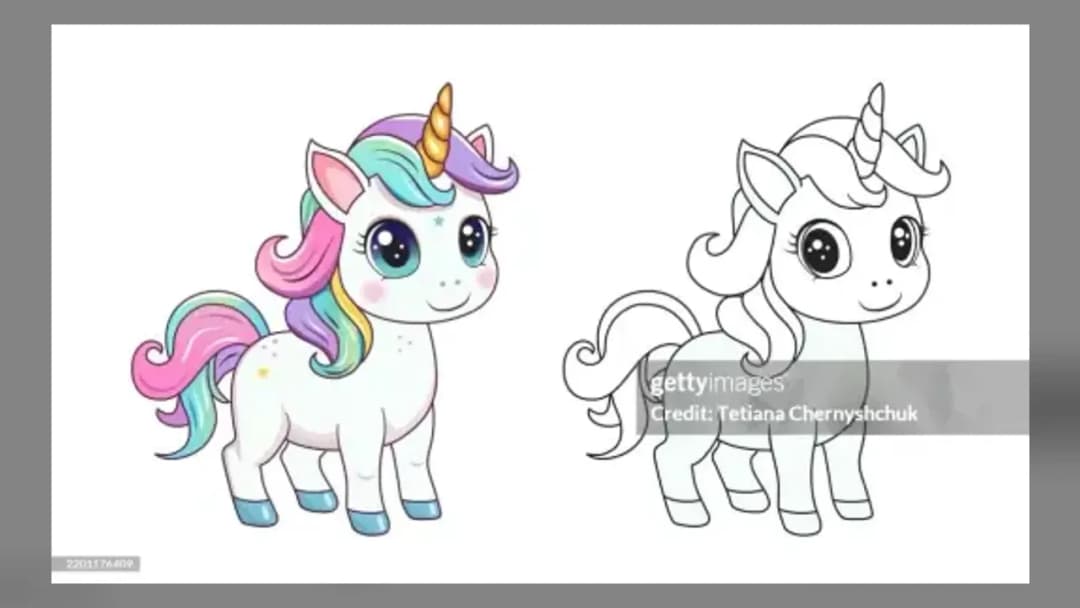
Coloring Book: Fabulous Cute Unicorn
TECHNICAL SPECIFICATIONS
OPERATIONAL GUIDE
- 1. Choose a unicorn picture
Select the outlined unicorn illustration you want to color from the available picture menu.
- 2. Select a pastel color
Left-click a shade on the palette positioned beside the artwork.
- 3. Fill an outlined section
Left-click an enclosed part of the picture to apply the selected color to that area.
- 4. Move the palette or change the background
Drag the palette while holding the left mouse button, or use the background option beneath it to alter the scene.
CORE FEATURES
Advertisement
About Coloring Book: Fabulous Cute Unicorn
Choose a unicorn picture, pick a pastel, and click outlined areas. Recolor each scene and switch its background. Play Coloring Book: Fabulous Cute Unicorn...
What's in this guide
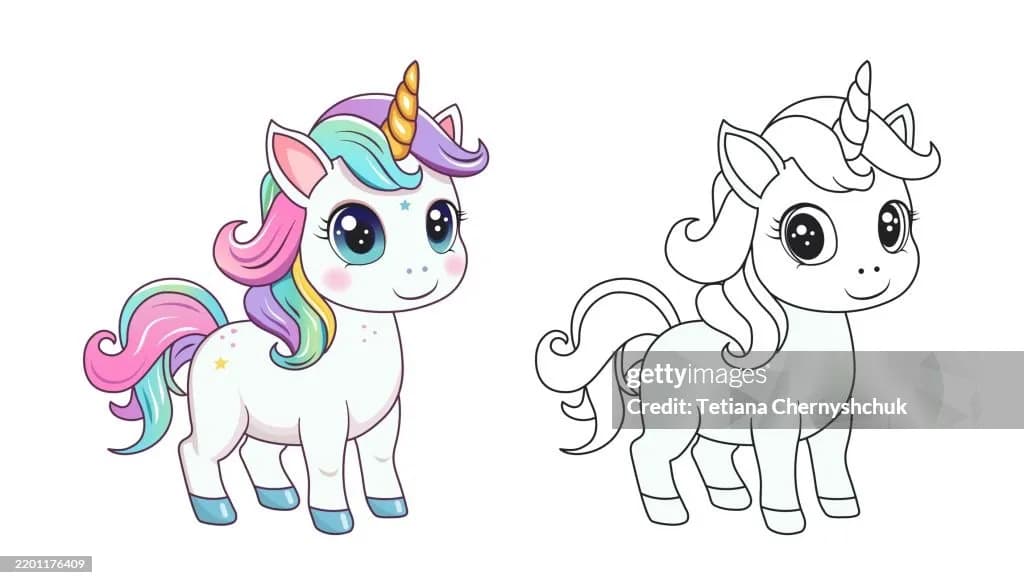
Color Fabulous Unicorn Scenes One Section at a Time
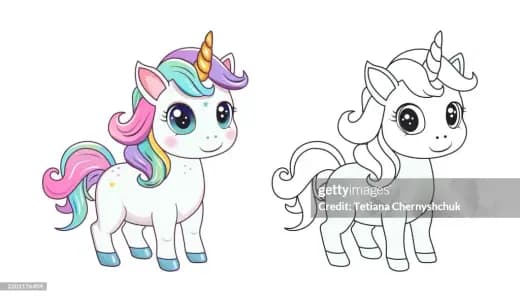
Coloring Book: Fabulous Cute Unicorn online is a point-and-click coloring activity built around outlined unicorn pictures. Choose an illustration, select a pastel shade from the palette, and click an enclosed section to fill it. This is area-based coloring rather than an unverified freehand painting system.
The canonical catalog name is Fabulous Cute Unicorn Coloring Book, while ZGames presents the title in reordered form. Searches for Fabulous Cute Unicorn Coloring Book online and play Fabulous Cute Unicorn Coloring Book refer to the same browser coloring concept, not the similarly named mobile coloring apps sold by unrelated developers.
| Game | Coloring Book: Fabulous Cute Unicorn |
|---|---|
| Category | coloring-games |
| Developer attribution | DL-studio |
| Technology | HTML5 |
| Desktop controls | Left mouse button |
How Fabulous Cute Unicorn Coloring Works
Choosing and Recoloring Unicorn Pictures
The activity loop is intentionally open-ended: select a unicorn picture, choose a color, fill individual outlined regions, and revise the design by applying another shade. A portal listing describes five pictures, but that count has not been confirmed in the current ZGames build. There is no verified score, timer, currency, level campaign, achievement system, competitive mode, or losing condition. A picture is therefore finished when its colors and background satisfy you.
This structure makes the game useful for experimenting with unicorn coloring ideas. Players looking for cute unicorn coloring pages should note an important difference: these are interactive browser pictures, not confirmed printable sheets, PDFs, or downloadable line art. Likewise, the phrase unicorn coloring book for kids describes the theme but does not establish an official age rating.
Using the Fabulous Unicorn Palette and Background
The pastel palette appears on the right side of the picture. Select a shade with the left mouse button, then click the enclosed picture area that should receive it. Hold the left mouse button on the palette panel and drag to reposition it when it covers part of the artwork. A background option changes the scene around the unicorn; portal instructions also identify menu and save buttons beneath the palette, although save behavior can depend on the hosted build and browser permissions.
Coloring Book: Fabulous Cute Unicorn Controls
Coloring Book: Fabulous Cute Unicorn controls are verified for a desktop mouse: left-click selects colors, fills picture sections, operates interface buttons, and begins dragging the palette. Keep holding while moving the panel, then release it in the desired position. No keyboard bindings, controller mappings, zoom command, brush-size shortcut, or keyboard-only alternative is documented.
Coloring Book: Fabulous Cute Unicorn How to Play Efficiently
- Plan large sections first: choose the main body and background colors before filling small accents, reducing repeated palette changes.
- Move the palette deliberately: drag it away from the section you are editing so the interface does not obstruct the next click.
- Test contrast with the background: switch the surrounding scene after coloring the unicorn, then revise any section that blends into it.
- Check before relying on save: use the listed save control only after confirming that the current browser permits its output.
Fabulous Cute Unicorn Browser and Device Notes
The distributed game is identified as HTML5 and is suited to desktop browser play. Exact touchscreen support for phones and tablets has not been confirmed, so mouse controls remain the dependable recommendation. If the canvas fails to load, refresh the page, allow the game frame to finish loading, and disable content blocking for the game page. The exact build has no documented accessibility menu, color-blind palette, screen-reader support, or audio settings.
Browse more HTML5 games or explore ZGames’ arcade games, new games, and popular games. This title belongs with creative coloring games, not action or score-chasing releases.
Fabulous Unicorn Guidance for Parents
The verified activity centers on selecting colors and filling cartoon unicorn outlines, with no documented combat or competitive pressure. An official age rating, advertisements, purchases, chat features, and parental controls were not established by the available catalog evidence, so adults should review the live host and its surrounding ads before younger players begin.
Similar Creative Games on ZGames
- Puzzle Painter — combines color placement with a more puzzle-focused objective.
- Coloring Bunny Book — offers another cute-animal coloring-book theme.
- Pixel Art 3D — replaces outlined fills with structured pixel coloring.
- Color Shooter — turns color selection into an action-oriented challenge.
Fabulous Cute Unicorn Coloring Book is best approached as a relaxed digital canvas: fill separate regions, reposition the palette, and test backgrounds without worrying about a score. Its distinctive feature is the combination of click-to-fill unicorn artwork and a movable pastel panel.
Advertisement
More Games You'll Love
Controls
Frequently asked questions
How do you fill an area in Coloring Book: Fabulous Cute Unicorn?
How do you move the color palette in Coloring Book: Fabulous Cute Unicorn?
How do you change the background in Coloring Book: Fabulous Cute Unicorn?
Do touchscreen controls work in Coloring Book: Fabulous Cute Unicorn?
How do you complete a picture in Coloring Book: Fabulous Cute Unicorn?
"Coloring Book: Fabulous Cute Unicorn" and related names may be trademarks of their respective owners. This page is an informational game directory only; ZGames.io is not sponsored by or affiliated with trademark holders unless a specific game page says otherwise.
OFFICIAL SOURCES & SITES
Player Reviews
No Reviews Yet
Be the first to share your feedback and rate this game!
Submit Your Review
Keep exploring