Play Kick The Buddy 3d Online Free
Play Kick The Buddy 3d, a Casual game available in your browser. Review the controls, features, and compatibility notes below, then choose Play when you are ready.
















Most Popular This Month
View All results »






























Related Tags
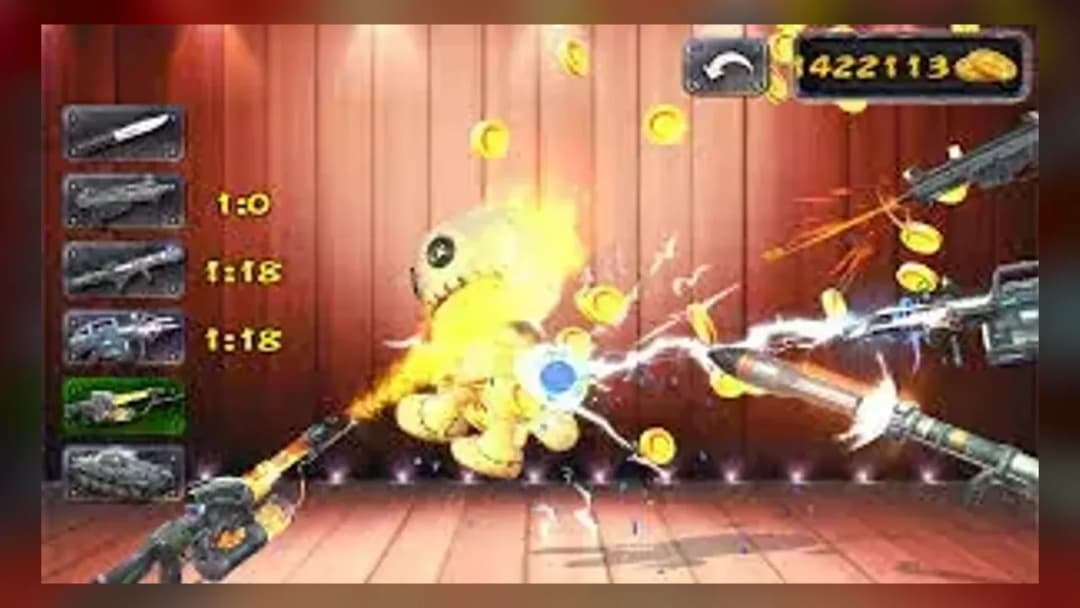
Kick The Buddy 3d
Game Details
How to Play
- 1. Start the game
Open the game page and press Play, since no download is needed.
- 2. Choose a weapon
Select one of the available weapons or tools to use on Buddy.
- 3. Attack Buddy
Click or tap Buddy to use the selected tool and watch how he reacts.
- 4. Spend your earnings
Use the money from each hit to unlock new weapons and customize Buddy with accessories.
Game Features
About Kick The Buddy 3d
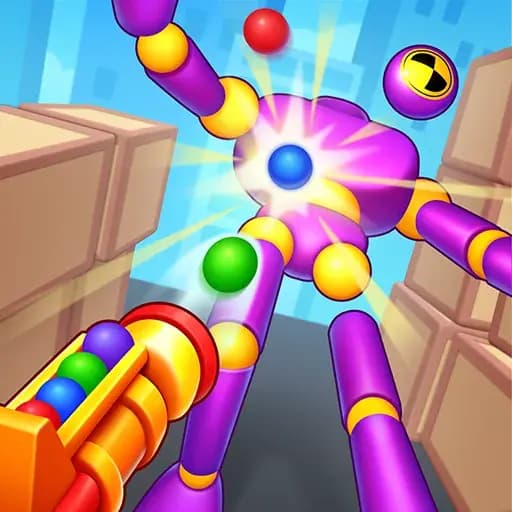
Kick The Buddy 3d lets you smash, burn, shoot and blow up a ragdoll buddy with knives, guns and rockets. Click to attack and earn coins. Play it free now.
What's in this guide
What you do in Kick The Buddy 3d
Kick The Buddy 3d is a casual browser game built around one idea: you take out your frustration on Buddy, a ragdoll character who reacts to everything you do to him. The game sits in the Casual category and is played entirely in the browser, so there is nothing to install before you start.
Each session is a loop of choosing a tool, using it on Buddy, and watching the result. Every hit earns money, and that money is what lets you unlock new weapons and dress Buddy up in accessories. Because the reactions change with each tool, most of the fun comes from testing what each one does.
How to Play Kick The Buddy 3d
- Open the game page and press Play. The game starts straight away in your browser.
- Pick a weapon or tool from what you have available, then click or tap Buddy to use it.
- Watch how Buddy reacts. Knives, guns, explosives and other tools each produce different results on the ragdoll.
- Collect the money earned from each hit and spend it on new weapons or accessories for Buddy.
- Keep going to unlock more of the arsenal. The game's stated aim is to see how many weapons and accessories you can unlock.
Kick The Buddy 3d Controls
| Action | Mouse / Touch |
|---|---|
| Attack Buddy with the selected tool | Click or tap Buddy |
The game uses a single click or tap for attacks. Choosing and buying items happens on the game's own on-screen menus.
What changes between sessions
The main thing that changes as you play is your arsenal. The weapons on offer range from simple tools such as flying knives and machine guns to heavier options including rocket launchers, laser beams, flamethrowers and tanks. You unlock them with the money you earn, so your choices shape how each session goes.
Accessories are the other layer of progression. As you earn money you can customize Buddy's outfits and accessories, which gives you a visible record of what you have bought and tried.
Tips and strategy
- Test every weapon early. Each one reacts differently, so a quick trial tells you which ones are worth saving for.
- Spend money with a plan. Decide whether you want the cheapest useful weapon first or a flashy one you can see in action.
- Try combinations of tools in one session to find the reactions you find funniest.
- Use single, clear clicks when you want a precise hit, and rapid taps when you want to keep the chaos going.
- If the game slows down, refresh the page, as it runs in the browser.
- If you enjoy this style of physical, ragdoll-based chaos, try Stickman Ragdoll or Fruit Ninja for a different take on it.
More Games You'll Love
Controls
Frequently asked questions
What weapons are in Kick The Buddy 3d?
How do you unlock new weapons in Kick The Buddy 3d?
"Kick The Buddy 3d" and related names may be trademarks of their respective owners. This page is an informational game directory only; ZGames.io is not sponsored by or affiliated with trademark holders unless a specific game page says otherwise.
Gameplay Video: Kick The Buddy 3d
OFFICIAL SOURCES & SITES
Player Reviews
No Reviews Yet
Be the first to share your feedback and rate this game!
Submit Your Review
Keep exploring