Play Party Toons Online Free
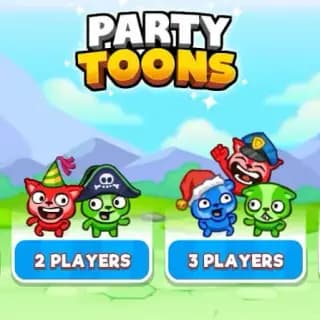
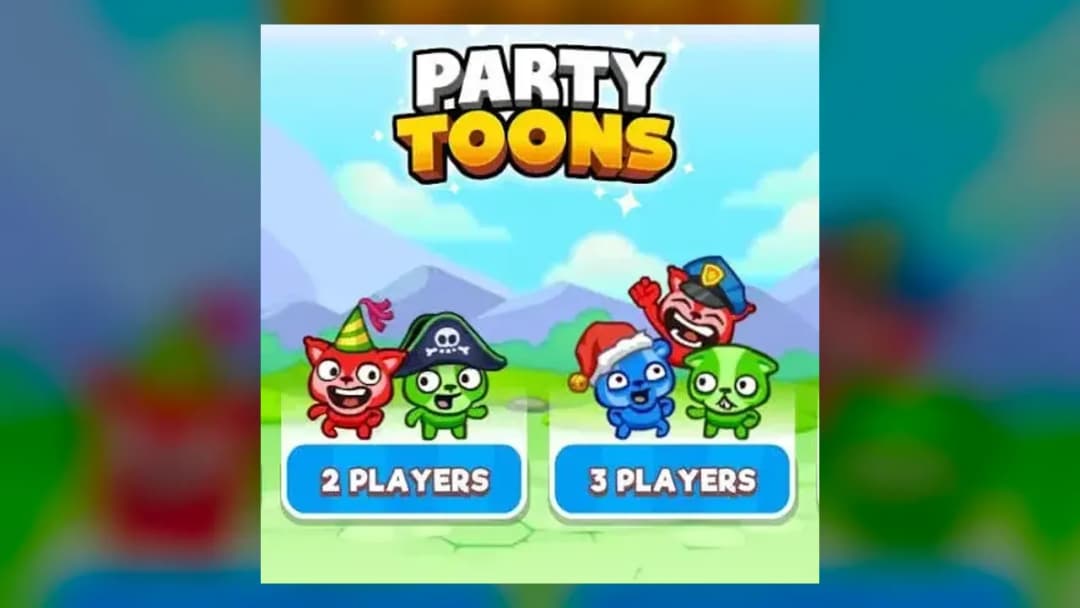
Play Party Toons, a Multiplayer game available in your browser. Review the controls, features, and compatibility notes below, then choose Play when you are ready.
Advertisement















Advertisement
Most Popular This Month
View All results »


































- Home
- Multiplayer
- Party Toons
Party Toons
TECHNICAL SPECIFICATIONS
OPERATIONAL GUIDE
- 1. Vote for a mini-game
At the lobby screen pick which mini-game you want and hope the majority of the other players choose the same one.
- 2. Read the rules and ready up
Each round shows a rule card — read it, then press your Ready key (Up Arrow for Player 1) to lock in.
- 3. Play with your cluster
Use your assigned keys — arrows and Space solo, or your dedicated WASD/8456/UHJK cluster in 4-player — to outlast opponents.
- 4. Spend your coins
Bank the coins and trophies every round pays out, then unlock new characters and cosmetic items.
CORE FEATURES
Advertisement
About Party Toons
Vote for the next round, then race through strawberry-catching, conveyor-belt, balloon, and box-opening mini-games. Earn coins to unlock new toons. Play...
What's in this guide
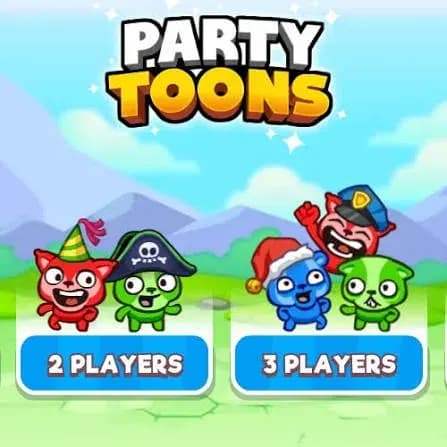
In Party Toons online every match opens with a vote: you and up to three rivals pick which mini-game to play, and you have to hope the majority picks the same one you did. Then the chosen round fires — catching strawberries while rocks fall, sprinting across obstacle-filled conveyor belts, popping risky balloons, or gambling on mysterious boxes — and the quickest reflexes take the win.
This is the TinyDobbins-built party arcade (the same studio behind GunFight.io), rendered in HTML5 using the Colyseus and Defold engines so it runs with no download. The hook of Party Toons isn't one game — it's the rotating roster of reflex tests, each won or lost in seconds, with coins and trophies paid out whether you dominate or barely scrape by.
| Game | Party Toons |
|---|---|
| Category | Arcade / Party |
| Developer | TinyDobbins |
| Release | October 2019 |
| Tech | HTML5 (Colyseus, Defold) |
| Players | Up to 4 |
| Platforms | Web (PC, Mac, Chromebook, mobile) |
How the Party Toons Vote-and-Round Loop Works
Each session puts you in a lobby of up to four players. Before a round you read the mini-game's rules, press your Ready key, then use your movement keys once the round begins. Outplay the other toons to win the round. The reward loop is generous: no matter your luck or skill, every game pays out coins and trophies you spend on cosmetic items and entirely new characters. That means even a losing streak still builds toward unlocks — good for the Party Toons 4 player crowd who want to keep everyone progressing.
The Full Mini-Game Roster
- Strawberry Catch — grab falling strawberries while dodging rocks that drop in the same lanes.
- Conveyor Belt Run — a flappy-style sprint across obstacle-filled moving belts.
- Balloon Pop — pop the right risky balloons and avoid the duds.
- Mystery Boxes — open boxes and hope for the reward, not the trap.
Party Toons Controls (Single-Player and 4-Player)
The standard single scheme is simple: Arrow keys move, Space triggers your action. For local Party Toons multiplayer on one keyboard, each toon gets its own cluster:
| Player | Ready | Play |
|---|---|---|
| P1 | Up Arrow | Arrow keys |
| P2 | W | WASD |
| P3 | 8 | 8 4 5 6 |
| P4 | U | U H J K |
How to Play Party Toons From a Cold Start
If you're searching how to play Party Toons, the flow never changes: join a party, read the rule card, press your Ready key, then use your assigned keys when the round starts. Learn the four games once and every future round feels fast.
Advanced Party Toons Walkthrough Tactics
In Strawberry Catch, camp a single lane and only shift when a rock enters it — chasing fruit across the screen is how you eat a rock. On the conveyor belts, tap movement in short bursts timed to the belt's scroll rather than holding, so you land on the gaps. For Balloon Pop, watch which colors your opponents hit first and copy the survivors. This Party Toons walkthrough logic beats generic advice because the win condition is survival, not speed.
Device and Browser Support
There are no installs or sign-ups. Play Party Toons online on PC, Mac, Chromebook, tablet, or phone across Chrome, Firefox, Edge, and Safari. Players looking for Party Toons unblocked access get the same HTML5 build straight in the browser tab. PartyToons.io on aggregator mirrors is the same underlying game — not a separate title.
Similar Games on ZGames
- Kings and Queens Solitaire Tripeaks — another quick-round, pick-up reward loop you can dip into anytime.
- Parkour Block 3D — reflex-timed obstacle runs like the conveyor-belt mini-game.
- Squid Game Hunter — elimination-style party challenges against other players.
- Car Chaos — chaotic multiplayer mayhem in the same party-arcade spirit.
Browse more in arcade games or jump to popular games. The magic of Party Toons is still that opening vote — gamble on the right mini-game, nail your reflexes, and bank the coins that turn your toon into something nobody else at the party has.
Advertisement
More Games You'll Love
Controls
Frequently asked questions
What are the controls for Party Toons in 4-player mode?
How does the mini-game voting work in Party Toons?
Who made Party Toons?
Do you still earn coins in Party Toons if you lose?
Is PartyToons.io the same game as Party Toons?
"Party Toons" and related names may be trademarks of their respective owners. This page is an informational game directory only; ZGames.io is not sponsored by or affiliated with trademark holders unless a specific game page says otherwise.
Gameplay Video: Party Toons
OFFICIAL SOURCES & SITES
Player Reviews
No Reviews Yet
Be the first to share your feedback and rate this game!
Submit Your Review
Keep exploring