Play Body Race Online Free
Play Body Race, a Casual game available in your browser. Review the controls, features, and compatibility notes below, then choose Play when you are ready.







Most Popular This Month
View All results »



















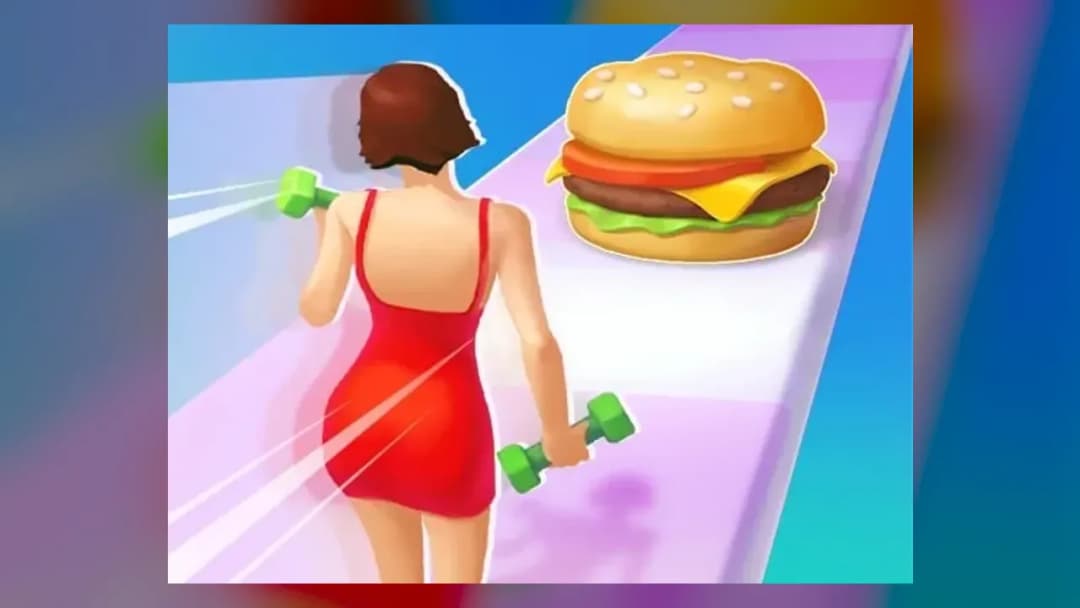
Body Race
Game Details
How to Play
- 1. Start the run
The model begins running down the track automatically once the game loads.
- 2. Steer with one finger
Tap the screen and move your finger left to right to change the model's position on the track.
- 3. Collect the right gear
Move into the food and fitness items that help you reach the target and avoid those that do not.
- 4. Reach the finish line
Keep steering until you reach the finish line and show off the outfit you have won.
Game Features
About Body Race
Play Body Race in your browser. Steer your runner left and right along the runway, catch food and fitness gear, and reach the finish line. Play it free.
What's in this guide
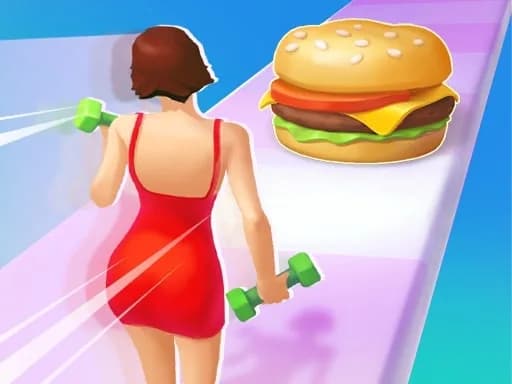
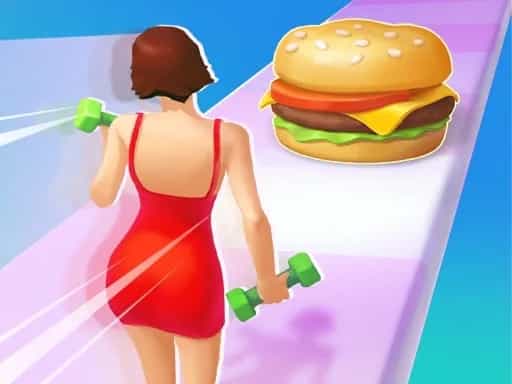
Body Race is a casual runner in which you guide a model down a runway and along a track, steering left and right to catch the food and fitness gear that help you reach the target. The game runs in your browser on ZGames.io and is listed for Browser, PC and Chromebook, so you can start a round without a separate download.
What you do
The model runs forward automatically, so your job is positioning rather than speed. Along the track you meet various food and fitness gear. The game's description says to catch the items that help you hit the target and win beautiful outfits, so each thing you collect or steer around affects how well you line up with that goal.
The theme is light and upbeat. The game's description says there is no weight limit on beauty and asks you to stay body positive while you race to the finish line. Because the model never stops, every round is a short test of timing and lane choice, which is why the description calls it simple but challenging.
How to Play Body Race
- Open the game in your browser and wait for the model to start running down the track.
- Tap the screen with one finger, or use the mouse on a desktop, to get ready to steer.
- Move your finger or the mouse left to right and back again to change the model's position on the track.
- Steer into the food and fitness gear that helps you hit the target, and move away from the items that do not.
- Keep steering until you reach the finish line on the runway, where you show off the outfit you have won.
The game's description frames success as hitting the target and winning outfits at the finish. Scoring and any failure conditions are not spelled out in the description, so the best way to learn them is to play a few rounds and watch what happens to the items you collect.
Body Race Controls
| Action | Touch / Mouse |
|---|---|
| Start steering | Tap the screen with one finger, or click with the mouse on desktop |
| Move left or right | Slide one finger left to right and back, or move the mouse left to right and back |
| Forward movement | Automatic; the model keeps running on its own |
The controls are the same idea on both devices: you only steer sideways, and the forward motion is handled by the game.
What changes between sessions
The game's description does not list separate levels, characters or modes, so this page does not describe any. What changes from one round to the next is the set of food and fitness gear you pass and the outfit you win at the finish. Each round is a fresh run down the track, so repeating a run is a good way to practise your timing.
Tips and strategy
- Start steering early so you can reach an item before the model passes it, since the model never slows down.
- Keep your finger or mouse movements small; short left and right moves are usually enough to change position.
- Decide which food and fitness gear you want before you reach it, because the goal depends on hitting the target.
- Watch the track ahead for obstacles and shift position before you reach them rather than after.
- On a computer, the mouse works the same way as a single finger on a touchscreen, so you can switch devices without relearning the controls.
- Practise on a few rounds to learn the spacing of the items, then aim for the ones that match your target.
If you want more quick browser games with similar one-button or auto-moving play, see Coin Run, Going Balls or High Pizza, or browse the Casual games category.
More Games You'll Love
Controls
Frequently asked questions
How do you play Body Race?
Can you play Body Race with one finger?
"Body Race" and related names may be trademarks of their respective owners. This page is an informational game directory only; ZGames.io is not sponsored by or affiliated with trademark holders unless a specific game page says otherwise.
Gameplay Video: Body Race
OFFICIAL SOURCES & SITES
Player Reviews
No Reviews Yet
Be the first to share your feedback and rate this game!
Submit Your Review
Keep exploring