Play Geometry Zig-Zag Arrow Online Free
Play Geometry Zig-Zag Arrow, a Rhythm Games game available in your browser. Review the controls, features, and compatibility notes below, then choose Play when you are ready.


Geometry Zig-Zag Arrow


















Most Popular This Month
View All results »

































Related Tags
- Home
- Rhythm Games
- Geometry Zig-Zag Arrow
Geometry Zig-Zag Arrow
Game Details
How to Play
- 1. Start the round
Click the game area to start the game.
- 2. Steer the arrow
Use your keyboard or touchscreen to move the arrow along the zig-zag path.
- 3. Stay on the path
Keep the arrow on the route through each twist, since leaving the path ends the run.
- 4. Try again
Click the game area to begin a new attempt and aim for a longer run.
Game Features
About Geometry Zig-Zag Arrow
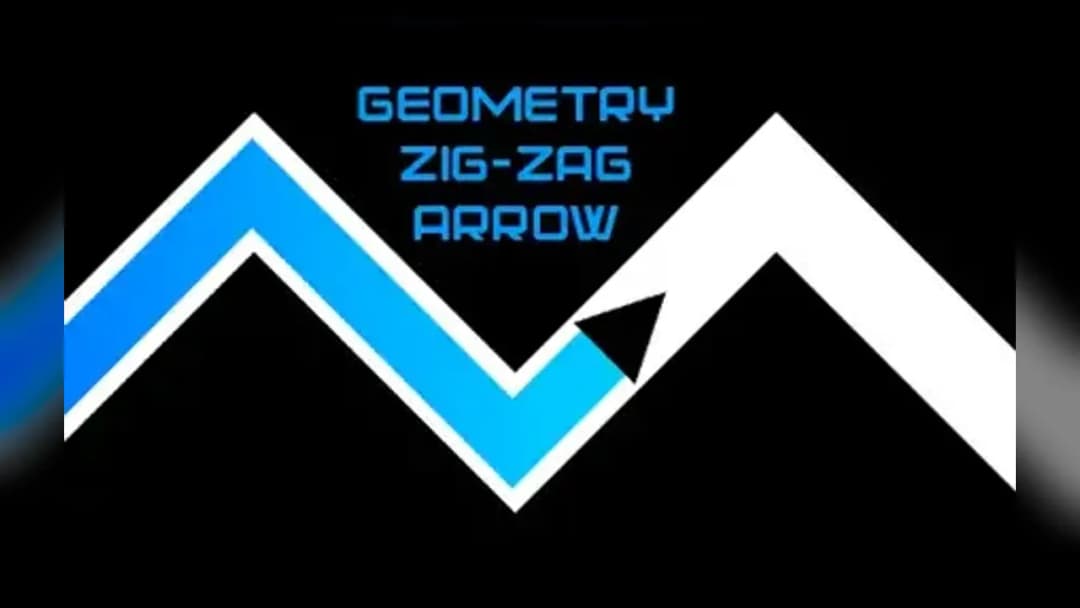
Play Geometry Zig-Zag Arrow and steer an arrow along a zig-zag path in this rhythm arcade game. Click to start, then play with keyboard or touchscreen.
What's in this guide
What you do in Geometry Zig-Zag Arrow
Geometry Zig-Zag Arrow is a browser game with a rhythm-style, obstacle-driven feel. You steer an arrow along a zig-zag path, and the route keeps twisting as you go. Each round tests your timing and your ability to keep the arrow on track. If you are looking for the Geometry Zig-Zag Arrow game to play online, the essentials are simple: click the game area to start, then steer with a keyboard or a touchscreen.
The core loop is a single run. You start a round, guide the arrow through the path, and keep going for as long as you can. A run ends when the arrow leaves the route. You then return to the game area to start a new attempt and try to stay on the path for longer.
How to Play Geometry Zig-Zag Arrow
- Open the game page and wait for the game area to appear on screen.
- Click the game area to start. Clicking first makes sure the game is active before you try to steer.
- Steer the arrow with your keyboard or touchscreen, following the zig-zag path ahead of it.
- Keep the arrow on the route through each twist. Your goal is to get as far as you can without going off course.
- When the round ends, click the game area again to begin a new attempt.
This page does not describe a scoring system, a win screen or a list of lives, so the aim is simply to keep the arrow on the path for as long as possible. Your best measure of progress is how far a single run goes before it ends.
Geometry Zig-Zag Arrow Controls
| Action | Keyboard or Touchscreen |
|---|---|
| Start the round | Click the game area |
| Steer the arrow | Use your keyboard or touchscreen |
The game is controlled by one player, so there are no separate Player 1 and Player 2 inputs. Choose whichever input suits your device and use it consistently through a session.
What changes between sessions
The game information does not list separate modes, levels, characters or unlockable items, so this page does not describe any. Each new attempt starts from the game area and begins the zig-zag path again. Because the challenge is the same each time you start, repeated attempts are the main way to improve your run length.
If you enjoy fast, obstacle-based play, you can browse more titles in Rhythm Games or the Arcade category. Players who want a related challenge can also look at Geometry Dash Spider.
Tips and strategy for Geometry Zig-Zag Arrow
- Click the game area before you start steering so the game is active from your first move.
- Pick one input method, keyboard or touchscreen, and keep it for a whole session so your timing stays consistent.
- Look ahead along the path rather than only at the arrow, because the next turn decides your next move.
- Make small, early adjustments. Large corrections made at the last moment are a common reason for leaving the route.
- Start with several short rounds to learn how quickly the path changes before aiming for a long run.
- Take a short break after a run that ended on a hard section, then come back with a fresh focus.
- Use each attempt to beat your previous run by staying on the route a little longer, rather than rushing through the twists.
More Games You'll Love
Controls
Frequently asked questions
How do you start Geometry Zig-Zag Arrow?
Does Geometry Zig-Zag Arrow have separate levels or modes?
"Geometry Zig-Zag Arrow" and related names may be trademarks of their respective owners. This page is an informational game directory only; ZGames.io is not sponsored by or affiliated with trademark holders unless a specific game page says otherwise.
Gameplay Video: Geometry Zig-Zag Arrow
OFFICIAL SOURCES & SITES
Player Reviews
No Reviews Yet
Be the first to share your feedback and rate this game!
Submit Your Review
Keep exploring