Play Zombie Rush Online Free
Play Zombie Rush, a Shooting game available in your browser. Review the controls, features, and compatibility notes below, then choose Play when you are ready.











Most Popular This Month
View All results »


























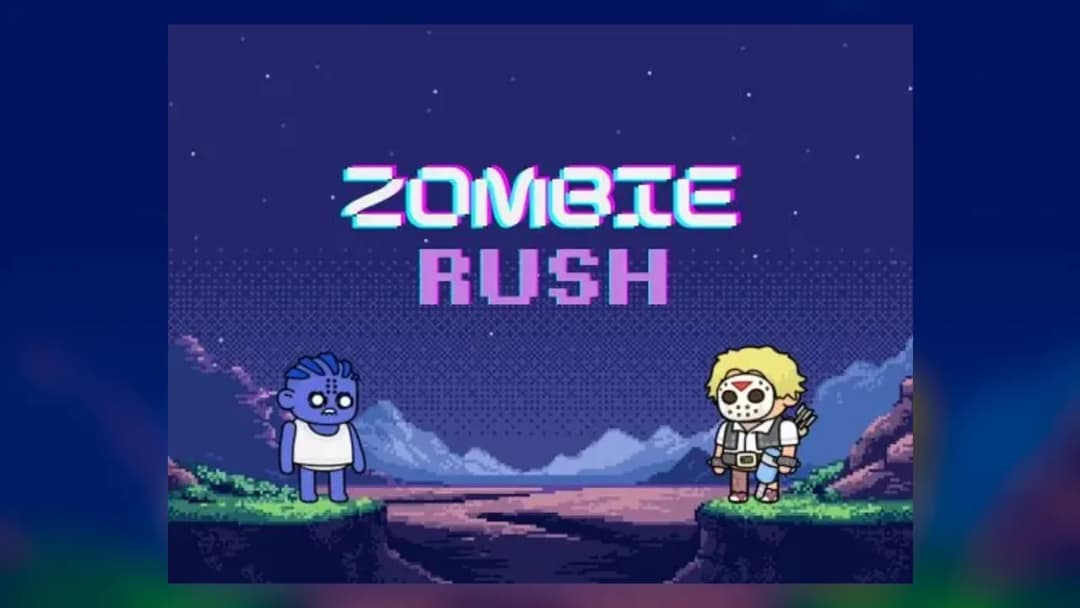
Zombie Rush
Game Details
How to Play
- 1. Start your survivor
Open the game and wait for your survivor to appear on screen before you begin moving.
- 2. Direct with the mouse or keys
On a computer, hold left click and drag, or use WASD or the arrow keys to steer your character.
- 3. Lead with touch
On a phone or tablet, tap anywhere and drag your finger so your survivor follows it.
- 4. Keep moving through the horde
Change direction early so the zombies cannot pin your survivor against an edge.
Game Features
About Zombie Rush
Play Zombie Rush in your browser and lead your survivor against zombies. Move with mouse drag, WASD, arrow keys or touch. Play it free, no download needed.
What's in this guide
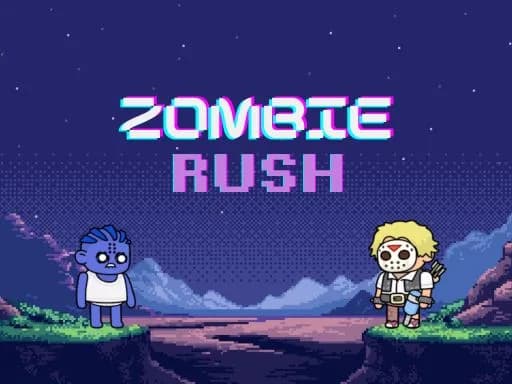
Zombie Rush is a top-down survival shooter you play in the browser on ZGames.io. You control a lone survivor who has to keep moving as the zombies close in. Because the game is built with HTML5, you can start a round straight from the page without installing anything.
What You Do in Zombie Rush
Your job is to keep your survivor alive while the zombies press in from around you. The core loop is simple: steer your character through the crowd, stay out of the way of the undead, and keep going for as long as you can. Pressure builds as a run goes on, so the longer you survive, the harder it becomes to find open ground.
Movement is the central skill. Your survivor follows your pointer or your keyboard input, so every decision about where to go is also a decision about where the zombies will follow.
How to Play Zombie Rush
- Open the game and wait for the survivor to appear on screen.
- On a computer, hold the left mouse button and drag to direct your character, or use WASD or the arrow keys to move.
- On a phone or tablet, tap anywhere and drag your finger to lead your survivor.
- Keep moving so the zombies do not reach you, and watch how the crowd shifts as you change direction.
- Keep the run going for as long as you can survive.
Zombie Rush Controls
| Action | Keys (or Mouse / Touch) |
|---|---|
| Move and direct (desktop) | Hold and drag left click |
| Move (desktop keyboard) | WASD or Arrow Keys |
| Move (touch) | Tap anywhere and drag your finger |
On desktop, your character follows the direction of your mouse from its current position. On touch screens, the survivor follows your finger as you drag. The game supports both portrait and landscape modes and adjusts to your screen automatically.
What Changes Between Sessions
No separate modes, levels, characters or upgrades are documented for Zombie Rush, so this guide does not describe any. Each session is a single-player run where the challenge comes from the zombies gathering around you.
Tips and Strategy for Zombie Rush
- Keep your survivor moving rather than standing still, since a stationary character gives the crowd time to close in.
- Drag in wide arcs instead of sharp zigzags so you keep distance from the nearest zombies.
- Look ahead to open ground before the crowd forms a wall in front of you.
- Change direction early so the zombies cannot pin your survivor against an edge.
- On a phone, use short, smooth drags so your finger does not overshoot the direction you want.
- On a computer, pick either the mouse or WASD and stick with it so your input stays consistent under pressure.
- If you play on a tablet or phone, try both portrait and landscape to see which gives you a clearer view of the horde.
More Games You'll Love
Controls
Frequently asked questions
How do you move in Zombie Rush?
"Zombie Rush" and related names may be trademarks of their respective owners. This page is an informational game directory only; ZGames.io is not sponsored by or affiliated with trademark holders unless a specific game page says otherwise.
Gameplay Video: Zombie Rush
OFFICIAL SOURCES & SITES
Player Reviews
No Reviews Yet
Be the first to share your feedback and rate this game!
Submit Your Review
Keep exploring