Play OvO - Unblocked Online Free
Play OvO - Unblocked, a Action game available in your browser. Review the controls, features, and compatibility notes below, then choose Play when you are ready.

















Most Popular This Month
View All results »
























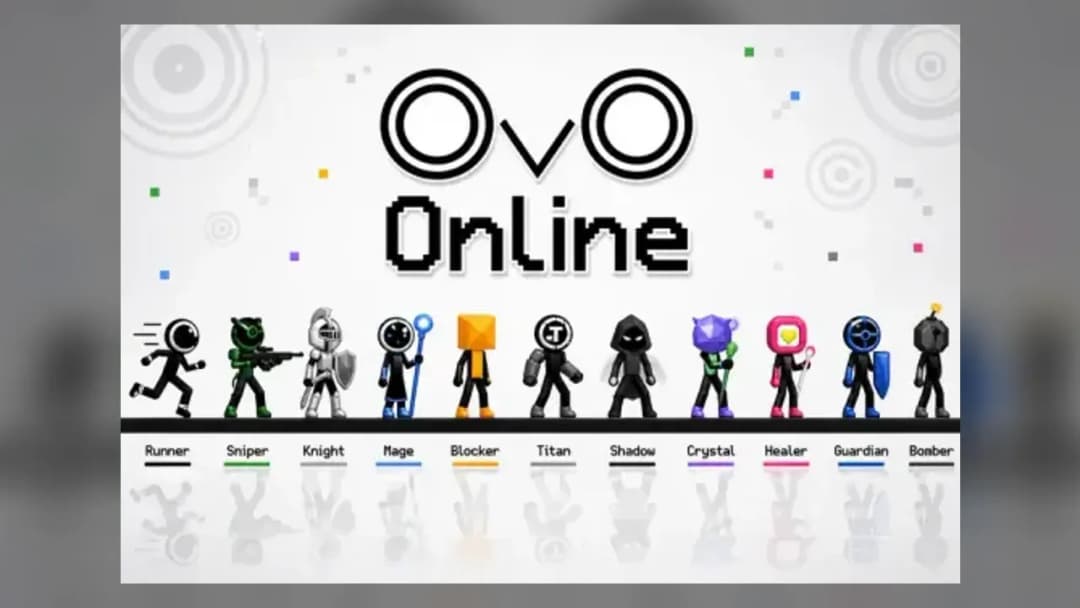
OvO - Unblocked
Game Details
How to Play
- 1. Start the game
Click 'Play' on the game page to launch OvO - Unblocked in your browser.
- 2. Move with the arrow keys
Use the arrow keys to navigate your character along the course.
- 3. Read the layout before moving
Look ahead at the platforms and plan each landing before you commit to the move.
- 4. Retry after mistakes
When you fall, restart and use what you saw to adjust your timing on the next attempt.
Game Features
About OvO - Unblocked
Play OvO - Unblocked in your web browser with no download. Click Play, steer with the arrow keys and run through the game on a Chromebook or PC. Play it free.
What's in this guide
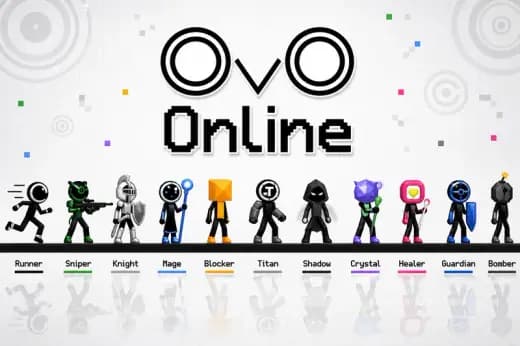
OvO - Unblocked is a browser game you can open and play straight away, with nothing to install. It runs on HTML5 technology on the Browser platform, and it is filed under platformer, parkour, action and skill games. It is also tagged for Chromebook play. If you are looking for the standard edition, see OvO.
What You Do in OvO - Unblocked
OvO - Unblocked is a platform game built around moving a character through a course of platforms. Your main job in each attempt is to read the layout ahead, move your character with the arrow keys, and keep your timing steady as you cross the course. The parkour and skill tags point to the same core idea: most of the challenge is in controlled movement and good timing rather than in long menus or complicated systems.
Each attempt is short and self-contained. You start, move forward, and either reach the end of the section or fall and try again. That loop makes the game easy to pick up in a few minutes, and it suits quick sessions when you only have a short break.
How to Play OvO - Unblocked
- Open the game page and click 'Play' to start the game in your browser. No separate installation step is needed.
- Press the arrow keys to move your character, and spend a few moments learning how far it travels with each press.
- Study the platforms ahead before you move into a difficult stretch, and work out where each landing should be.
- When you fall or stall, start again and use what you saw on the last attempt to adjust your timing and route.
The goal is to keep moving through the course without falling. Progress comes from repeating the same stretch until your timing is consistent, then moving on to the next part of the course.
OvO - Unblocked Controls
| Action | Keys |
|---|---|
| Start the game | Click 'Play' on the game page |
| Move and navigate | Arrow keys |
The arrow keys are the only controls given for this edition, so use them for every movement and direction you need during play.
Playing OvO - Unblocked in a Browser
Because OvO - Unblocked runs in a web browser on HTML5 technology, it works in the same way as other browser games. This is the reason it can be played on a school or work Chromebook, which is one of the platforms the game is filed under for. The game does not need a separate program to be installed before you start, so you can go straight from the game page to the first course.
Browser play does depend on your device and connection. If the game feels slow or unresponsive, close other tabs and make sure your browser is up to date, since timing-based movement is easiest to control when the game runs smoothly.
Tips and Strategy for OvO - Unblocked
- Before you attempt a section, pause and look at where the platforms are. Knowing the layout ahead of time is often the difference between a clean run and a fall.
- Practise your jump timing on easier stretches first. Short, consistent movements are usually more reliable than large moves made in a hurry.
- Avoid tapping the arrow keys in quick bursts. Holding a direction and adjusting your timing gives you more control over where the character lands.
- Do not rush the start of a section. Taking a second to plan your next move usually saves more time than moving too fast.
- Treat each fall as information. Note where you went wrong and change your approach on the next attempt rather than repeating the same move.
- Keep your attempts short when you are learning. Stopping while you are still focused helps you spot the timing mistakes you keep making.
- If the game lags in your browser, close other tabs and check for browser updates, since precise movement depends on smooth frame rates.
More Games You'll Love
Controls
Frequently asked questions
Can I play OvO - Unblocked on mobile?
Do I need to download anything?
What makes OvO - Unblocked fun?
"OvO - Unblocked" and related names may be trademarks of their respective owners. This page is an informational game directory only; ZGames.io is not sponsored by or affiliated with trademark holders unless a specific game page says otherwise.
Gameplay Video: OvO - Unblocked
OFFICIAL SOURCES & SITES
Player Reviews
No Reviews Yet
Be the first to share your feedback and rate this game!
Submit Your Review
Keep exploring