Play Fury Chase Online Free
Play Fury Chase, a Adventure game available in your browser. Review the controls, features, and compatibility notes below, then choose Play when you are ready.




















Most Popular This Month
View All results »































Related Tags
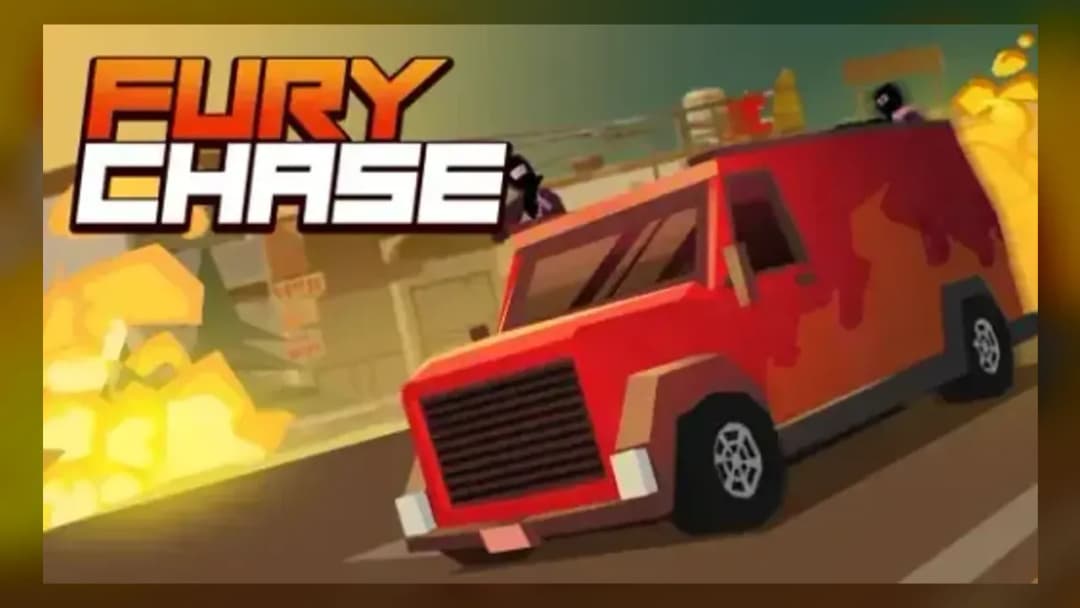
Fury Chase
Game Details
How to Play
- 1. Choose your vehicle
Pick a character and vehicle from the start screen, since each vehicle has its own mix of speed, durability and weapon.
- 2. Press Start
Hit Start to enter the race immediately, with no long setup before the first chase.
- 3. Collect your crew
Drive to the marked pickup point on the map so your crew can join your getaway vehicle.
- 4. Protect your HP
Steer around roadside obstacles and police cars, because each hit lowers HP and a run ends at zero.
Game Features
About Fury Chase
Play Fury Chase, a getaway driving game. Pick up your heist crew, dodge obstacles and outrun police before your HP runs out. Play it free in your browser.
What's in this guide
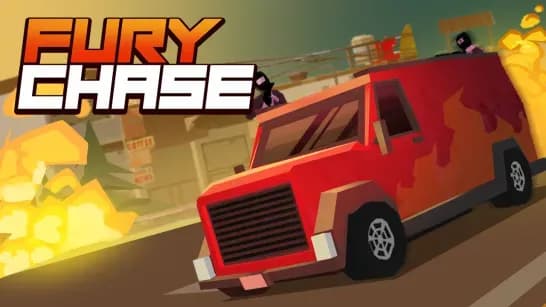
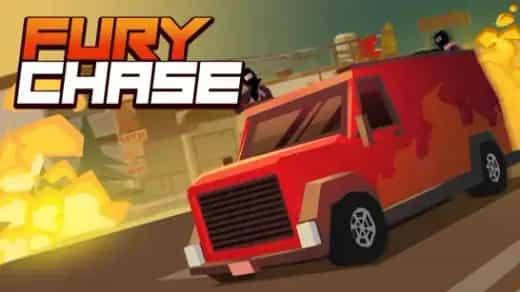
Fury Chase is a browser-based arcade driving game in which you play a getaway driver. After a heist, you race to pick up your crew and get them clear while police pursue you. The game runs in HTML5 and is built for quick, reactive runs, so each round tests how long you can keep moving.
What you do
Each round follows the same loop. A destination marker appears on the map, and you drive to the spot where the crew is waiting. Once they are in your getaway vehicle, the run continues toward a new marker. Between pickups, you dodge roadside obstacles and avoid police cars, because the chase never fully stops.
Your health (HP) decides how long a run lasts. Many obstacles line the road, and bumping into them or getting hit by a police car lowers your HP. When HP reaches zero, the run ends, so steady driving usually lasts longer than reckless speed.
How to Play Fury Chase
- Choose your character and vehicle from the options on the start screen.
- Press Start to drop straight into the race. There is no long setup before the first chase begins.
- Drive to the first marked pickup point on the map and collect your crew.
- Head for each new destination marker that appears, avoiding obstacles and pursuing police.
- Watch your HP. The run is over when it reaches zero, and you start again from the menu.
Fury Chase Controls
The game is started by choosing your character and vehicle and pressing Start, and driving is handled through the on-screen prompts once the race begins.
What changes between sessions
Your choice of vehicle changes how a chase plays out. The game offers sedan, van and pickup options, and each has its own mix of speed, durability and equipped weapon. A van or pickup can absorb more punishment, while a sedan is more nimble when you need to weave through gaps in traffic.
The pressure rises as the run goes on. More police cars and additional vehicles join the chase, so quiet stretches of road become crowded and harder to read. Each new marker sends you on a fresh route, which means the challenge keeps shifting rather than repeating in one fixed pattern.
Tips and strategy
- Pick your vehicle based on your play style: choose a sturdier option if you tend to take hits, and a faster, lighter one if you prefer weaving.
- Scan the road ahead for obstacles and plan a line through them instead of reacting at the last moment.
- Keep your HP in mind before committing to a shortcut. A small detour can save a run that a risky turn would end.
- Use the pickup and drop-off routes to keep moving, since lingering in one area invites more police.
- Expect the chase to get harder over time, and treat the early stretches as a chance to learn the layout.
- After a crash, pick your next line calmly. Panic steering is one of the fastest ways to lose HP.
If you enjoy fast, reflex-based runs, try Ninja Run Online or Krunker. You can also browse more titles in the Adventure category.
More Games You'll Love
Controls
Frequently asked questions
How do you start a run in Fury Chase?
What ends a run in Fury Chase?
Which vehicle should I pick in Fury Chase?
Does Fury Chase get harder as you play?
"Fury Chase" and related names may be trademarks of their respective owners. This page is an informational game directory only; ZGames.io is not sponsored by or affiliated with trademark holders unless a specific game page says otherwise.
Gameplay Video: Fury Chase
OFFICIAL SOURCES & SITES
Player Reviews
No Reviews Yet
Be the first to share your feedback and rate this game!
Submit Your Review
Keep exploring