Play Geometry Dash Breeze Online Free
Play Geometry Dash Breeze, a Casual game available in your browser. Review the controls, features, and compatibility notes below, then choose Play when you are ready.
Advertisement
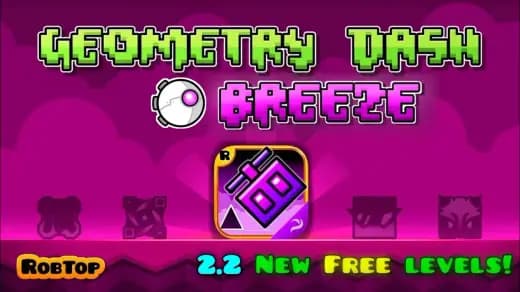
Geometry Dash Breeze




















Advertisement
Most Popular This Month
View All results »

































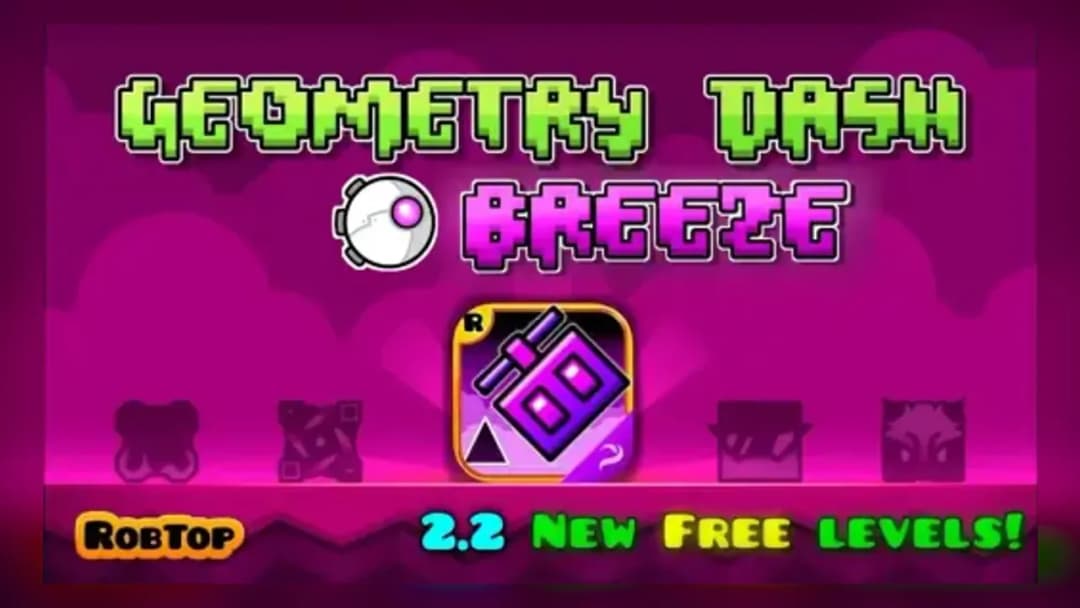
Geometry Dash Breeze
TECHNICAL SPECIFICATIONS
OPERATIONAL GUIDE
- 1. Jump with the Spacebar
Press the spacebar to make your icon jump over spikes and gaps as it automatically moves forward.
- 2. Use an Alternate Jump Input
Click the mouse or press the up arrow key instead of the spacebar if that's more comfortable for your timing.
- 3. Sync Jumps to the Music
Listen to each level's soundtrack and time your jumps to the beat, since the rhythm cues upcoming obstacle clusters.
CORE FEATURES
Advertisement
About Geometry Dash Breeze
Time spacebar jumps to the beat across spike-filled levels in this fan-made rhythm platformer. Sync every leap to the music to survive. Play Geometry Dash...
What's in this guide
In Geometry Dash Breeze, you guide a square icon through spike-lined obstacle courses by pressing the spacebar in time with the music — one mistimed jump sends you back to the start of the level. It's a fan-made browser game built in the style of RobTop's original Geometry Dash series, and the core loop is simple: survive, sync, repeat. If you're searching for Geometry Dash Breeze online, this guide breaks down exactly what to expect before you press play.
Geometry Dash Breeze is not an official RobTop release. It's a fan project inspired by the series' signature rhythm-platforming formula, running entirely in your browser with no download needed. That distinction matters: the official standalone titles are Geometry Dash, GD Lite, GD Meltdown, GD SubZero, and GD World, while Breeze is a community-made tribute using the same jump-and-dodge structure.
| Game | Geometry Dash Breeze |
|---|---|
| Category | Casual / Platformer |
| Controls | Spacebar (jump), Mouse click or Up Arrow (alternate jump) |
| Status | Fan-made, inspired by the RobTop Geometry Dash series |
Core Gameplay: Jumping to the Beat in Geometry Dash Breeze Online
Your icon moves forward automatically. Your only job is timing each jump to clear spikes, gaps, and platform stacks that appear in rhythm with the level's soundtrack. Hitting an obstacle resets you to the beginning of that level's run, so the gameplay loop is built around trial, memorization, and precise timing rather than reflexes alone.
Reading the Geometry Dash Breeze Levels
Geometry Dash Breeze levels are built around escalating obstacle density — early stages introduce single spikes and simple gaps, while later stretches stack tighter jump windows back to back. Because level-count details vary across different hosting sites, don't assume a fixed total; focus instead on clearing each stage's obstacle pattern rather than chasing a specific number.
Geometry Dash Breeze Controls Explained
- Spacebar — the primary jump input; tap to hop, hold for a continuous rise in some obstacle sections.
- Mouse click — functions as an alternate jump button if you prefer clicking over the keyboard.
- Up Arrow key — a second alternate jump input available in many versions of the game.
Advanced Tips for Geometry Dash Breeze Gameplay
Listen to the track before you commit to a jump sequence — the beat cues upcoming spike clusters, so treat the music as your timing guide rather than reacting purely on sight. Replay difficult sections repeatedly rather than restarting cold; muscle memory for a specific jump cadence builds faster through focused repetition on one tricky stretch than through full playthroughs.
How Geometry Dash Breeze Compares to Other Geometry Dash Games
Compared to the mainline series, Breeze leans on smoother visual effects and a curated obstacle flow while keeping the same spacebar-timing skill ceiling that defines the franchise. If you enjoy this rhythm-platforming style, ZGames also hosts other precision and reflex-based titles worth trying: Geometry Vibes X-Ball — another geometry-themed timing challenge with ball-based obstacles; Perfect Tidy — a precision arrangement game that rewards careful, deliberate input; Knock Balls — a physics-timing arcade game with a similar trial-and-retry loop; Clash Royale Wordle — a quick-session puzzle pick if you need a break between Breeze attempts. You can also browse more titles in arcade games or check the html5 games hub for other no-download browser picks.
Whether you're chasing a clean run or just testing your reflexes, Geometry Dash Breeze keeps its challenge honest: every spike is beatable if your jump lands on the beat.
Advertisement
More Games You'll Love
Controls
Frequently asked questions
Can you use the spacebar to jump in Geometry Dash Breeze?
What makes Geometry Dash Breeze different from other Geometry Dash games?
Is Geometry Dash Breeze an official RobTop game?
Which level in Geometry Dash Breeze is hardest for beginners?
What tips help you beat challenging levels in Geometry Dash Breeze?
"Geometry Dash Breeze" and related names may be trademarks of their respective owners. This page is an informational game directory only; ZGames.io is not sponsored by or affiliated with trademark holders unless a specific game page says otherwise.
Gameplay Video: Geometry Dash Breeze
OFFICIAL SOURCES & SITES
Player Reviews
No Reviews Yet
Be the first to share your feedback and rate this game!
Submit Your Review
Keep exploring