Play Back to School: Coloring Book Online Free
Play Back to School: Coloring Book, a Coloring Games game available in your browser. Review the controls, features, and compatibility notes below, then choose Play when you are ready.
Advertisement
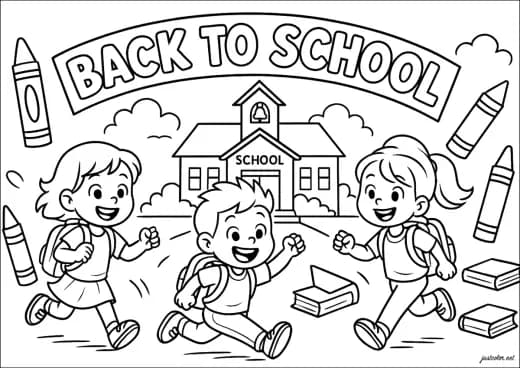
Back to School: Coloring Book














Advertisement
Most Popular This Month
View All results »


































- Home
- Coloring Games
- Back to School: Coloring Book
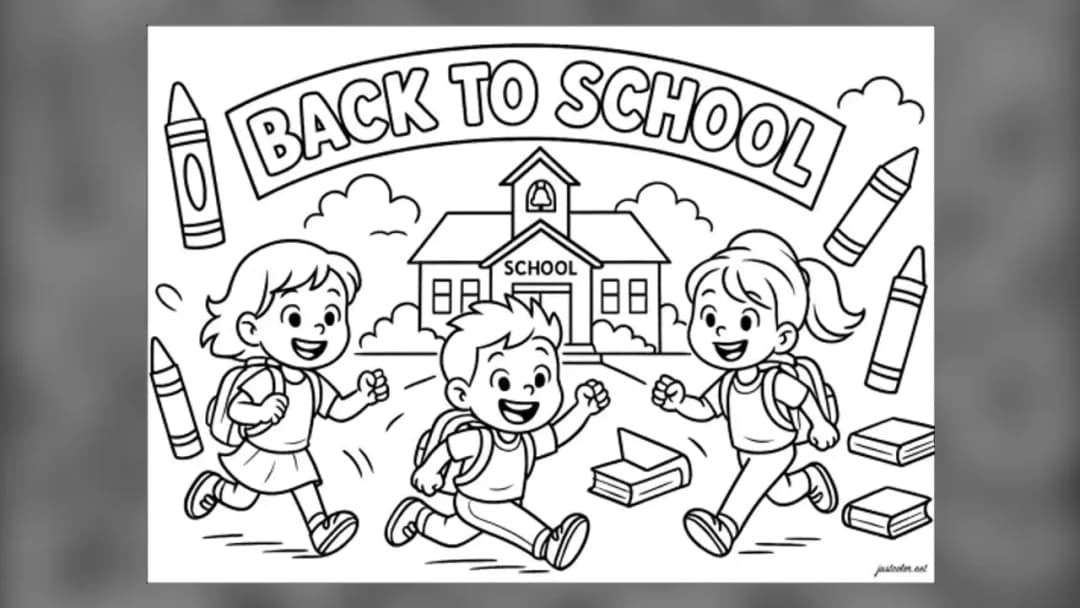
Back to School: Coloring Book
TECHNICAL SPECIFICATIONS
OPERATIONAL GUIDE
- 1. Choose a coloring picture
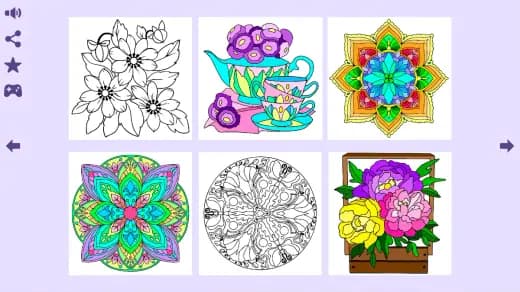
Select the picture you want to work on from the choices shown by the game.
- 2. Select a palette color
Click or tap a displayed color to make it the active choice.
- 3. Apply color to the drawing
Click or tap the desired section of the picture to apply the selected color.
- 4. Switch colors between sections
Choose another palette color and repeat the same input wherever you want it applied.
CORE FEATURES
Advertisement
About Back to School: Coloring Book
Pick a picture and apply a chosen color to sections of the drawing. Make each picture your own, one color at a time. Play Back to School: Coloring Book...
What's in this guide
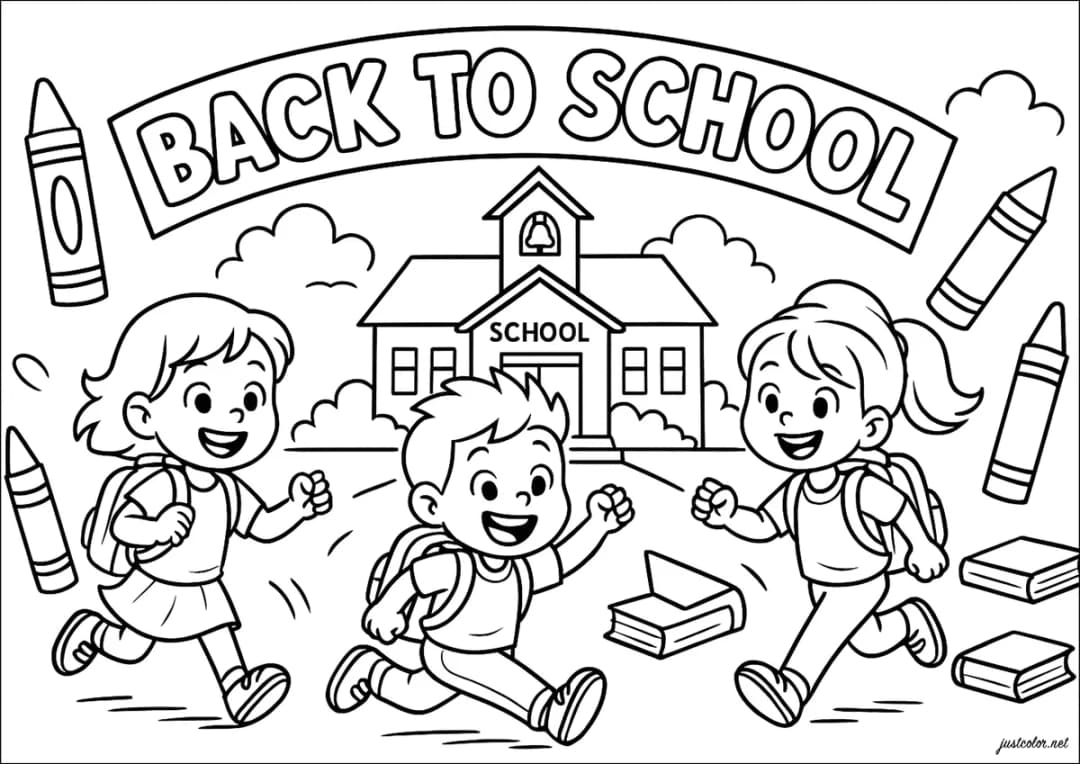
Color Each Back to School Picture Your Way
Back to School: Coloring Book online is a direct digital coloring activity: choose a picture, select a color, and click or tap the part of the drawing where that color should appear. The matched GameDistribution build identifies itself as BTS Coloring Book, with BTS meaning Back To School in this game rather than referring to the music group.
Players looking to play Back to School Coloring Book should expect creative color selection, not an arcade campaign. No score, timer, competitive mode, unlock tree, or formal win condition has been verified, so the practical objective is simply to color each selected picture according to your own choices.
| Game | Back to School: Coloring Book |
|---|---|
| Source title | BTS Coloring Book |
| Category | coloring-games |
| Distribution | GameDistribution HTML5 asset |
| Platform | Web browser |
| Controls | Mouse click or touchscreen tap |
How the BTS Coloring Book Online Game Works
Choosing and Coloring a Back to School Picture
The verified loop for the BTS Coloring Book online game has three parts. First, choose a coloring picture. Second, select a color from the available interface. Third, apply it to the desired section of the drawing. Continue changing colors and selecting sections until you are satisfied with the result.
This is an HTML5 coloring game delivered inside a browser-facing container. It is not the same product as printable back to school coloring pages, downloadable PDFs, physical coloring books, or unrelated BTS-themed mobile apps that may appear when searching for Back to School Coloring Book online.
Back to School Coloring Book Progress and Scoring
There is no independently verified score counter, grading system, level sequence, reward track, or failure state for this asset. Because no unlocking requirement is documented, do not assume that completing one image opens another. The creative decision—where to place each selected color—is the central activity.
Back to School Coloring Book Controls
The verified Back to School Coloring Book controls use a mouse or touchscreen. On desktop, click a color and then click the desired drawing section. On a touch device, tap the color and tap the section. These mouse or tap controls require no verified keyboard command, drag gesture, or controller mapping.
If you are learning how to play Back to School Coloring Book, use deliberate separate inputs: select the color first, then apply it. The answer to how to choose and apply colors is the same on both supported input types; only the physical click or tap changes.
Back to School Coloring Book Tips for Cleaner Choices
- Plan neighboring colors first: inspect the current picture before selecting a palette choice, then decide which adjacent sections should contrast.
- Confirm the active color: click or tap a color immediately before selecting the intended section, reducing accidental reuse of the previous choice.
- Work section by section: finish nearby areas that share a color before changing the selection, which reduces unnecessary palette switching.
- Use single, precise inputs: the documented action is clicking or tapping a desired section; no dragging or keyboard shortcut is verified.
Browser, Mobile, and Unblocked Access Notes
The matched version is a browser-delivered GameDistribution asset. Searches for Back to School Coloring Book mobile may lead to unrelated native apps, and no matched Android or iOS release has been verified. Touch input is supported as an interaction method, but that does not establish a separate mobile edition.
Back to School Coloring Book unblocked is a common access query, but the label does not mean the game can bypass school or workplace filters. If the game does not load, refresh the page, allow the embedded asset time to initialize, check whether an ad blocker is interfering, or try a current browser. Players can also browse other HTML5 games, arcade games, popular games, and new games.
Back to School Coloring Book Guidance for Parents
The verified activity consists of selecting pictures and applying colors with clicks or taps. No violence, multiplayer communication, or competitive scoring is documented. An official age rating and in-game purchase status were not found for the matched asset, so adults should review the running build and its hosting environment directly.
Similar Coloring Games on ZGames
These related coloring games and puzzle games offer other ways to work with color:
- Didi & Friends: Coloring Book — another picture-coloring activity built around choosing and applying colors.
- Coloruid 2 — turns color changes into a structured area-filling puzzle.
- Puzzle Painter — combines painting actions with puzzle decisions.
- Coloring Book: Fabulous Cute Unicorn — offers a fantasy-themed alternative to school-oriented coloring.
Back to School: Coloring Book keeps its verified interaction simple: pick a picture, choose a color, and apply it with a click or tap. Its appeal comes from making visual choices at your own pace rather than chasing an unverified score or progression system.
Advertisement
More Games You'll Love
Controls
Frequently asked questions
How do you apply colors in Back to School: Coloring Book?
Does Back to School: Coloring Book have scores or timed levels?
How do you unlock more pictures in Back to School: Coloring Book?
Can you control Back to School: Coloring Book with a keyboard?
What should you do if Back to School: Coloring Book is not loading?
"Back to School: Coloring Book" and related names may be trademarks of their respective owners. This page is an informational game directory only; ZGames.io is not sponsored by or affiliated with trademark holders unless a specific game page says otherwise.
Gameplay Video: Back to School: Coloring Book
OFFICIAL SOURCES & SITES
Player Reviews
No Reviews Yet
Be the first to share your feedback and rate this game!
Submit Your Review
Keep exploring