Play fun clicker Unblocked Online Free
Play fun clicker Unblocked, a Clicker game available in your browser. Review the controls, features, and compatibility notes below, then choose Play when you are ready.
Advertisement
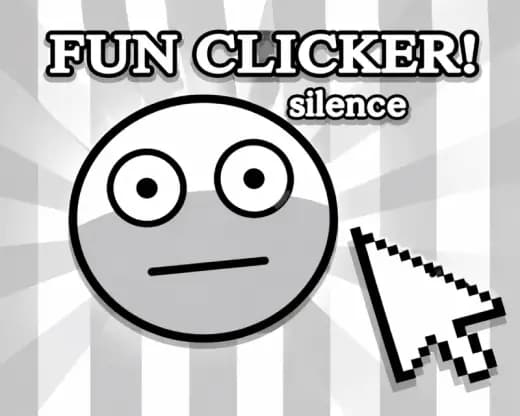
fun clicker Unblocked



















Advertisement
Most Popular This Month
View All results »



































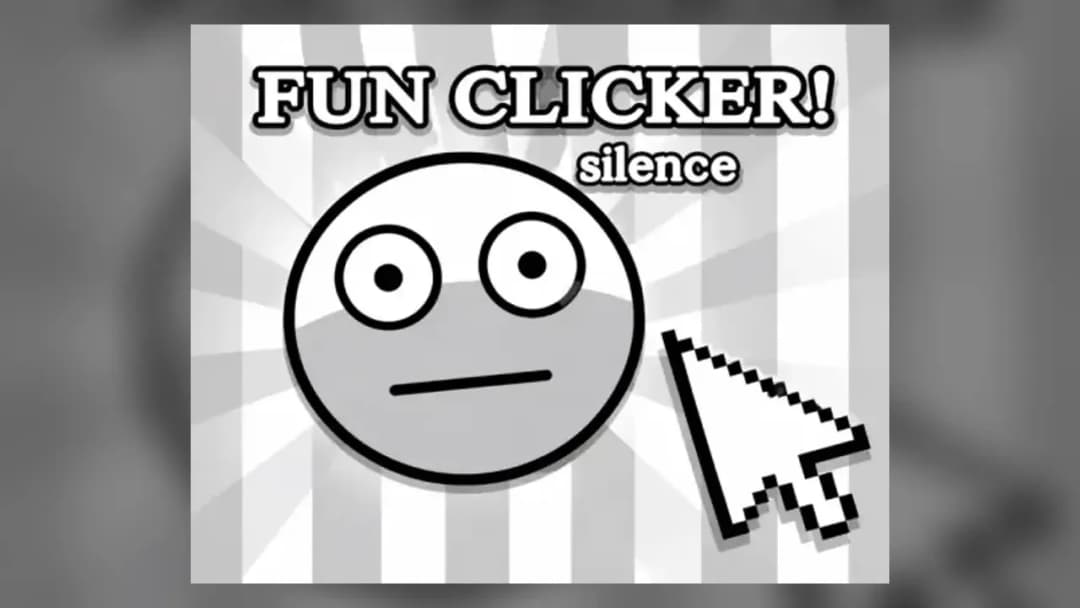
fun clicker Unblocked
TECHNICAL SPECIFICATIONS
OPERATIONAL GUIDE
- 1. Build Manual Income
Click or tap the main target repeatedly to generate your first points. Keep a steady rhythm instead of dragging across the screen, because clean presses register more reliably.
- 2. Buy Click Upgrades
Spend early points on upgrades that increase points per click. These upgrades make every manual tap more valuable and speed up the opening phase.
- 3. Add Passive Earnings
Once manual clicking slows down, invest in auto-income upgrades. Passive generation keeps the score climbing while you plan the next purchase.
- 4. Trigger Bonus Windows
Use any temporary multiplier or bonus meter when it appears. Rapid tapping during boosted periods creates larger score spikes than tapping randomly.
- 5. Optimize Reset Timing
If a reset or prestige bonus is available, wait until progress slows before using it. Resetting too early wastes the compounding value of your current upgrades.
CORE FEATURES
Advertisement
About fun clicker Unblocked
Play fun clicker online free: tap fast, stack upgrades, and grow your score in an unblocked browser clicker with no download on PC, mobile, or Chromebook.
What's in this guide
fun clicker is an HTML5 browser game built around the pure incremental loop: press the target, earn points, purchase upgrades, and convert each click into a stronger scoring machine. The game runs directly inside a modern browser using native input events, lightweight rendering, and instant play delivery, so players can load it on PC, mobile, tablet, or Chromebook without installing an executable.
As a clicker game, its design depends on feedback speed. The player performs a simple physical action with a mouse, trackpad, touchscreen, or Chromebook touchpad, then the game returns immediate numerical growth. That tight loop makes it free-to-play, easy to read, and technically friendly for low-end devices because the screen does not need heavy 3D physics or complex WebGL scenes to stay responsive.
Game Namefun clickerCategoryGamesTechnologyHTML5 / Browser NativePlatformsPC, Mobile, Tablet, ChromebookRequires Download?No, Instant PlayWhat's In This Guide
- About fun clicker
- Complete fun clicker Controls & Mechanics
- Advanced Strategies & Tips
- How to Play Unblocked at School
- Platforms & Versions
- Known Glitches & Quirks
- Top Alternatives & Competitors
About fun clicker
fun clicker belongs to the incremental game family popularized by browser-native idle titles. The genre strips progression down to a visible economy: one action creates currency, currency buys production, production accelerates the next action. Instead of asking for complex movement, the game asks the player to read upgrade value, timing, and growth curves.
The physics are mostly input physics rather than world physics. A click is a discrete event. The engine checks the pointer position, confirms contact with the active target, increases the score, and updates the interface. That makes latency critical. A good fun clicker browser game feels sharp because the number changes on the same beat as the finger press.
Its cultural appeal comes from clarity. Players understand progress in one second. The score climbs. The upgrade price rises. The next multiplier looks close enough to chase. This design philosophy works especially well for short sessions on school Chromebooks, phones, and office laptops because the game rewards both active tapping and patient accumulation.
- Engine & Tech: HTML5 handles rendering and input inside the browser, usually targeting smooth 60 FPS interface updates when the device is not overloaded.
- Accessibility: Low polygon counts, simple UI layers, and minimal animation let it run on budget Chromebooks without heavy GPU demand.
- Updates: When supported, clicker updates often add balance changes, new upgrade tiers, seasonal visuals, or extra scoring milestones.
Complete fun clicker Controls & Mechanics
The main control is direct pressure: left-click with a mouse, tap with a finger, or press a touchpad. The game reads each valid input as a scoring event. There is no drift, jump arc, recoil, or steering model. The skill sits in rhythm, upgrade timing, and reducing wasted inputs.
Input latency matters more than animation complexity. On desktop, a mouse gives the cleanest cadence because each press and release stays in place. On mobile, the touch layer can feel faster, but fingers may slide away from the target if the player taps aggressively. On Chromebook, trackpad clicking works, though repeated physical presses can feel slower than touch input on convertible models.
Collision detection uses a button or target boundary. If the cursor or finger lands inside that boundary, the score changes. If it lands outside, nothing happens. This simple hitbox design keeps the fun clicker HTML5 game predictable and makes missed taps easy to diagnose.
- Movement: There is no character movement; the player moves the pointer or finger to maintain contact with the active click area.
- Action: Clicking, tapping, buying upgrades, and activating bonuses form the core hand actions.
- Mechanics: The economy uses compounding math: points per click, passive income, price scaling, and multipliers create faster growth over time.
Advanced Strategies & Tips
Strong play starts with upgrade efficiency. Do not buy the newest item just because it looks powerful. Compare its price against how much it improves points per click or passive production. The best purchase is often the cheapest multiplier that changes the next thirty seconds, not the flashiest late-tier upgrade.
Manual clicking dominates the opening phase. Passive income becomes stronger later, once auto-generation pays for itself while your hands rest. Advanced players treat fun clicker like a resource-routing puzzle: tap hard when clicks are valuable, then shift to passive upgrades when click returns flatten.
Bonus timing separates casual scores from optimized runs. If the game offers temporary multipliers, do not enter them with an empty upgrade path. Buy click-value upgrades first, then use the bonus window while every tap carries extra weight. That sequencing creates better score spikes.
- Perfect Your Timing: Keep a steady tap cadence during multipliers instead of frantic sliding; clean inputs beat chaotic missed presses.
- Manage Resources/Speed: Buy manual power early, passive income mid-run, and broad multipliers once prices begin to climb sharply.
- Avoid Common Mistakes: Do not reset progress the moment a prestige option appears; wait until production slows.
- Optimize Runs: Route purchases around short-term payback. If an upgrade pays for itself quickly, take it before saving for expensive tiers.
How to Play Unblocked at School
What does unblocked mean? In browser gaming, it usually means a game page can load through a network filter because it runs as web content rather than a downloaded program. A fun clicker unblocked session uses the browser, not a separate installer, so the device avoids the security prompts tied to executables.
Modern HTML5 games replaced old Flash workflows. Flash required a plugin and created compatibility problems. Executable games require installation rights. A fun clicker no download page loads assets through standard web requests and runs the logic locally in RAM, which makes it practical for restricted Chromebooks when the site itself remains accessible.
- What is Unblocked: It means the game can be played through a browser page without installing external software.
- Chromebook Support: The game is Chromebook compatible because Chrome can process HTML5 input, display, and storage natively.
- Browser Native: No executables are required, so strict school devices can still handle the game safely when allowed by policy.
Platforms & Versions
The browser version is the main way to play fun clicker online. It works on Windows, macOS, Linux, ChromeOS, Android, and iOS as long as the browser supports current HTML5 standards. That makes play fun clicker on Chromebook a practical choice for quick sessions.
Mobile gaming changes the feel. Touch input can register fast repeated taps, but screen size affects target comfort and upgrade readability. Desktop gives more precise pointer control and easier menu navigation. Both versions share the same core: instant clicks, rising numbers, and upgrade decisions.
- Browser Version: The strongest option for instant play because it avoids installs, launchers, and account friction.
- Mobile Experience: Touch controls make tapping natural, while portrait or landscape layout affects how quickly players can buy upgrades.
Known Glitches & Quirks
Clicker games can expose input quirks when players tap extremely fast. A browser may throttle events if the tab loses focus, the device enters battery saver, or too many background tabs compete for memory. The game may still run, but score updates can appear uneven.
Visual desync can also happen when animation frames lag behind the actual score calculation. The number may update correctly while a button animation clips, stutters, or repeats. These quirks rarely break the game, but speed-focused players notice them because clicker timing depends on clean feedback.
- Physics Quirks: Rapid clicks near the edge of the target may alternate between valid and missed inputs due to hitbox boundaries.
- Visual Desync: A score can register before the click animation finishes, especially on overloaded mobile browsers.
Top Alternatives & Competitors
fun clicker competes with idle and incremental browser games that focus on exponential growth. Compared with deeper idle economies, it favors immediate tapping and readable upgrades. That gives it a faster start and a lower learning barrier, but high-score players still need disciplined purchase timing.
Against reflex arcade games, the difficulty curve feels different. Slope and Geometry Dash punish mistimed movement instantly. fun clicker punishes inefficient decisions more quietly through slower growth. That makes it better for relaxed sessions and score optimization rather than survival pressure.
- Cookie Clicker: A deeper idle benchmark with a larger economy; fun clicker feels faster and more direct.
- Idle Breakout: More visual automation and ball physics; fun clicker focuses harder on tapping rhythm and upgrade pacing.
Similar Games on ZGames
If you enjoy fun clicker, you may also like these games:
Conclusion
fun clicker works because every hand action has a visible consequence. Click, earn, upgrade, repeat. The HTML5 format keeps the game fast, portable, and easy to launch from a browser without accounts, installers, or hardware-heavy requirements.
Play fun clicker online free on ZGames when you want a compact browser game built around clean input, score growth, and upgrade planning. It suits desktop, mobile, tablet, and Chromebook play, and it delivers the clicker loop with no download barrier.
Advertisement
More Games You'll Love
Controls
Frequently asked questions
What is the best upgrade order in fun clicker?
What is the highest score possible in fun clicker?
Why are my taps not counting correctly in fun clicker?
When should I reset progress for bonuses in fun clicker?
"fun clicker Unblocked" and related names may be trademarks of their respective owners. This page is an informational game directory only; ZGames.io is not sponsored by or affiliated with trademark holders unless a specific game page says otherwise.
Gameplay Video: fun clicker Unblocked
OFFICIAL SOURCES & SITES
Player Reviews
No Reviews Yet
Be the first to share your feedback and rate this game!
Submit Your Review
Keep exploring