Play Geometry Dash Online Free
Play Geometry Dash Online, a Rhythm Games game available in your browser. Review the controls, features, and compatibility notes below, then choose Play when you are ready.

Geometry Dash Online




















Most Popular This Month
View All results »



























Related Tags
- Home
- Rhythm Games
- Geometry Dash Online
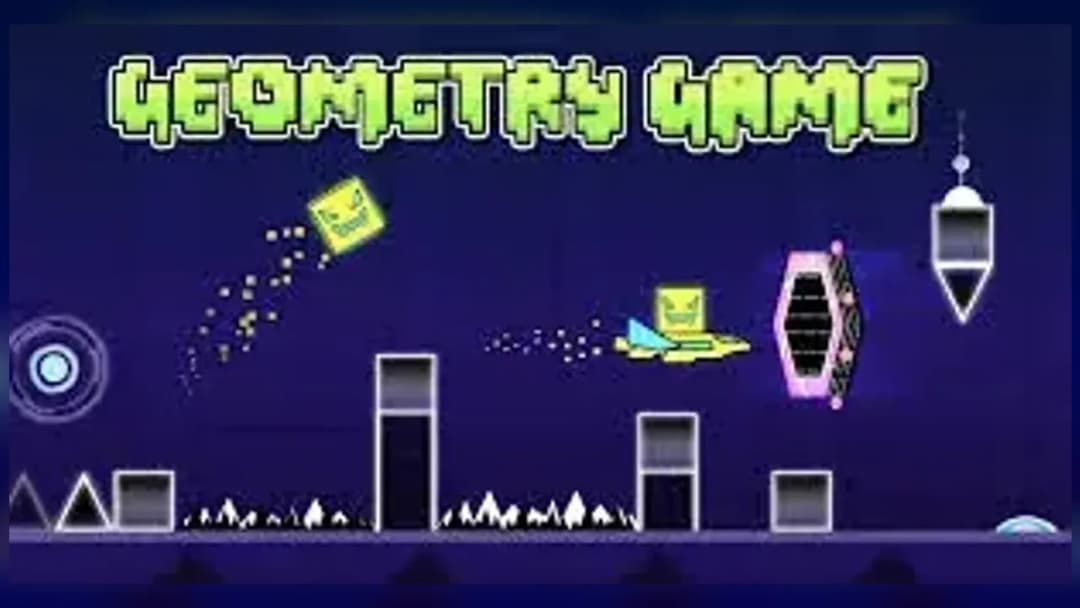
Geometry Dash Online
Game Details
How to Play
- 1. Open the game
Load the game in your browser, where it runs without a download.
- 2. Read the obstacles
Watch the obstacles ahead of your character and judge when you need to jump.
- 3. Jump with the click or Space bar
Press the mouse button or Space bar at the right moment to clear each obstacle.
- 4. Reach the end of the level
Keep jumping through the level; hitting an obstacle ends the attempt and you start again.
Game Features
About Geometry Dash Online
Play Geometry Dash Online and click to jump through levels packed with spikes and obstacles. One hit restarts the run, so learn each jump. Play it free now.
What's in this guide
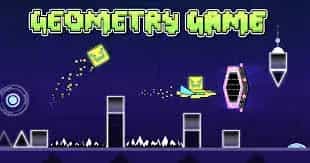
Geometry Dash Online is a browser-based platformer in which you click or tap to make your character jump over obstacles and move through a series of levels. It sits in our Rhythm Games category, and the difficulty comes from timing each jump correctly.
What You Do in Geometry Dash Online
Each round puts you in a level full of obstacles that you must get past. Your character keeps moving, so you cannot stop to plan. Your job is to press jump at the right moment to clear each hazard and keep going until you reach the end of the level.
The core loop is simple: watch the next obstacle, jump at the right time, land safely, and repeat. Because one missed jump can end the attempt, most of the game is about learning the layout of each level and improving your timing.
How to Play Geometry Dash Online
- Open the game in your browser and wait for the level to load. No download is needed.
- Watch the first obstacles as your character moves forward. Notice how far away each one is before it reaches you.
- Click the mouse or press the Space bar to jump. Try short, timed presses first to see how high and how far your character travels.
- Keep jumping over each obstacle until you reach the end of the level. If your character hits an obstacle, the attempt ends and you start the level again.
Geometry Dash Online Controls
| Action | Keys or Mouse |
|---|---|
| Jump | Mouse click or Space bar |
The jump is the only control you need to know to start. Use the same input every time so your timing becomes consistent.
What Changes Between Sessions
As you go deeper into the game, the obstacles become more demanding and the timing gets tighter. Each level presents its own sequence of jumps, so practising one level helps with later levels that use similar obstacle patterns. The game is tagged as a multiplayer title, but the controls described here cover the single-player jump action.
Tips and Strategy
- Start with the opening levels to learn how far and how high your character jumps before you try harder sections.
- Watch the layout ahead, not just the obstacle directly in front of you, so you can prepare the next jump early.
- Keep your rhythm steady. Matching your clicks to a regular beat makes jump timing easier to repeat.
- Do not hold the jump button too long. Short, controlled presses are often more accurate than long ones.
- After a failed attempt, note exactly where you crashed and focus your next try on that section.
- Take short breaks between hard levels so your reactions stay sharp.
- If you enjoy fast, reflex-based platformers, you may also like geometry dash classic or Geometry Dash Crazy Ball.
More Games You'll Love
Controls
Frequently asked questions
What is the goal of Geometry Dash Online?
"Geometry Dash Online" and related names may be trademarks of their respective owners. This page is an informational game directory only; ZGames.io is not sponsored by or affiliated with trademark holders unless a specific game page says otherwise.
Gameplay Video: Geometry Dash Online
OFFICIAL SOURCES & SITES
Player Reviews
No Reviews Yet
Be the first to share your feedback and rate this game!
Submit Your Review
Keep exploring