Play Stickman Parkour Online Free
Play Stickman Parkour, a Adventure game available in your browser. Review the controls, features, and compatibility notes below, then choose Play when you are ready.















Most Popular This Month
View All results »


























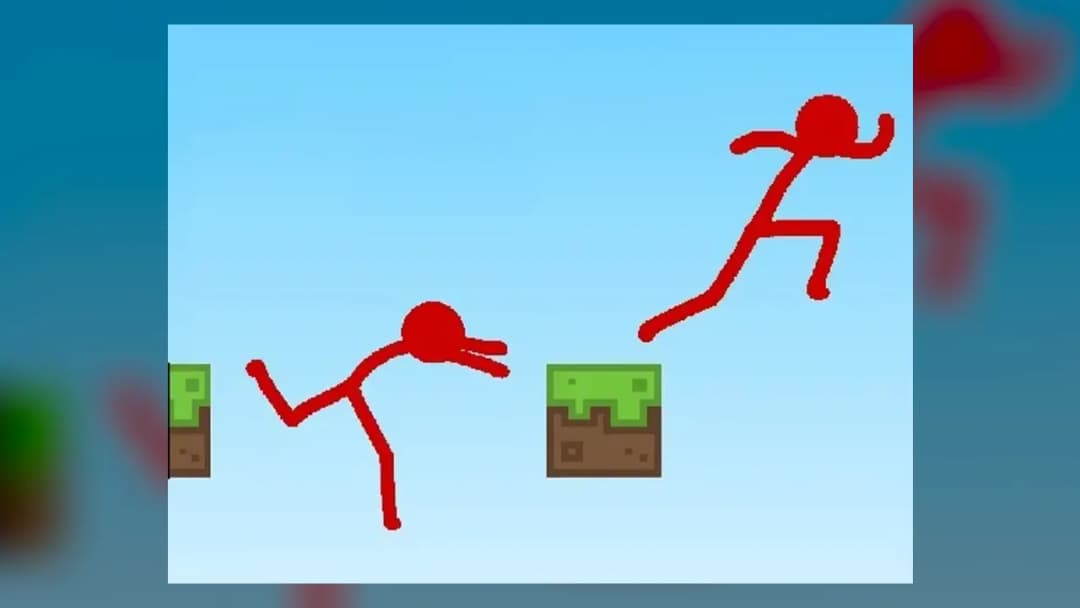
Stickman Parkour
Game Details
How to Play
- 1. Start the round
Click into the game window so the stickman responds to your keyboard.
- 2. Run with A and D
Press D to run right or A to run left and learn the stickman's speed.
- 3. Jump with W
Press W to jump across gaps and reach the next platform.
- 4. Keep moving forward
Land on each platform and continue through the course, adjusting your timing for each jump.
Game Features
About Stickman Parkour
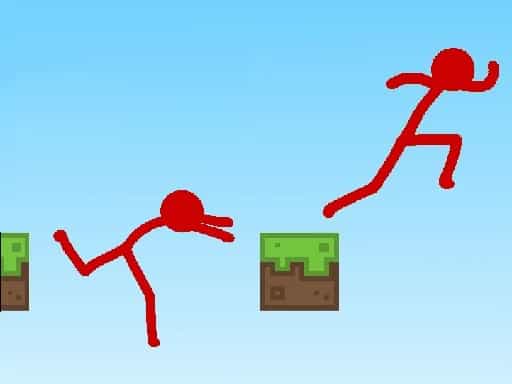
Play Stickman Parkour online and guide a stickman through obstacle courses. Move with A and D, jump with W, and reach the end. Play it free in your browser.
What's in this guide
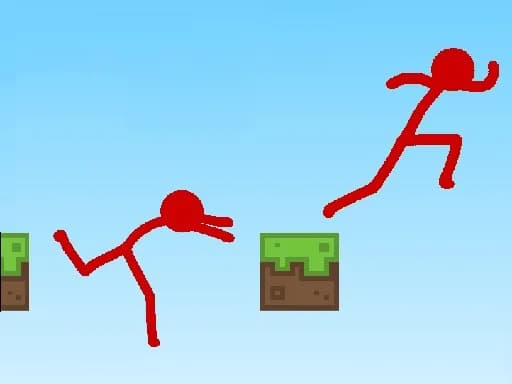
Stickman Parkour is a 2D platformer where you guide a stickman along a parkour course by running, jumping and landing on each platform. It runs in your browser as an HTML5 game on PC and Chromebook with no download needed, so you can start a round straight from this page.
What You Do in Stickman Parkour
The core of Stickman Parkour is movement. Each round asks you to move the stickman forward through a course, read the platforms ahead and time your jumps so you land safely on the next one. The game is tagged as a platformer, a runner and a 2D game, which points to steady running and well-judged jumps as the main challenge.
The controls are only three keys, so most of the difficulty comes from when you press W and how close you are to the edge when you do. Progress comes from learning the course one jump at a time, and each attempt shows you more about how far the stickman travels.
How to Play Stickman Parkour
- Open the game on this page and click inside the game window so it receives your keyboard input.
- Press D to run right and A to run left, watching how quickly the stickman picks up speed and how it slows.
- Press W to jump, starting with short hops on flat ground so you understand the height and distance of a jump.
- Move across the course one platform at a time, lining up each jump before you leave the edge of the current platform.
- After a fall, try the section again with the timing you learned, and keep moving forward through the course.
Stickman Parkour Controls
| Action | Keys |
|---|---|
| Move left | A |
| Move right | D |
| Jump | W |
The instructions for this build list only the A, D and W keys, so learn those three first. Keep your hands on the keyboard during a round so you can run and jump without pausing.
What Changes Between Sessions
The controls stay the same from one session to the next, so what changes is your own skill. Each run gives you more familiarity with the course layout and the spacing of the platforms. Early sessions are best spent on short hops and short runs, while later sessions can focus on longer jumps and cleaner landings.
The game is listed as single-player, so every attempt is your own run through the course. There is no second player to share the keyboard with.
Playing Stickman Parkour in Your Browser
Stickman Parkour is built with HTML5 and is listed for browser play on PC and Chromebook. Nothing needs to be installed before you start. If you want more games in a similar style, the Platformer games category gathers side-scrolling platform titles, and the Bob The Robber 2 page covers another 2D platformer.
Tips and Strategy for Stickman Parkour
- Test your jump on flat ground first to learn how high and how far the stickman travels before you need it on a gap.
- Look ahead to the next platform before leaving the current one, so you can plan the jump early instead of reacting late.
- Avoid pressing W at the very edge of a platform, since a small timing error can send you into a gap.
- Keep the stickman moving with D or A rather than stopping mid-course, because momentum helps with longer jumps.
- Practise short hops before committing to long leaps, which are harder to control.
- Use a quick tap of W for a short hop and hold your run steadily for a long one, which keeps your landing position predictable.
- After a fall, slow down and reset your plan rather than rushing the same jump again.
More Games You'll Love
Controls
Frequently asked questions
Which devices can I play Stickman Parkour on?
Is Stickman Parkour a single-player game?
"Stickman Parkour" and related names may be trademarks of their respective owners. This page is an informational game directory only; ZGames.io is not sponsored by or affiliated with trademark holders unless a specific game page says otherwise.
Gameplay Video: Stickman Parkour
OFFICIAL SOURCES & SITES
Player Reviews
No Reviews Yet
Be the first to share your feedback and rate this game!
Submit Your Review
Keep exploring