Play Temple Run Online Free
Play Temple Run, a Arcade game available in your browser. Review the controls, features, and compatibility notes below, then choose Play when you are ready.
Advertisement
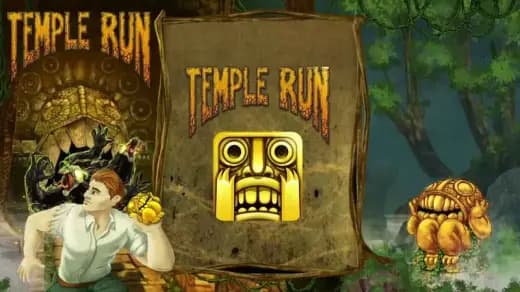

















Advertisement
Most Popular This Month
View All results »


































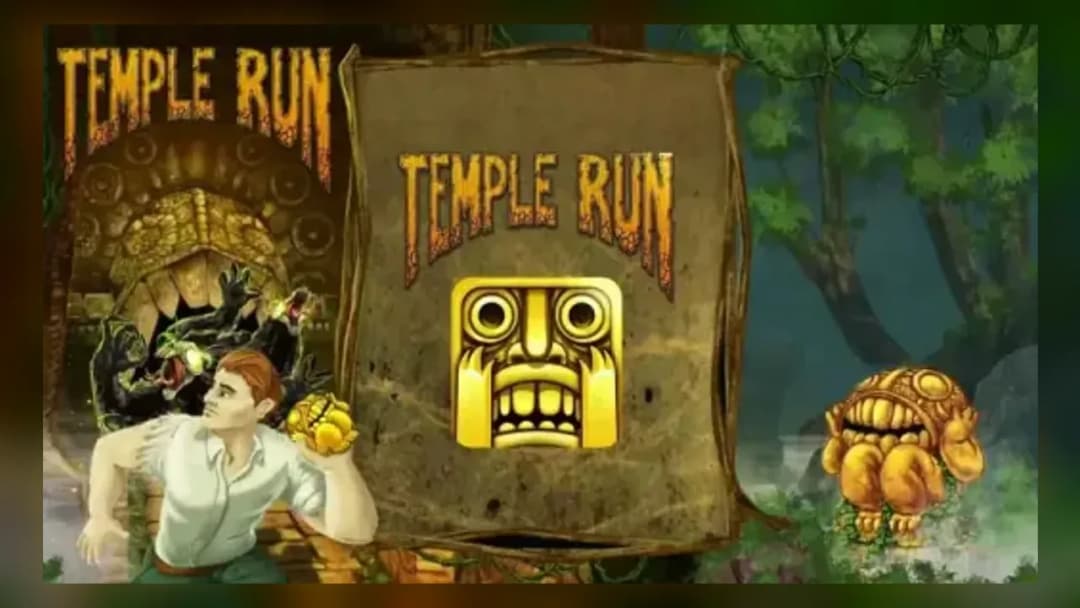
Temple Run
TECHNICAL SPECIFICATIONS
OPERATIONAL GUIDE
CORE FEATURES
Advertisement
About Temple Run
Play Temple Run online free in your browser, no download needed. Sprint, jump, slide, and turn through traps in this unblocked endless runner on PC and...
What's in this guide

Temple Run is an endless runner built around immediate reaction, clean directional input, and escalating speed. On ZGames.io, the game works as an instant play browser game, meaning players can start on PC, mobile, tablet, or Chromebook without installing a separate executable. The core design remains simple: keep the runner alive by turning, jumping, sliding, and shifting lanes while the track throws sharper hazards at shorter intervals.
The modern browser version uses HTML5-style delivery, so input, rendering, audio, and collision checks happen inside the browser environment. That matters because Temple Run free access depends on fast loading, stable frame pacing, and low-friction controls. The result is a Temple Run browser game that suits short school breaks, long score attempts, and mobile gaming sessions where every swipe counts.
Game NameTemple RunCategoryGamesTechnologyHTML5 / Browser NativePlatformsPC, Mobile, Tablet, ChromebookRequires Download?No, Instant PlayWhat's In This Guide
- About Temple Run
- Complete Controls & Mechanics
- Advanced Strategies & Tips
- How to Play Unblocked at School
- Known Glitches & Quirks
- Top Alternatives & Competitors
About Temple Run
Temple Run became one of the defining mobile endless runners because it stripped movement down to four physical decisions: swipe, jump, slide, and tilt or lane shift. The player never controls forward motion. The game supplies momentum automatically, then tests whether the player can read terrain fast enough to keep that momentum alive.
Its design philosophy favors readable danger over complex rulebooks. A missing bridge signals a jump. A low branch signals a slide. A ninety-degree corner demands a turn before the runner reaches the edge. That clarity explains why play Temple Run online remains a popular search intent years after the original mobile boom.
As a Temple Run HTML5 game, the browser version benefits from quick asset loading and familiar input mapping. Keyboard arrows imitate swipe gestures on desktop, while touch screens preserve the original feel. Chromebook compatible play also matters because low-power school laptops handle lightweight browser-native runners far better than heavy 3D downloads.
- Engine & Tech: Browser-native rendering prioritizes stable animation, responsive input polling, and simple collision volumes around hazards, coins, and path edges.
- Accessibility: The game runs well on low-end devices because it avoids large installs and keeps interaction logic simple.
- Updates: Browser editions may vary by host, but the central loop stays focused on distance, coins, upgrades, and survival.
Complete Temple Run Controls & Mechanics
Temple Run feels sharp because every input maps to a clear survival action. Left and right inputs change lanes or turn corners. Up jumps over gaps and raised hazards. Down slides under low obstacles. On touch devices, swipes perform the same actions. On keyboard, arrow keys usually provide the cleanest control scheme.
The physics use forward autorun rather than free movement. That means the player manages timing, not acceleration. Momentum constantly increases, so the same obstacle pattern feels easy early and brutal later. Collision detection punishes late decisions: clip a tree root, miss a corner, or land short of a bridge, and the run ends.
Good input latency matters. A Temple Run no download setup helps because the player enters directly through the browser, but performance still depends on stable frame rate. If the browser stutters, the safe reaction window shrinks. Close background tabs before a serious high-score attempt.
- Movement: Use arrow keys, WASD if supported, or touch swipes to jump, slide, turn, and shift lanes.
- Action: Collect coins and power-ups while avoiding gaps, flames, branches, walls, and broken path sections.
- Mechanics: Speed scaling reduces reaction time, so players must read obstacle shapes before the runner reaches them.
Advanced Strategies & Tips
High-level Temple Run play starts with restraint. Beginners chase every coin trail. Strong players ignore bad coins when the next turn, gap, or slide trap demands center alignment. Survival produces more score than reckless collection, especially after the speed curve starts compressing decision time.
Watch the horizon, not the runner’s feet. The game telegraphs danger through silhouettes: raised stone means jump, low obstruction means slide, open edge means turn. Training your eyes forward gives your hands time to move before the hazard reaches the collision box.
Resource routing also matters. Coin magnets become more valuable when the track splits between safe movement and reward collection. Shields protect against certain mistakes, but they do not justify sloppy corner timing. Treat power-ups as insurance, not permission to panic.
- Perfect Your Timing: Enter jumps slightly before gaps; late jumps often register after the collision zone has already triggered.
- Manage Resources/Speed: Use safe lanes during speed spikes and prioritize visibility over coins when obstacles stack together.
- Avoid Common Mistakes: Do not swipe twice at corners unless the path clearly requires a second movement immediately afterward.
- Optimize Runs: Follow coin lines only when they align with the safest route through the next obstacle cluster.
How to Play Unblocked at School
Temple Run unblocked access usually works best through HTML5 browser delivery because it does not require Flash, installers, or local program permissions. Older Flash games depended on plugins that many school networks removed. Executable games require installation rights. Browser-native games load page assets and run inside the browser sandbox.
That distinction explains why students often search for play Temple Run on Chromebook. Chromebooks restrict installed software, but they handle web games through Chrome. A free-to-play, browser-native runner reduces setup friction and keeps play tied to standard web access instead of downloaded files.
- Chromebook Support: Fully compatible with school devices because it runs locally in RAM through the browser.
- Browser Native: No executables are required, which makes access simpler on restricted devices.
Known Glitches & Quirks
Like many endless runners, Temple Run can show minor quirks when speed, animation, and collision overlap. A slide may appear visually complete while the collision box still reads as low. A jump can seem to clear an object while the landing zone intersects an obstacle. These moments feel harsh, but they come from strict timing windows.
Browser performance can also create visual desync. If a tab loses focus or a device briefly drops frames, the runner may appear to skip forward. Serious players should avoid multitasking during long attempts because even tiny stutters can break rhythm.
- Physics Quirks: Some obstacles punish diagonal or late lane changes more than their visual width suggests.
- Visual Desync: Fast sections may show minor clipping around corners, roots, and bridge edges.
Top Temple Run Alternatives & Competitors
Temple Run competes most directly with other endless runners that turn reflex into score. Subway Surfers uses lane-based dodging with trains, barriers, and hoverboards, creating a more urban and forgiving rhythm. Temple Run feels harsher because corners, gaps, and slides can arrive with less visual space.
Slope and Geometry Dash also attract players who enjoy reaction timing. Slope emphasizes continuous steering and physics momentum, while Geometry Dash demands memorized jump patterns. Temple Run sits between them: readable enough for instant play, fast enough to punish lazy hands.
- Subway Surfers: More lane-focused, brighter, and built around obstacle weaving rather than sharp temple turns.
- Geometry Dash: More rhythmic and memorization-heavy, with stricter jump timing and fixed level layouts.
Similar Games on ZGames
If you enjoy Temple Run, you may also like these games:
Conclusion
Temple Run remains effective because it asks for direct, physical decisions every second. Jump now. Slide now. Turn now. The rules stay obvious while the speed curve steadily removes comfort.
Play Temple Run online on ZGames.io when you want a free, unblocked browser game with no download, quick loading, and controls that work across PC, mobile, tablet, and Chromebook.
Advertisement
More Games You'll Love
Controls
Frequently asked questions
How many levels does Temple Run have?
What is the highest score possible in Temple Run?
How do you unlock new characters in Temple Run?
What are the best upgrades to use in Temple Run?
"Temple Run" and related names may be trademarks of their respective owners. This page is an informational game directory only; ZGames.io is not sponsored by or affiliated with trademark holders unless a specific game page says otherwise.
Player Reviews
No Reviews Yet
Be the first to share your feedback and rate this game!
Submit Your Review
Keep exploring