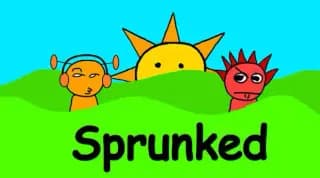
Play Sprunked Online Free
Play Sprunked, a Music game available in your browser. Review the controls, features, and compatibility notes below, then choose Play when you are ready.
Advertisement









Advertisement
Most Popular This Month
View All results »



































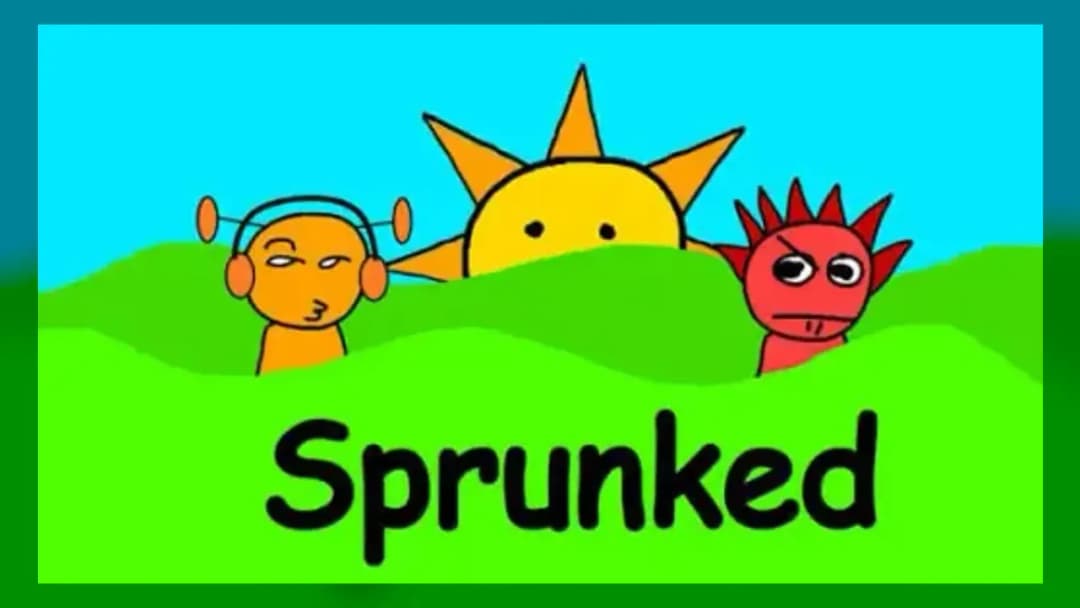
Sprunked
TECHNICAL SPECIFICATIONS
OPERATIONAL GUIDE
- 1. Drop a Beat character
Drag a Beat character like Oren or Raddy onto the stage to start a steady rhythm loop.
- 2. Layer more sounds
Add Effects, Melodies, and Vocals characters one at a time to build a full track.
- 3. Flip the Horror switch
Click the black button in the bottom-right corner to transform your mix into Horror Mode.
- 4. Swap and refine
Drag any character off to mute its layer, then swap in a new one to reshape your song.
CORE FEATURES
Advertisement
About Sprunked
Drag Sprunked characters onto the stage to layer beats, then flip the black switch to trigger Horror Mode and hear every track twist. Play Sprunked online...
What's in this guide
What You Actually Do in Sprunked Online
In Sprunked online you build a song by dragging cartoon characters onto a stage, and each one you drop adds its own looping sound to the mix. There is no timer and no score — the goal is to layer Beats, Effects, Melodies, and Vocals until you like how the track sounds. It plays like a remixed take on the fan-made Sprunki game, with reworked art and audio.
The twist that makes the Sprunked game stand out is its hidden switch. Flip it and the friendly music-maker turns into a horror scene where the same characters and sounds are warped. That single toggle is why some sites list Sprunked as a music mixer and others call it a horror mod — it is genuinely both.
| Game | Sprunked |
|---|---|
| Category | music |
| Modes | Normal mix, Horror Mode |
| Controls | Mouse drag / touch drag |
| Platforms | PC, Mobile, Chromebook (browser) |
How to Play Sprunked: The Mixing Loop
Learning how to play Sprunked takes seconds. A row of silent characters sits along the bottom of the screen. Drag any of them up onto the empty figures on the stage and their loop starts instantly, syncing to whatever else is already playing. Pull a character back off the stage to mute that layer.
Sprunked Characters and Sound Categories
The Sprunked characters are split by role. The Beats group sets the rhythm — Orange (Oren), Red (Raddy), Silver (Clukr), Fun Bot, and Green (Vineria) each carry a steady percussion or bass loop. Other characters fill the Effects, Melodies, and Vocals slots, so a full stage blends drums, texture, tune, and voice into one track.
Triggering Sprunked Horror Mode
Look at the bottom-right corner for a small black button. Hitting that switch drops you into Sprunked horror mode: the visuals darken and transform and the sounds shift to match the scarier tone. You can flip it back, so it works as a toggle over your existing mix rather than a separate level.
Advanced Sprunked Gameplay Tips
- Start with a single Beat character before adding anything — a clean rhythm foundation makes every later layer sit better.
- Add Vocals last; they cut through the mix, so you hear immediately whether they clash.
- Toggle Horror Mode after you have a full stage — the transformation is far more dramatic on a busy track.
- Swap one character at a time instead of clearing the board so you can hear exactly what each loop contributes to your Sprunked gameplay.
Sprunked Versions: Sprunked 2.0, Legacy and More
Because "Sprunked" is used as a broad fan tag, you will see names like Sprunked 2.0, Sprunked Legacy, Sprunked Classic, and "final version" floating around. These are community edits that each tweak the sounds, art, or scares. This page covers the browser build you can play Sprunked online free here; other fan mods may differ. Note that the origin platform is disputed — some sources credit Scratch, others Cocrea — so treat creator claims as unofficial.
Similar Music and Rhythm Games on ZGames
- Geometry Dash SubZero — rhythm-timed jumps synced tightly to the beat.
- geometry dash classic — the original music-driven platformer challenge.
- Perfect Piano — hit notes to build melodies, like layering Sprunked's tunes.
- Orbit Beats — tap in time with pulsing audio for a similar creative-rhythm feel.
Browse more in arcade games or the HTML5 games hub. Whether you keep it playful or flip that black switch into Horror Mode, Sprunked hands you a stage full of characters and lets you decide how the beat — and the scare — comes together.
Advertisement
More Games You'll Love
Controls
Frequently asked questions
How do you turn on Horror Mode in Sprunked?
What are the Beat characters in Sprunked?
What is the difference between Sprunked and Sprunked 2.0?
Do you need to download Sprunked to play it?
Is Sprunked okay for younger kids?
"Sprunked" and related names may be trademarks of their respective owners. This page is an informational game directory only; ZGames.io is not sponsored by or affiliated with trademark holders unless a specific game page says otherwise.
Gameplay Video: Sprunked
OFFICIAL SOURCES & SITES
Player Reviews
No Reviews Yet
Be the first to share your feedback and rate this game!
Submit Your Review
Keep exploring