Play Doodle Jump 2 Online Free
Play Doodle Jump 2, a Platformer game available in your browser. Review the controls, features, and compatibility notes below, then choose Play when you are ready.
Advertisement

















Advertisement
Most Popular This Month
View All results »



































- Home
- Platformer
- Doodle Jump 2
Doodle Jump 2
TECHNICAL SPECIFICATIONS
OPERATIONAL GUIDE
- 1. Steer the Doodler
Use the arrow keys, A/D, or tilt your device to move left and right toward the next platform.
- 2. Bounce automatically
The Doodler jumps on its own the instant it lands, so focus only on horizontal aim.
- 3. Grab a jetpack or propeller
Land on power-ups to launch skyward and skip past monster-heavy sections safely.
- 4. Shoot overhead monsters
Click, press spacebar, or tap to fire straight up and clear enemies before you reach them.
CORE FEATURES
Advertisement
About Doodle Jump 2
Tilt your Doodler up an endless doodle-sketch tower, dodging black holes and springing off jetpacks. Every platform pushes your high score higher. Play...
What's in this guide
What You Actually Do in Doodle Jump Online
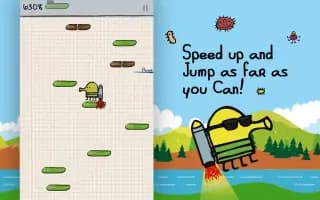
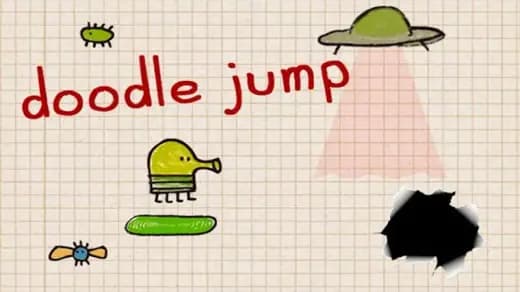
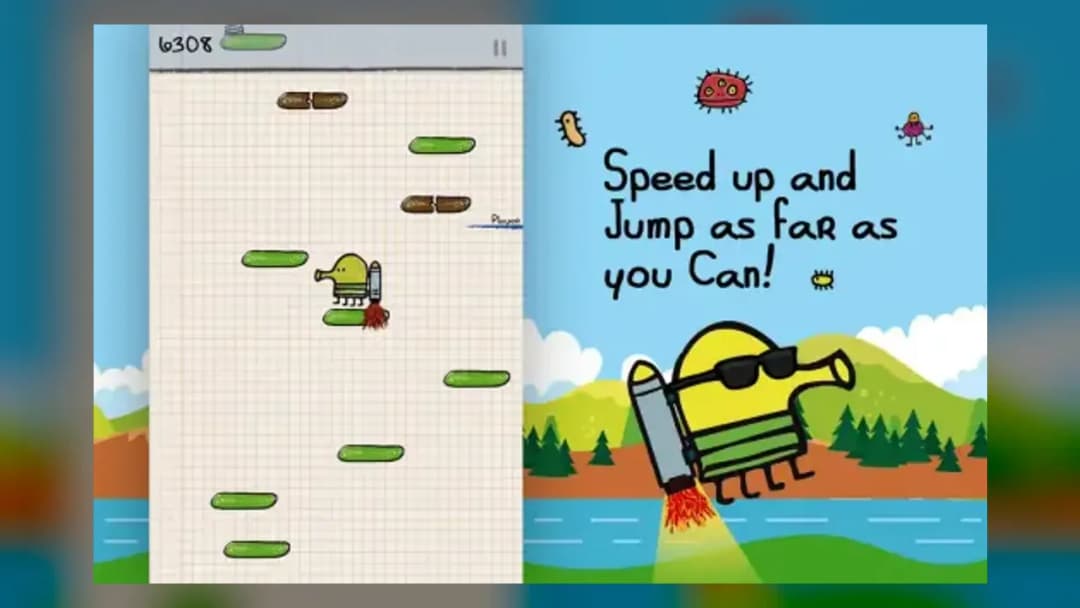
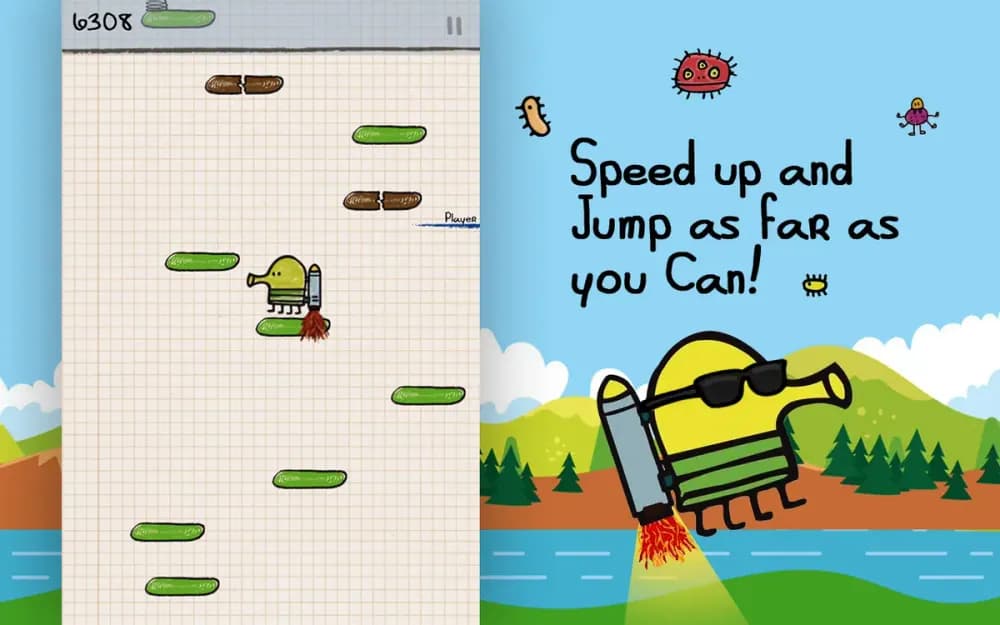
In Doodle Jump online you steer a four-legged green creature called the Doodler that jumps automatically and never stops. Your only job is to move left and right so it lands on the next platform in an endless, hand-drawn tower sketched onto graph-paper. Miss a platform and gravity drags you off the bottom of the screen — the higher you climb, the higher your score.
The genius of the game is that jumping is out of your hands: the Doodler bounces the instant it touches any surface. You control only horizontal aim and which power-ups you grab. That single-axis simplicity is why Doodle Jump became one of the most downloaded arcade titles ever from developer Lima Sky.
| Game | Doodle Jump |
|---|---|
| Category | Arcade |
| Developer | Lima Sky |
| Original release | 2009 (mobile) |
| Platforms | PC, Mobile, Chromebook |
| Modes | Single-player |
Core Doodle Jump Gameplay Loop and Scoring
The Doodle Jump gameplay loop is pure vertical survival. Your score equals your maximum height, so the tower scrolls up as you rise and any ground you cover counts permanently. There is no finish line — you play until you fall or get eaten.
Platform Types That Change Your Ascent
- Green — stable, always safe to land on.
- Blue — slide horizontally, so time your aim.
- Brown — break on contact and drop you; use them only as a quick tap.
- White — vanish after a single bounce.
Enemies and Hazards
Monsters and UFOs block your path higher up. Landing on one costs a life, but many can be defeated by falling directly on top or by shooting. The most feared hazard is the black hole, which swallows the Doodler instantly regardless of your position.
Doodle Jump Controls: How to Play
Learning the Doodle Jump controls takes seconds. On desktop Doodle Jump online you tilt with the arrow keys or A/D to move left and right, and press the mouse button or spacebar to shoot at monsters overhead. On mobile you tilt the phone itself to steer and tap the screen to fire. That accelerometer tilt is the signature control that defines how to play Doodle Jump.
| Move left/right | Arrow keys / A-D / tilt device |
|---|---|
| Shoot | Click / Spacebar / tap screen |
Power-Ups and Doodle Jump Characters
Power-ups are what turn a good run into a record. Springs give a small boost, trampolines launch you several screens up, and the jetpack and propeller hat carry you skyward untouchable for a few seconds. Grabbing these back-to-back is the fastest way to spike your height. The various Doodle Jump characters and themed skins are cosmetic swaps for the Doodler and do not change the physics.
Advanced Tips to Beat the Doodle Jump World Record
To chase the Doodle Jump world record, keep the Doodler near the center of the screen so you have room to correct either direction. Pre-aim toward the next platform before you land rather than reacting after. Never waste a jetpack near broken platforms — save it for dense monster zones so you fly past danger. Shoot monsters early from below rather than trying to bounce on them, since a mistimed landing ends the run.
Playing Doodle Jump Free and Unblocked
You can play Doodle Jump free directly in your browser with no download. Because it runs on HTML5, the game works as Doodle Jump unblocked on school and work Chromebooks where app installs are restricted — just open the page and tilt.
Similar Arcade Games on ZGames
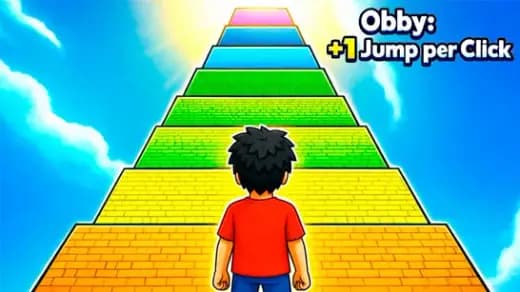
- Obby Tower Parkour Climb — another vertical climb where one missed jump sends you falling.
- Glitch Dash — reflex-driven obstacle dodging with the same one-more-try pull.
- Math Bros — quick arcade rounds for a casual break between climbs.
- BlockBuster Puzzle — a tidy puzzle palate-cleanser after high-score marathons.
Browse more titles in arcade games or the popular games hub. Every run of Doodle Jump comes down to that same tense loop — steer, spring, and see how far up the endless tower you can push before gravity wins.
Advertisement
More Games You'll Love
Controls
Frequently asked questions
How do you shoot monsters in Doodle Jump?
What is the black hole in Doodle Jump and can you survive it?
Which platform types are dangerous in Doodle Jump?
What are the best power-ups for a high score in Doodle Jump?
Can you play Doodle Jump unblocked at school?
"Doodle Jump 2" and related names may be trademarks of their respective owners. This page is an informational game directory only; ZGames.io is not sponsored by or affiliated with trademark holders unless a specific game page says otherwise.
Gameplay Video: Doodle Jump 2
OFFICIAL SOURCES & SITES
Player Reviews
No Reviews Yet
Be the first to share your feedback and rate this game!
Submit Your Review
Keep exploring