Play Draw Climber Online Free
Play Draw Climber, a Platformer game available in your browser. Review the controls, features, and compatibility notes below, then choose Play when you are ready.
Advertisement
















Advertisement
Most Popular This Month
View All results »



































- Home
- Platformer
- Draw Climber
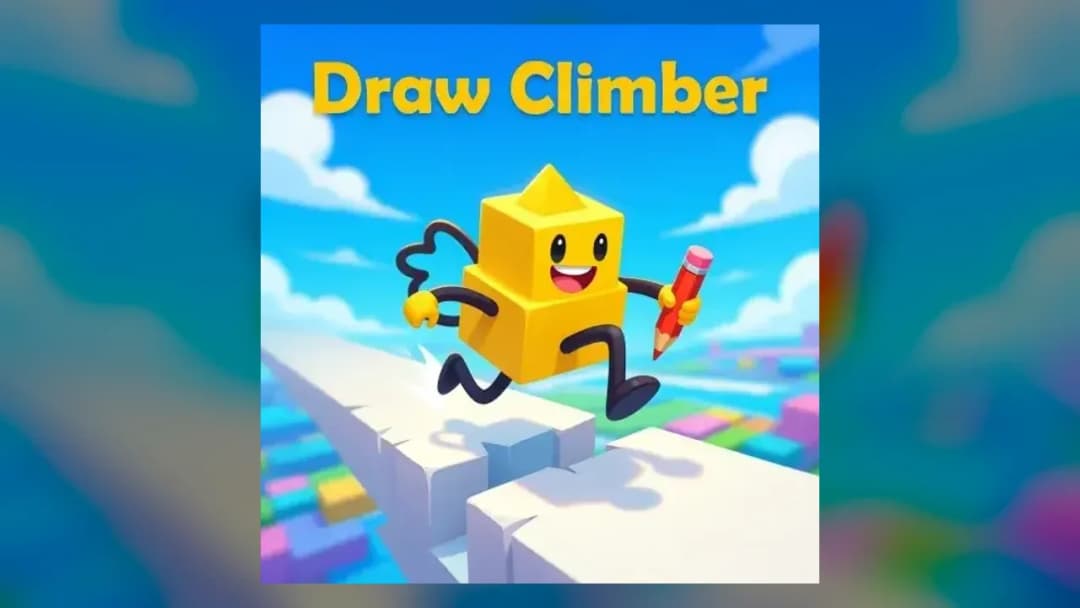
Draw Climber
TECHNICAL SPECIFICATIONS
OPERATIONAL GUIDE
- 1. Draw your first legs
Left-click and drag (or tap and drag on mobile) inside the drawing box to sketch leg shapes, then release to set the cube moving.
- 2. Match the terrain
Draw round legs for flat speed, hooks for steep walls, and long legs for wide gaps.
- 3. Redraw when stuck
If your legs stall against an obstacle, sketch a new shape mid-race to swap them instantly.
- 4. Beat the rival block
Keep adapting your leg design to stay ahead of the competing block and cross the finish line first.
CORE FEATURES
Advertisement
About Draw Climber
Draw Climber online is a physics racer where you sketch legs for a cube to run and climb past obstacles. Redraw mid-race to beat ramps, stairs and gaps...
What's in this guide
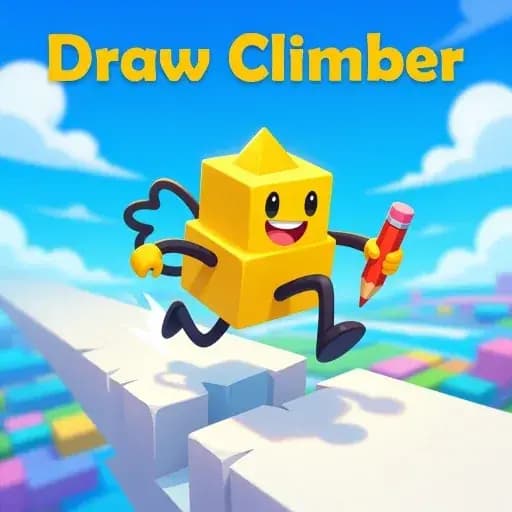
What You Actually Do in Draw Climber online
In Draw Climber online you never press jump or drive — you draw legs for a small cube-shaped character and let the physics do the work. Left-click and drag inside the drawing box to sketch a shape, release, and those legs instantly spin, stretch, and bump your block forward across platforms, ramps, stairs and moving obstacles.
The whole game is a race against a rival block to the finish line, and the twist that keeps players hooked is the redraw: whenever your current legs stall against a wall or a gap, you simply draw a new shape mid-run and keep moving. No restart, no penalty — just adapt and climb.
Because your drawing is your controls, every course becomes a quick puzzle: what shape moves fastest on this terrain? That is why "how to play Draw Climber" and "Draw Climber best shape" are the questions players search most.
| Game | Draw Climber |
|---|---|
| Category | racing / drawing arcade |
| Platforms | Web Browser, Mobile, Chromebook |
| Technology | HTML5 / WebGL |
| Orientation | Portrait |
| Modes | Single player race |
The Core Loop: Draw, Race, Redraw
Each level in the Draw Climber game drops your block at the start of an obstacle course alongside a competing block. You win by reaching the finish first. The shape you draw determines your speed and your ability to grip walls, so the loop is: sketch legs, watch them carry you, and redraw the moment the terrain changes.
Draw Climber controls
Draw Climber controls are deliberately minimal:
- Desktop: Left-click and drag inside the drawing area to sketch the legs, then release to confirm and watch your climber move.
- Touch / mobile: Tap and drag with your finger to draw the legs, then lift your finger to test the design.
- Redraw anytime: Draw again during the race to swap leg shapes for the obstacle ahead.
Finding the Draw Climber best shape
There is no single Draw Climber best shape — the right leg depends on terrain:
- Flat ground: Draw round, wheel-like legs for maximum rolling speed.
- Steep walls: Draw claws or hooks that grip and pull you upward.
- Wide gaps: Draw long, tall legs to stride across the hole.
- Stairs: Draw short, stubby legs that step up cleanly instead of spinning out.
Advanced Tips to Race Faster
Pre-plan your redraw: as you approach a wall, start sketching hooks a split second early so the swap lands before you stall. On long flat stretches, keep legs symmetrical so the cube rolls straight instead of wobbling. If you fall behind the rival block, draw oversized legs for one big burst to leapfrog obstacles rather than crawling over them.
Play Draw Climber unblocked and online free
Because this is a lightweight HTML5/WebGL build, you can play Draw Climber unblocked in any modern browser with no download. The same core Draw Climber online free experience runs on desktop, mobile and Chromebook. Note there is also a sequel commonly listed as Draw Climber 2, which adds extra courses and a rival block — but the drawing-to-move mechanic is identical.
Similar Games on ZGames
- Geometry Dash World — rhythmic obstacle courses that reward split-second adaptation like Draw Climber's redraw.
- Angry Mario — a platform run full of ramps and gaps to clear with momentum.
- Geometry Dash Breeze — fast reaction-based climbing and jumping between hazards.
- Bob the Robber — puzzle-style navigation past obstacles, one careful move at a time.
Browse more in arcade games and action games, or check popular games and HTML5 games.
Draw Climber online turns a single scribble into a full set of legs, and the moment you redraw to beat a wall you understand why it is so replayable: your pencil is the engine, and every course is a new shape waiting to be drawn.
Advertisement
More Games You'll Love
Controls
Frequently asked questions
What is the best shape to draw in Draw Climber?
How do you go faster in Draw Climber?
Can you redraw your legs during a Draw Climber race?
Is Draw Climber the same as Draw Climber 2?
What are the controls for Draw Climber on PC and mobile?
"Draw Climber" and related names may be trademarks of their respective owners. This page is an informational game directory only; ZGames.io is not sponsored by or affiliated with trademark holders unless a specific game page says otherwise.
OFFICIAL SOURCES & SITES
Player Reviews
No Reviews Yet
Be the first to share your feedback and rate this game!
Submit Your Review
Keep exploring