Play Angry Birds Adventure Online Free
Play Angry Birds Adventure, a Adventure game available in your browser. Review the controls, features, and compatibility notes below, then choose Play when you are ready.
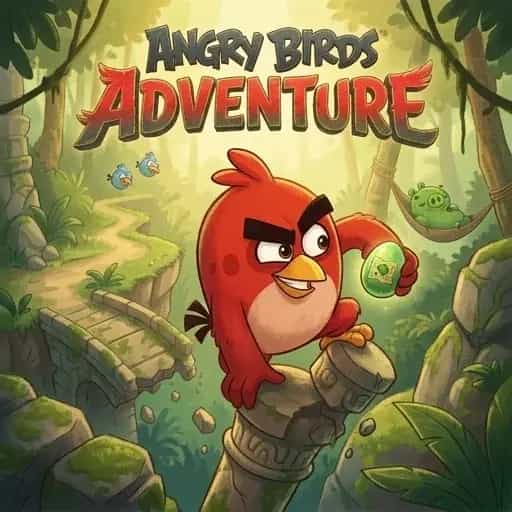
Angry Birds Adventure




















Most Popular This Month
View All results »





























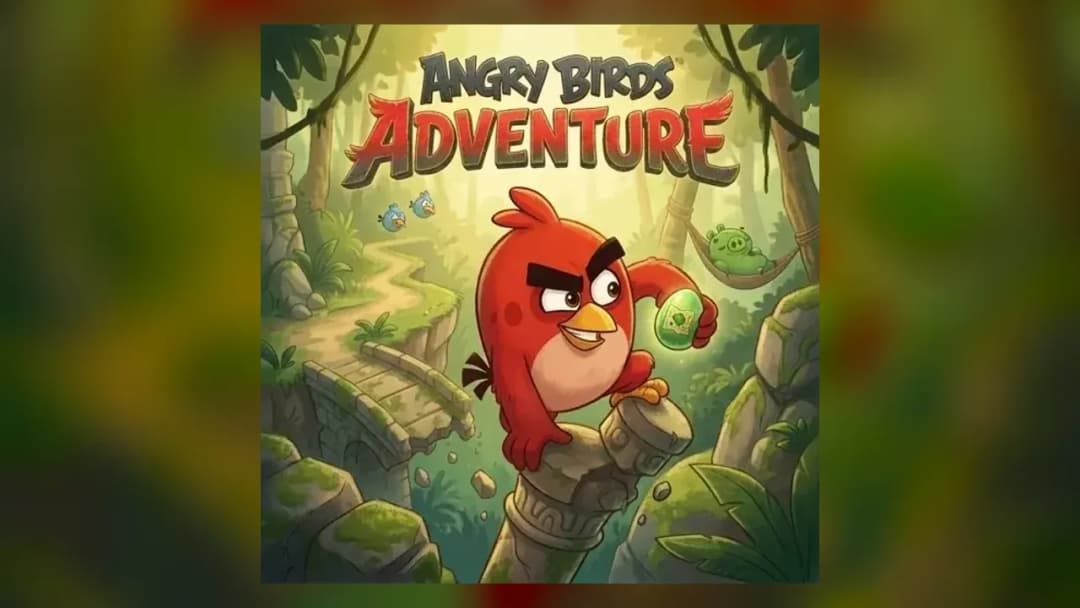
Angry Birds Adventure
Game Details
How to Play
- 1. Load and aim the slingshot
Click-and-hold the bird on the slingshot and drag backward to set your angle.
- 2. Set launch power
Pull farther for more speed and watch the dotted trajectory preview to plan the arc.
- 3. Release to fire
Let go of the mouse or lift your finger to launch the bird at the pig fortress.
- 4. Trigger the special ability
Tap or click again mid-flight to activate the bird's move at the moment of impact.
Game Features
About Angry Birds Adventure
Drag the slingshot, release, and watch birds smash timber-and-glass forts to pop every pig per level. Clear structures with limited birds for 3-star...
What's in this guide
What You Actually Do in Angry Birds Adventure Online
In Angry Birds Adventure online, you pull back a giant slingshot, aim the launch arc, and fire a limited squad of birds at wobbly fortresses to knock down every green pig hiding inside. There is no running or platforming — the entire game is a physics puzzle where a single well-placed shot can topple a tower, trigger a chain reaction, and clear a level in one throw.
This build is a fan-hosted browser version of the classic bird-vs-pig slingshot concept, playable instantly with no download or login. It is not an official Rovio app — treat it as an unofficial web clone that recreates the original 2009-era slingshot formula rather than a title from Rovio's lineup (Angry Birds 2, Journey, Dream Blast).
Core Gameplay of the Angry Birds Adventure Game
Each level hands you a fixed number of birds and at least one pig to eliminate. You lose if you run out of birds while a pig survives; you win the moment the last pig pops. Because ammo is limited, the real challenge is efficiency — the fewer birds you spend and the more debris you destroy, the higher your star rating.
| Game | Angry Birds Adventure |
|---|---|
| Category | puzzle |
| Modes | Single-player |
| Platform | Browser (PC, Mobile) |
| Controls | Mouse / touch |
Scoring and 3-Star Runs
Points come from two sources: destroyed structures and unused birds. Clearing a stage with birds left over and extra blocks shattered pushes your score into the 3-star band. Smart players aim for domino collapses so one bird does the work of three.
Angry Birds Controls — How to Play Angry Birds
The controls are the same whether you play Angry Birds online free on desktop or phone. Learning the slingshot is the whole skill curve:
- Aim — Click-and-hold (or touch-and-hold) the bird on the slingshot and drag backward.
- Set power — Pull farther for more speed and distance; the dotted trajectory preview shows your arc.
- Launch — Release the mouse or lift your finger to fire.
- Trigger ability — Tap/click again mid-flight to activate a bird's special move.
Bird Abilities That Break Angry Birds Adventure Levels
Different birds solve different forts. The red bird is a plain battering ram for exposed structures. The yellow bird gains a mid-air speed burst — tap to dash through wood. The black bird detonates like a bomb, ideal for stone blocks it can't smash directly. The white bird drops an explosive egg and veers upward, perfect for hitting pigs tucked under overhangs.
Advanced Tips for the Slingshot Puzzle Game
- Attack the structural base, not the pig — collapsing a support crushes multiple targets for free.
- Use the black bomb bird on stone and save the yellow dash for dense wood walls.
- Hold your last bird as insurance; unused birds boost your star score.
- Trigger abilities at the point of impact, not early, to keep full momentum.
Angry Birds Adventure Unblocked at School
Because it runs entirely in the browser, this is a popular Angry Birds Adventure unblocked option — no installer, no account, just load and launch. The same instant-play setup makes it a lightweight browser Angry Birds game that runs on Chromebooks and low-spec machines.
Is This the Official Rovio Angry Birds?
No. This Angry Birds Adventure game is a fan-hosted web adaptation, separate from Rovio's official releases and from unrelated fan projects like the downloadable "Angry Birds Adventures 4." If you want official titles, visit Rovio directly; if you want a quick physics destruction game in the browser, this version delivers the classic loop.
Similar Games on ZGames
- Agar.io — another instant-play browser game built on simple drag-to-move control.
- Gulper io — fast arcade action with the same no-download, pick-up-and-play appeal.
- Golf Puzzle — trajectory-and-launch physics aiming, just like the slingshot here.
- Pirate Adventure — more browser-based adventure games for quest fans.
Explore more arcade games or the HTML5 games hub for instant-play picks. At its heart, Angry Birds Adventure is one satisfying action repeated with ever-trickier forts — drag, aim, release, and let physics do the demolition.
More Games You'll Love
Controls
Frequently asked questions
How do you get 3 stars in Angry Birds Adventure?
What do the different bird abilities do?
Is Angry Birds Adventure an official Rovio game?
Can you play Angry Birds Adventure unblocked at school?
Why do I keep running out of birds before the last pig?
"Angry Birds Adventure" and related names may be trademarks of their respective owners. This page is an informational game directory only; ZGames.io is not sponsored by or affiliated with trademark holders unless a specific game page says otherwise.
Gameplay Video: Angry Birds Adventure
OFFICIAL SOURCES & SITES
Player Reviews
No Reviews Yet
Be the first to share your feedback and rate this game!
Submit Your Review
Keep exploring