Play Block Craft 3d Online Free
Play Block Craft 3d, a Building game available in your browser. Review the controls, features, and compatibility notes below, then choose Play when you are ready.





Most Popular This Month
View All results »








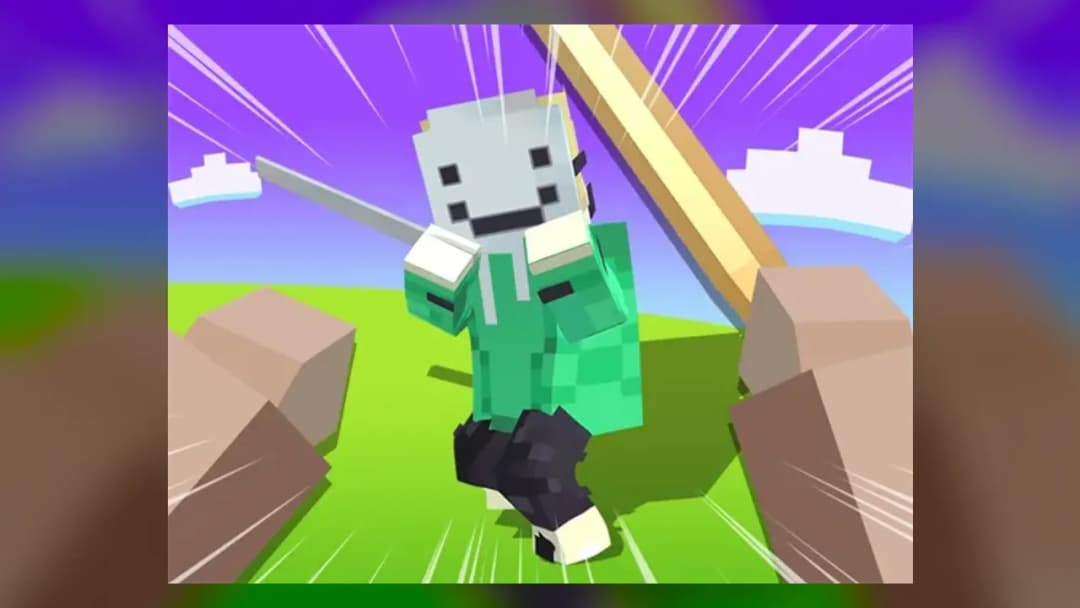
Block Craft 3d
Game Details
How to Play
- 1. Start the game
Click or tap the screen to begin playing in your browser.
- 2. Explore the open world
Move around the blocky terrain to find a spot for your build.
- 3. Mine or destroy blocks
Remove blocks you do not need to clear space and collect materials.
- 4. Place blocks to build
Add blocks one by one to shape walls, floors and shelters.
Game Features
About Block Craft 3d
Play Block Craft 3d in your browser. Explore an open world, mine blocks, place them and build your own structures with simple clicks. Play it free online.
What's in this guide
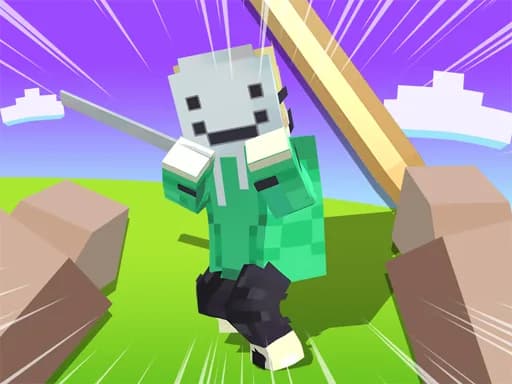
What you do in Block Craft 3d
Block Craft 3d is a blocky building game in the Simulation category, played in your browser on ZGames.io. It is set in an open world made of blocks, where the main goal is to build and construct structures freely. The game uses a Minecraft-style block look, so the building and digging feel familiar if you have played similar sandbox games.
Each session follows a simple loop: explore the terrain, mine or destroy the blocks around you, place blocks, and keep building. Because the world is open, you decide what you make and where you make it. Mining clears space and gives you the blocks you need, while placing them shapes your structures one piece at a time.
How to Play Block Craft 3d
- Open the game in your browser and click or tap the screen to start playing. No separate install is listed for the browser version.
- Look around the open world and choose a flat area near your starting point for your first build.
- Mine or destroy the blocks that are in your way, which clears space and collects the materials you need.
- Place blocks to raise walls, floors and shelters, then keep adding to the structure as your plans grow.
- Walk around your build from several sides to check it, and expand outward whenever you want a bigger project.
The game is open-ended. The objective is to build and construct structures in the world, and no fixed win or lose condition is listed for this version. Your progress is measured by what you build and how far you expand.
Block Craft 3d Controls
| Action | Mouse / Touch |
|---|---|
| Start and play | Mouse click or tap |
| Destroy a block | Left-click (mouse) |
The game is played with a mouse on a computer or with taps on a touch screen. Keyboard and other control schemes are not listed for the browser version, so use the click or tap input the game shows on screen.
What changes between sessions
Each session can look different because the world stays open and reflects what you have already built. Levels, characters and item unlocks are not described for this version, so the main variation comes from your own builds and the areas you choose to explore. Multiplayer and sharing options are listed by some third-party pages, but they are not confirmed for the browser version on this page, so plan on a solo build session.
Tips and strategy for Block Craft 3d
- Plan a small base first, such as a floor and four walls, before you expand, so you have a safe place to return to.
- Mine blocks from the spot you plan to build on, so you clear space and collect materials in the same action.
- Build in layers from the ground up. A stable foundation keeps higher walls and roofs from collapsing or looking uneven.
- Use a consistent block palette for a cleaner look. Mixing too many block types can make a build hard to read.
- Step back often and check your work from different angles before adding more blocks.
- Keep your build within sight of your starting point, so it is easy to find your way back in an open world.
- If you play on a touch screen, practise tapping to place and break blocks in a quiet area before starting a large build.
Taking short breaks to review your build can also help you avoid rushing. Working in small, finished sections makes it easier to see what still needs attention.
More Games You'll Love
Controls
Frequently asked questions
What do you do in Block Craft 3d?
Does Block Craft 3d have a Minecraft-style look?
"Block Craft 3d" and related names may be trademarks of their respective owners. This page is an informational game directory only; ZGames.io is not sponsored by or affiliated with trademark holders unless a specific game page says otherwise.
Gameplay Video: Block Craft 3d
OFFICIAL SOURCES & SITES
Player Reviews
No Reviews Yet
Be the first to share your feedback and rate this game!
Submit Your Review
Keep exploring