Play Zomblox Online Free
Play Zomblox, a Action game available in your browser. Review the controls, features, and compatibility notes below, then choose Play when you are ready.














Most Popular This Month
View All results »






















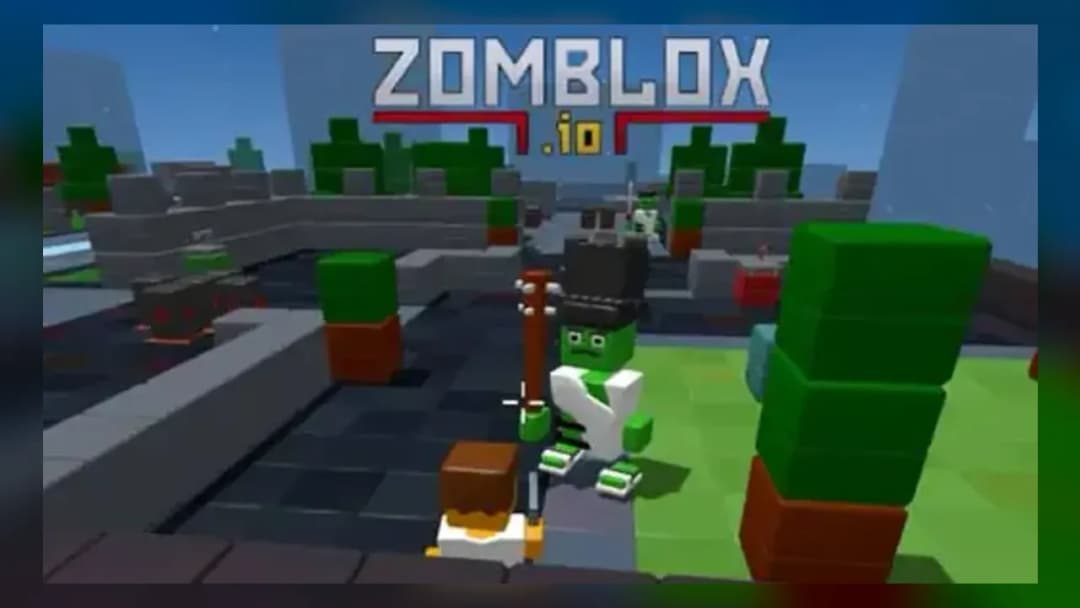
Zomblox
Game Details
How to Play
- 1. Open the game
Load Zomblox in your browser from the ZGames.io page and wait for it to appear on screen.
- 2. Click to start
Click once to begin; no download or installation is needed.
- 3. Fight the zombies
Face the zombies that come at you and try to survive each round.
- 4. Choose your mode
Pick single-player to practise alone, or multiplayer to play with others if the game offers it.
Game Features
About Zomblox
Play Zomblox in your browser with no downloads or installs. Battle zombies, survive waves, and test your skills instantly.
What's in this guide
What You Do in Zomblox
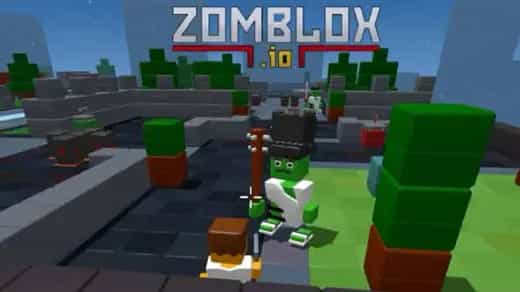
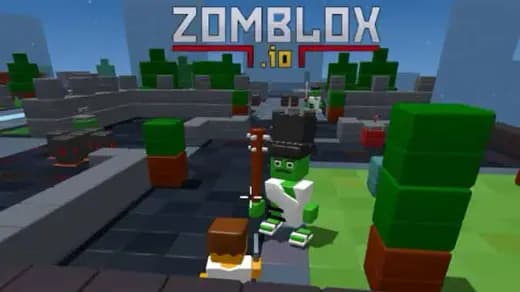
Zomblox is a zombie action shooter you play in your web browser. The game is built around fighting off zombies in fast, action-focused rounds, and its tags are action, zombie, shooter and multiplayer. You start a session by clicking to begin, then move straight into the fighting.
The core loop is simple: start the game, deal with the zombies that come at you, and keep going while you stay alive. Because the game is listed with both single-player and multiplayer modes, you can play alone or against other people, depending on which mode you pick.
How to Play Zomblox
- Open the Zomblox page on ZGames.io and wait for the game to load in the browser window.
- Click to start the game. No download or installation is needed.
- Fight the zombies that appear on screen. Your goal is to survive them as long as you can.
- If you want company, check the game's menus for the multiplayer option and join or create a match with other players.
Zomblox Controls
The published instructions for Zomblox do not list specific keys or buttons, so the game's own on-screen prompts are the best guide. Look for any control hints shown when the game starts, and try the basic actions early in a session to learn how your character responds.
What Changes Between Sessions
The game is listed with two modes: single-player and multiplayer. Single-player is the way to practise without other players around, while multiplayer puts you in the same zombie-filled action alongside others. The game does not have a published list of levels, characters or items on this page, so treat the details you see in play as the best source of what changes from one session to the next.
Playing Zomblox on Different Devices
Zomblox is listed for PC, mobile, tablet and Chromebook, and it runs in the browser as an HTML5 game. That makes it easy to try on whichever device you have to hand. Because the game runs in the browser, you do not need to install anything before you start.
Tips and Strategy
- Start in single-player mode first to learn how the game responds before you try multiplayer.
- Keep moving rather than standing still, so zombies cannot close in on you from several sides.
- Watch the screen constantly for new zombies entering from the edges and deal with the closest threats first.
- Do not rush into a crowd. Pull back to a clear spot where you can see what is coming.
- In multiplayer, coordinate with your team on which areas to cover so no part of the map is left open.
- If you are new to zombie shooters, compare your play with other shooters such as Dead Strike to get used to the genre's pacing.
For more fast-paced shooting, browse the Action games category or try Krunker for another browser shooter with multiplayer matches.
More Games You'll Love
Controls
Frequently asked questions
Which devices can I play Zomblox on?
Can I play Zomblox with other people?
"Zomblox" and related names may be trademarks of their respective owners. This page is an informational game directory only; ZGames.io is not sponsored by or affiliated with trademark holders unless a specific game page says otherwise.
Gameplay Video: Zomblox
OFFICIAL SOURCES & SITES
Player Reviews
No Reviews Yet
Be the first to share your feedback and rate this game!
Submit Your Review
Keep exploring