Play Minesweeper Online Online Free
Play Minesweeper Online, a Puzzle game available in your browser. Review the controls, features, and compatibility notes below, then choose Play when you are ready.
Advertisement




















Advertisement
Most Popular This Month
View All results »



































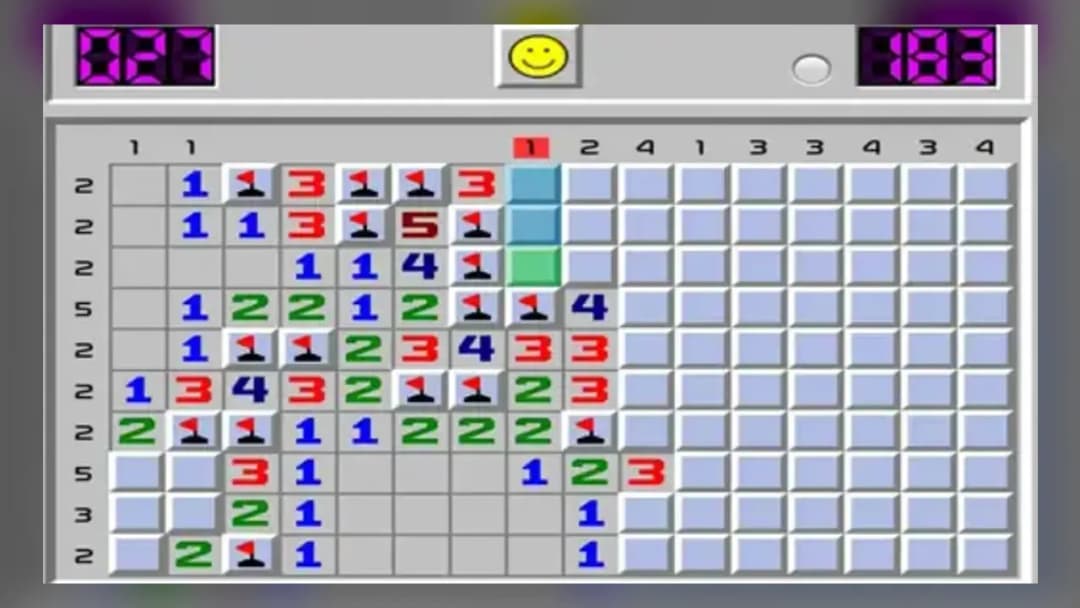
Minesweeper Online
TECHNICAL SPECIFICATIONS
OPERATIONAL GUIDE
- 1. Reveal Your First Tile
Left-click any tile (or tap on touch) to uncover it. Empty tiles cascade open a region, giving you a foothold of numbers to work from.
- 2. Read the Numbers
Each revealed number tells you exactly how many mines hide in the eight tiles around it. Use these counts to reason out which neighbors are safe and which are dangerous.
- 3. Flag the Mines
Right-click (or long-press on touch) any tile you've deduced hides a mine to mark it with a flag, keeping the danger tracked so you don't misclick it later.
- 4. Clear the Safe Tiles
Once a number's mine count is satisfied by flags, reveal its remaining covered neighbors — they're guaranteed safe. Chain these certainties across the board.
- 5. Solve the Whole Grid
Keep revealing every safe tile without uncovering a single mine. Expose the last safe square and the board is solved.
CORE FEATURES
Advertisement
About Minesweeper Online
Play Minesweeper Online free in your browser. Reveal every safe tile, read the numbers, flag the mines, and clear the grid without triggering a single...
What's in this guide
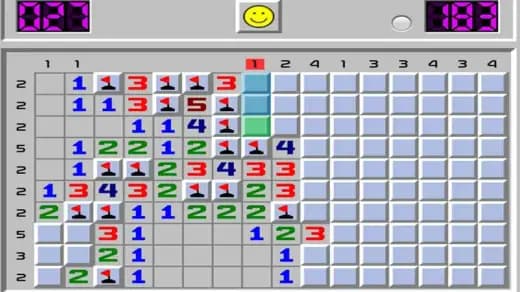
Minesweeper is the puzzle that outlived its own operating systems. It shipped inside the Microsoft Entertainment Pack in 1990, became a fixture on desktops for two decades, and never needed a sequel. The rules never changed because they never had to. This browser version keeps that legacy intact and hands it to you as a modern Minesweeper Online browser game that runs the instant the page loads.
Here's why it still stands out in a genre stuffed with match-three clones and timer-based arcade puzzles: Minesweeper rewards pure deduction. No reflexes. No luck, if you play it right. Every number on the board is a clue, and every clue can be solved. You against a grid of hidden information — that's the whole game, and it's enough.
The loop is brutal in its simplicity. Reveal a tile. Read what the numbers tell you. Deduce where the mines hide. Clear everything that's safe. One wrong click ends the run. That tension — one blast away from zero — is exactly what has kept players coming back for over thirty years.
You can play Minesweeper Online online right here with no download, no plugin, and no install. It's a straight HTML5 build that loads in the browser on desktop and touchscreens alike.
| Game | Minesweeper Online |
|---|---|
| Category | Puzzle |
| Technology | HTML5 |
| Platforms | PC, Mobile, Tablet, Chromebook |
| Controls | Left-click reveal, right-click flag; tap and long-press on touch |
| Difficulty | Various difficulty levels |
Where Minesweeper Came From
The concept predates Windows. Mine-avoidance grid games circulated in the 1980s, but Minesweeper cemented its shape when Microsoft bundled it into the Entertainment Pack in 1990 and later shipped it with Windows itself. That distribution turned an obscure logic puzzle into one of the most-played games on Earth — installed on hundreds of millions of machines, played on lunch breaks the world over.
The genius was accessibility. No manual, no tutorial. You clicked, you died, you learned. The numbers taught themselves. That self-teaching design is why this Minesweeper Online free version needs almost no explanation to get started — the classic ruleset carries the whole experience.
The Core Loop: Read, Deduce, Clear
Every game starts with a blank grid of covered tiles. Hidden underneath are mines and safe squares. Your job is to reveal every safe square without ever uncovering a mine.
What the Numbers Actually Do
When you reveal a safe tile, one of two things happens. Either it shows a number, or it's empty and cascades open a whole region of neighboring tiles. A number tells you precisely how many mines sit in the eight tiles surrounding it. That's the entire information system. A '2' touching four covered tiles means two of those four are mines. Cross-reference enough numbers and the mines reveal their positions through pure logic.
Flagging the Danger
Once you're certain a tile hides a mine, you flag it. Flags don't defuse anything — they're markers, a way to keep track of danger so you don't misclick later. On a busy board, flags are the difference between a clean solve and a careless blast. Learning how to play Minesweeper Online well is mostly about disciplined flagging and reading numbers in combination.
Winning and Losing
Win by revealing every non-mine tile. You do not need to flag all the mines to win — clearing the last safe square is enough. Lose the moment you reveal a single mine. There is no health bar and no second chance mid-run. Every board is a fresh, complete puzzle.
Minesweeper Online Controls
The control scheme is the classic mouse-and-touch layout that Minesweeper players have used for decades. Here are the Minesweeper Online controls for each device.
| Action | Desktop | Touch Device |
|---|---|---|
| Reveal a tile | Left-click | Tap |
| Flag a suspected mine | Right-click | Long-press |
On desktop, left-click uncovers and right-click flags. On phones and tablets, a quick tap reveals while a long-press drops a flag — the same distinction, adapted to touch. Keep that split in mind: on mobile it's easy to accidentally reveal a mine when you meant to flag it, so long-press deliberately.
Difficulty and Board Size
The ZGames build offers various difficulty levels. In classic Minesweeper terms, difficulty is a function of two things: how big the grid is and how many mines are packed into it. A small board with few mines is a quick, forgiving warm-up. A larger, denser grid multiplies the number of overlapping deductions you have to track — and the number of spots where a single misread ends the run.
Denser mine fields also force more situations where the safe path isn't immediately obvious, sharpening the puzzle. Bigger boards reward patience over speed.
Strategy: How to Stop Guessing
Beginners lose because they guess. Strong players almost never do. The trick is to always work from the tiles that give you certainty first.
- Chase the low numbers. A '1' bordering a single covered tile means that tile is the mine — flag it, no guessing required.
- Use satisfied numbers. When a number already has enough flags around it to match its count, every other covered neighbor is guaranteed safe. Reveal them all.
- Overlap two clues. Where two numbers share the same covered tiles, comparing their counts often forces a mine or a safe square into the open. This is the heart of intermediate play.
- Work the certainties before the risks. Solve every region you can prove out before you touch any tile that requires a leap. Often, clearing the certain areas dissolves the uncertainty entirely.
Chain those techniques and most boards fall to logic alone. The moments where you genuinely must guess are rarer than beginners think.
Runs in Your Browser, No Install
This is an HTML5 build, which means it loads straight in the browser with nothing to download or install. It's playable on PC, mobile, tablet, and Chromebook — the touch controls make it work naturally on phones, while the mouse controls stay true to the desktop original. Among puzzle games, Minesweeper is one of the lightest and most portable, which is exactly why it has followed players across every device generation.
More Puzzles Worth Your Time on ZGames
If deduction and logic grids are your thing, these picks scratch a similar itch:
- Jewel Coloring — a calm, grid-based logic puzzle that rewards careful pattern reading, much like decoding Minesweeper numbers.
- Word Sauce — swaps mines for letters, tasking your brain with untangling hidden words instead of hidden bombs.
- Contexto — pure deduction with each guess feeding you a clue, echoing Minesweeper's read-and-reason loop.
- Gummy Blocks — a spatial grid puzzle where planning placements ahead mirrors the forward-thinking of clearing a mine field.
Minesweeper Online is the rare game where losing is always your fault and winning is always earned — read the numbers, trust the logic, and never click a tile you can't prove is safe.
Advertisement
More Games You'll Love
Controls
Frequently asked questions
What do the numbers on the tiles mean in Minesweeper Online?
How do I place and remove a flag on a mine?
What happens if I reveal a mine by accident?
Does Minesweeper Online have different difficulty levels?
How do I win a game of Minesweeper Online?
How can I improve without guessing so much?
"Minesweeper Online" and related names may be trademarks of their respective owners. This page is an informational game directory only; ZGames.io is not sponsored by or affiliated with trademark holders unless a specific game page says otherwise.
Player Reviews
No Reviews Yet
Be the first to share your feedback and rate this game!
Submit Your Review
Keep exploring