Play Masked Forces Online Free
Play Masked Forces, a Action game available in your browser. Review the controls, features, and compatibility notes below, then choose Play when you are ready.










Most Popular This Month
View All results »




















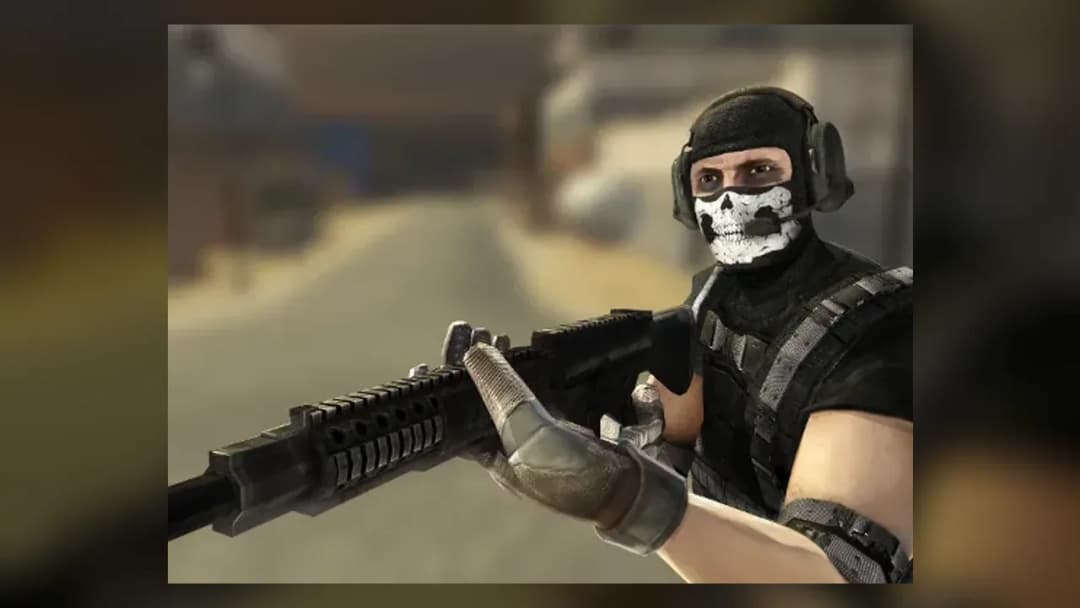
Masked Forces
Game Details
How to Play
- 1. Move and find enemies
Use the WASD keys to move through the area and look around with the mouse to locate enemies.
- 2. Aim and shoot
Hold right click to aim for accuracy, then left click to fire at your target.
- 3. Switch and reload weapons
Use the mouse wheel to cycle through your weapons and press R to reload between fights.
- 4. Keep eliminating enemies
Continue eliminating enemies to complete your objective, and press Tab to open the pause menu when needed.
Game Features
About Masked Forces
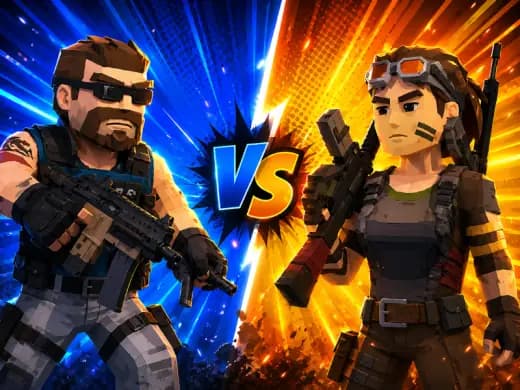
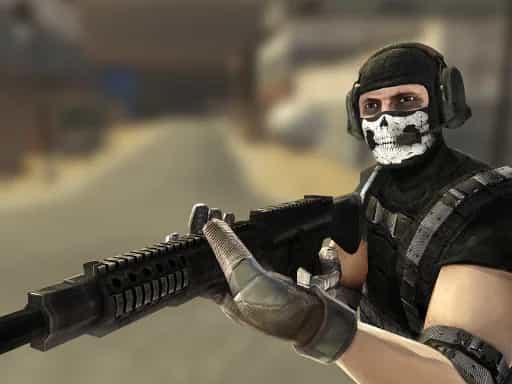
Masked Forces is a free 3D FPS with campaign and online PvP. Aim, shoot and reload with mouse and keys, swap weapons and eliminate enemies. No download.
What's in this guide
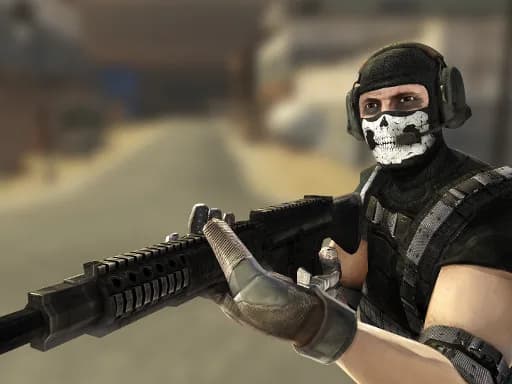
What You Do in Masked Forces
Masked Forces is a first-person shooter played in your browser. Your goal is to eliminate enemies using the weapons available to you. Each round is a short cycle of moving through the environment, finding enemies, aiming, shooting and reloading, then repeating until the fight is decided.
The game is built around combat. You switch between weapons with the mouse wheel, aim down sights with the right mouse button for more precise shots, and reload with R when your magazine runs low. Because the controls are simple, most of your skill comes from positioning and choosing the right weapon for each situation.
How to Play Masked Forces
- Open the game in your browser on ZGames.io. No download is needed.
- Move with the WASD keys and look around with the mouse to find enemies.
- Left click to shoot. Right click to aim when you need a steadier, more accurate shot.
- Press R to reload between fights, and use the mouse wheel to switch to a better weapon for the distance.
- Keep eliminating enemies until the match or campaign objective is complete. Press Tab to open the pause menu at any time.
Masked Forces Controls
| Action | Keys |
|---|---|
| Move | W, A, S, D |
| Shoot | Left mouse button |
| Aim | Right mouse button |
| Reload | R |
| Cycle weapons | Mouse wheel |
| Pause menu | Tab |
| Chat | T |
What Changes Between Sessions
Masked Forces offers a singleplayer campaign and online player-versus-player modes, so you can practise alone or test your aim against other players. The weapons you carry are the main way your approach changes between fights. Listed weapons include the Revolver, the Slugger, the Thompson and the HMG, and each suits a different range and pace of combat. The game also lists upgradeable characters, so progress carries forward as you play.
Tips and Strategy
- Learn the weapon feel early. A heavier weapon like the HMG is slower to handle, so use it when you can hold your position.
- Reload between fights rather than in the middle of an exchange. Pressing R with enemies close is a common way to lose a round.
- Use right click to aim before you commit to a long-range shot, and fire in controlled bursts instead of holding the button.
- Switch weapons with the mouse wheel as the range changes. A close-range weapon is rarely the best choice across an open area.
- Keep moving with WASD rather than standing still in one open spot, which makes you an easy target.
- In online modes, use T to chat with teammates and coordinate, and Tab to pause when you need a moment away from the action.
If you enjoy fast first-person action, you may also like Iron Snout or Stickman Weapon Master. You can browse more titles in the Action games category.
More Games You'll Love
Controls
Frequently asked questions
Does Masked Forces have a singleplayer mode?
"Masked Forces" and related names may be trademarks of their respective owners. This page is an informational game directory only; ZGames.io is not sponsored by or affiliated with trademark holders unless a specific game page says otherwise.
Gameplay Video: Masked Forces
OFFICIAL SOURCES & SITES
Player Reviews
No Reviews Yet
Be the first to share your feedback and rate this game!
Submit Your Review
Keep exploring